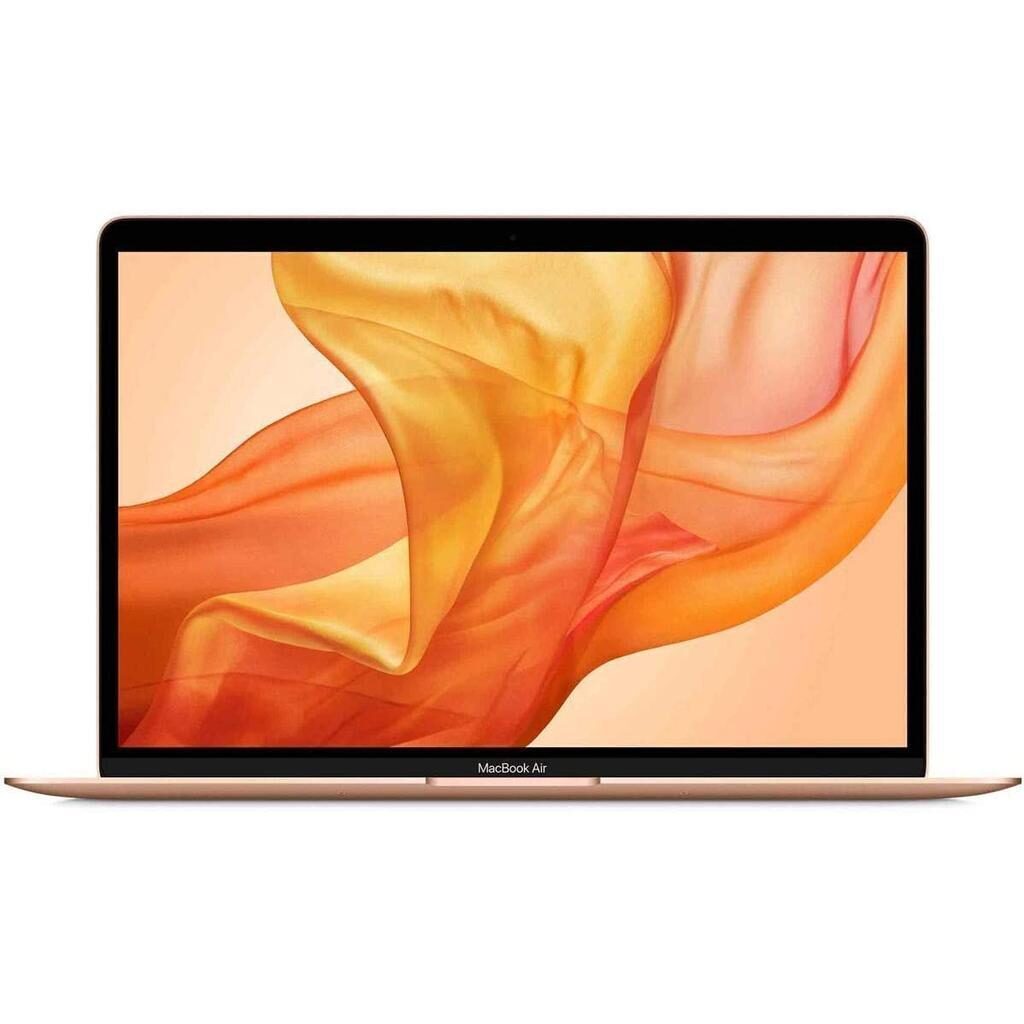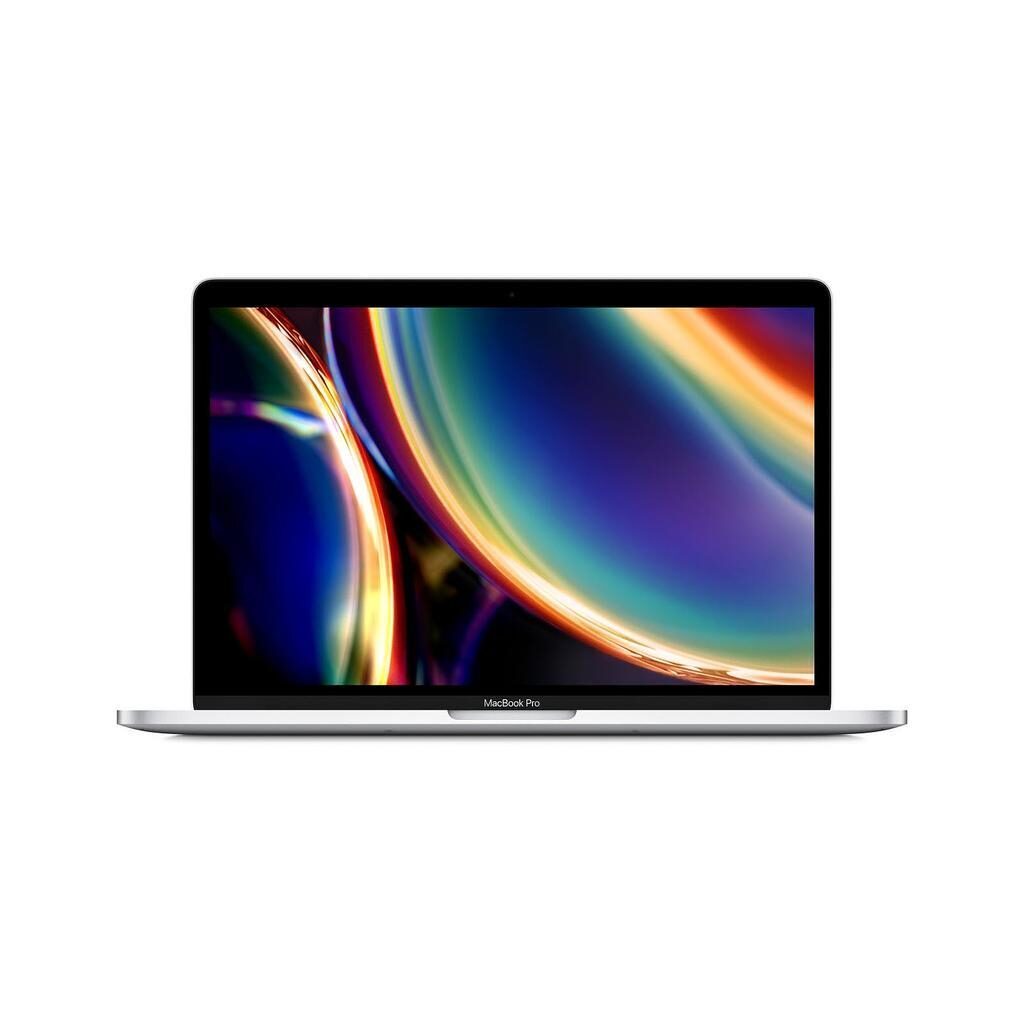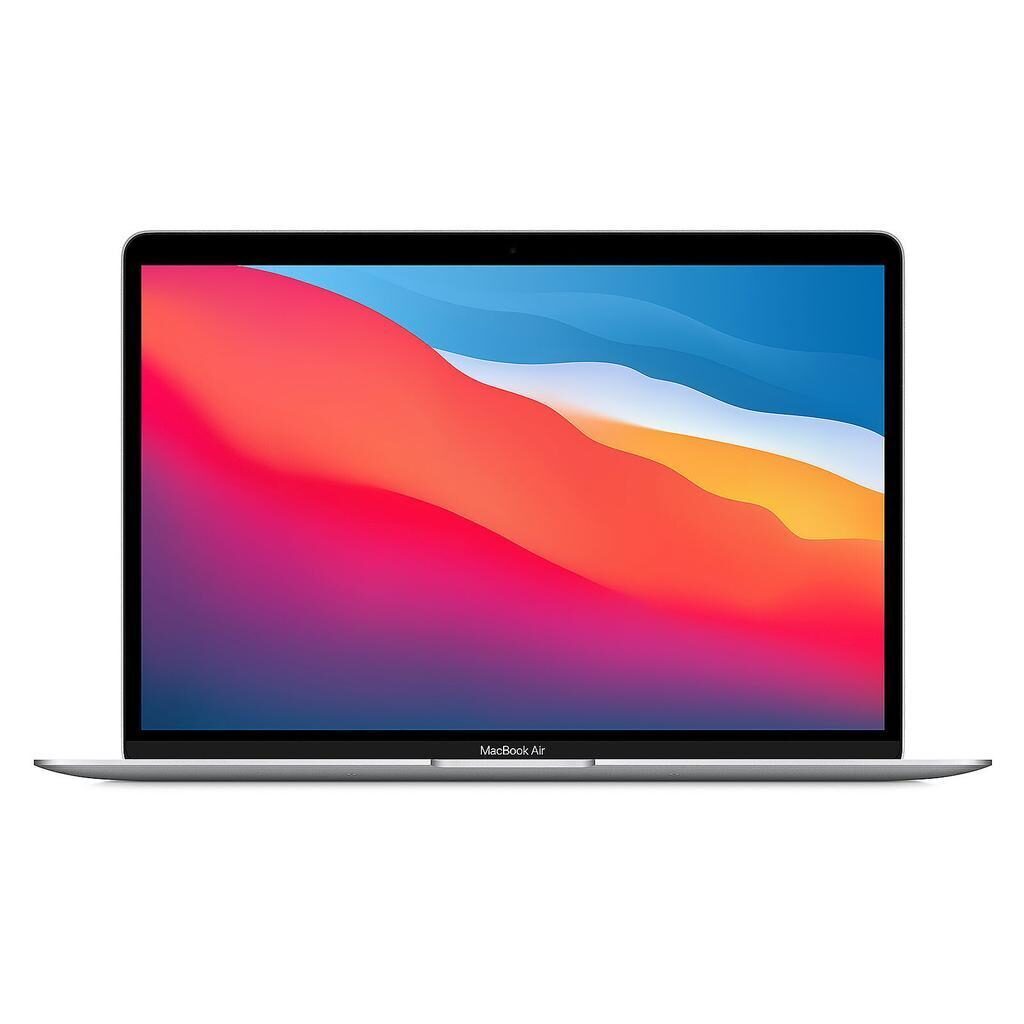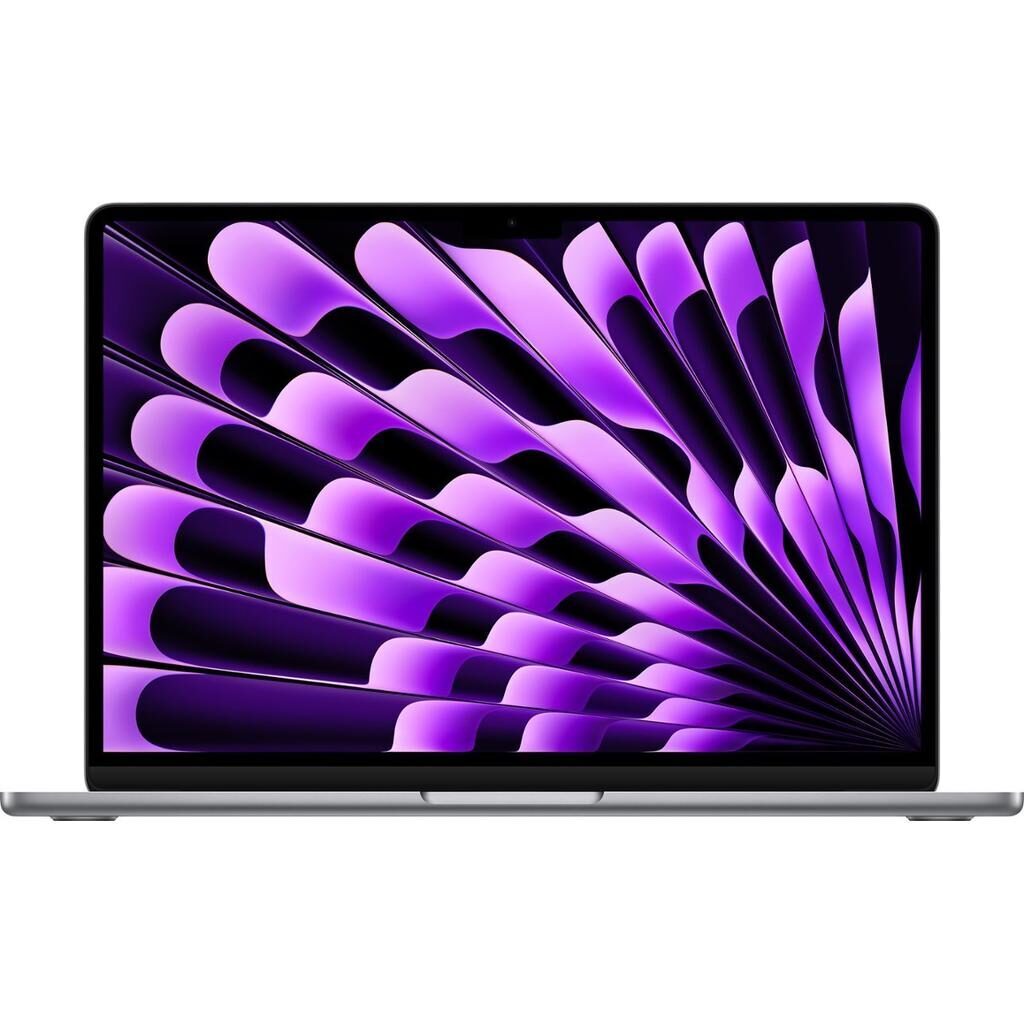
MacBook Air (M2 series) vs MacBook Pro (M1 series)
Shop MacBook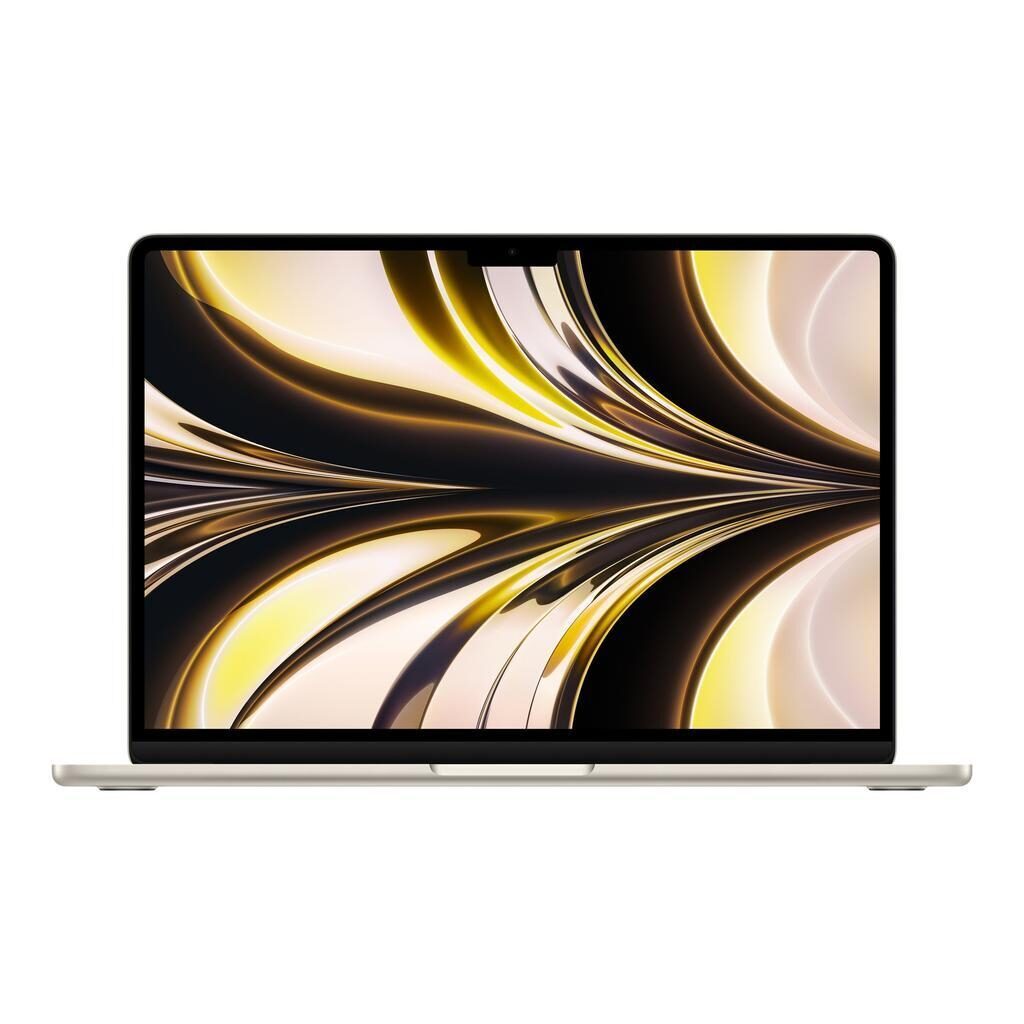
MacBook Air (M2 series)
Starting at
£621.35£1,249.00 new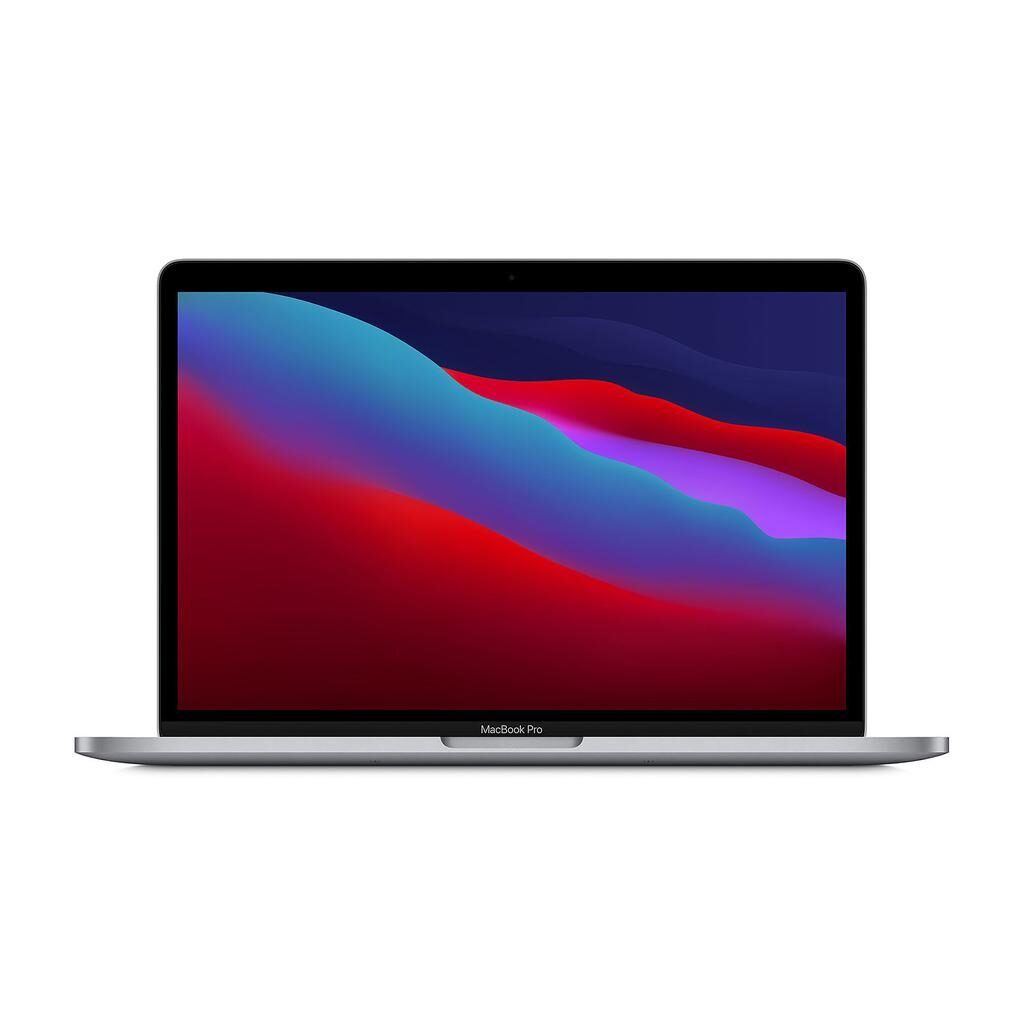
MacBook Pro (M1 series)
Starting at
£506.35£1,299.00 newWhat's the difference between the MacBook Air (M2 series) and MacBook Pro (M1 series)?
MacBook Air (M2 series) vs MacBook Pro (M1 series) comes down to the RAM, screen type and weight. Refurbished, the MacBook Pro (M1 series) starts at £506.35, £115 less than the MacBook Air (M2 series). The MacBook Air (M2 series) is the newer model, released in 2022.
Refurbished from
RAM
Screen type
Weight
- The MacBook Pro (M1 series) has more RAM: 16 GB vs 8 GB.
- Screen type: Liquid Retina Display on the MacBook Air (M2 series), Retina display on the MacBook Pro (M1 series).
- The MacBook Air (M2 series) has a lighter build: 1240 g vs 1400 g.
MacBook Air (M2 series) vs MacBook Pro (M1 series) specs
The MacBook Air (M2 series) and MacBook Pro (M1 series) both support the same macOS version and share an 8-core GPU, but differ in RAM and storage options. The MacBook Pro offers 16 GB RAM and up to 4TB storage, suited for users needing more multitasking power and larger file storage. The MacBook Air features a brighter Liquid Retina display and a higher resolution screen, suitable for those who value sharper visuals. Its four-speaker system and 1080p front camera also enhance multimedia experiences. The MacBook Air is lighter and includes MagSafe 3 charging. Meanwhile, the MacBook Pro has a Touch Bar and a slightly thicker body. Each device fits different needs, from everyday tasks to more demanding workflows.
MacBook Air (M2 series) vs MacBook Pro (M1 series) price
Colour
MacBook Air (M2 series) vs MacBook Pro (M1 series) battery life and software updates
Durability covers the supported operating system and how long each device has been available. Both models hold the same maximum macOS version, ensuring similar software longevity.
Operating System Support
Both the MacBook Air (M2 series) and MacBook Pro (M1 series) support macOS Tahoe. This means you can expect the same software updates and compatibility on either device, helping to keep your system secure and up to date.
Release Year Context
The MacBook Air (M2 series) was released in 2022, while the MacBook Pro (M1 series) came out in 2020.
Maximum operating system supported
Year of release
MacBook Air (M2 series) vs MacBook Pro (M1 series) performance
Performance depends on memory, graphics, and storage capacity. Both devices share an 8-core GPU and 64-bit architecture, making their graphics capabilities comparable, but their RAM and storage options vary.
Memory Capacity
The MacBook Air (M2 series) comes with 8 GB RAM, which is well suited for everyday apps and general multitasking. The MacBook Pro (M1 series) offers 16 GB RAM, allowing you to keep more apps and tasks active simultaneously, which benefits users running demanding software or multiple workflows.
Storage Options
The MacBook Air (M2 series) is available with 256GB, 512GB, 1TB, or 2TB SSDs, giving a range for typical personal or professional use. The MacBook Pro (M1 series) adds a larger 4TB storage option, ideal if you work with very large files or need extensive local storage.
Graphic card
Macbook architecture
Processor brand
RAM
Storage type
MacBook Air (M2 series) vs MacBook Pro (M1 series) screen
Screen quality influences your viewing comfort and clarity. Both devices have 13-inch IPS Retina displays with True Tone technology, but they differ in resolution, brightness, and display type.
Resolution and Display Type
The MacBook Air (M2 series) features a Liquid Retina Display with a resolution of 2560 by 1664 pixels. This offers slightly sharper images compared to the MacBook Pro (M1 series), which has a Retina display at 2560 by 1600 pixels. The Liquid Retina technology enhances colour accuracy and image quality, benefiting users who work with photos or graphics.
Screen Brightness
The MacBook Air (M2 series) offers 500 nits of brightness, making it easier to view in brighter environments or under strong indoor lighting. The MacBook Pro (M1 series) provides 400 nits, suitable for most indoor settings but less bright in direct light.
Ips
Resolution
Retina
Screen brightness
Screen size
Screen type
True tone
MacBook Air (M2 series) vs MacBook Pro (M1 series) camera
Audiovisual features affect video calls and media enjoyment. Differences here include camera resolution and speaker setup, which influence video clarity and sound quality.
Front Camera Quality
The MacBook Air (M2 series) has a 1080p front camera, delivering higher definition video for calls and recordings. The MacBook Pro (M1 series) uses a 720p camera, which is standard but offers lower resolution compared to the Air.
Speaker System
The MacBook Air (M2 series) includes a four-speaker sound system that provides richer and more immersive audio. The MacBook Pro (M1 series) features stereo speakers with high dynamic range, offering clear sound but with fewer speakers overall. This difference matters if you often listen to music or watch videos without headphones.
Front camera definition
Speakers
MacBook Air (M2 series) vs MacBook Pro (M1 series) size and design
Miscellaneous features cover aspects like size, weight, ports, and input options that affect portability and daily use. Both devices share several standard features but have distinct differences in design and connectivity.
Weight and Dimensions
The MacBook Air (M2 series) weighs 1240 g and is 1.13 cm high, making it lighter and slimmer than the MacBook Pro (M1 series), which weighs 1400 g and is 1.56 cm high. This makes the Air more portable for frequent travellers or those who prefer a lighter laptop.
Charging Ports
The MacBook Air (M2 series) supports MagSafe 3 charging along with USB-C, providing an extra charging option. The MacBook Pro (M1 series) uses USB-C ports only. MagSafe can be convenient for quick, secure charging.
Touch Input Features
Both devices support Touch input, but the MacBook Pro (M1 series) includes a Touch Bar, which offers dynamic, context-sensitive controls above the keyboard. The MacBook Air (M2 series) does not have the Touch Bar, focusing instead on a simpler keyboard layout.
Connectivity and Ports
Both laptops have two USB Type-C Thunderbolt 4 ports, Bluetooth 5.0, Wi-Fi 6 802.11ax, and a headphone jack. Neither has an HDMI output or card slot. These features support modern wireless and wired connections for most users.
Bluetooth version
Card slot
Charger compatibility
Depth
Display
Hdmi output
Height
Jack plug
Keyboard language type
Microphone specifications
Neural engine
Promotion
Release date
Touch
Touch bar
Usb typec thunderbolt 4 ports
Usbc port
Webcam definition
Weight
Width
Wifi technology
MacBook Air (M2 series) or MacBook Pro (M1 series): which should you buy?
Buy the MacBook Air (M2 series) if
- you want a lighter build (1240 g vs 1400 g)
- you want the newer model (2022)
Buy the MacBook Pro (M1 series) if
- you want to spend less: it starts at £506.35, £115 less than the MacBook Air (M2 series)
- you want more RAM (16 GB vs 8 GB)
What our customers say
Customers using the MacBook Air (M2 series) report smooth performance for everyday tasks, with plenty of storage for photos and documents. Many note the bright and sharp screen, comfortable keyboard, and good battery life lasting through a full day of work or study. Some mention the speakers can be a bit quiet during video calls, and a few notice faster battery drain than expected but still sufficient for daily use. Overall, users appreciate its light weight, fresh design, and reliable operation for general use and freelance projects.
Users of the MacBook Pro (M1 series) highlight its reliability and speed, especially for photo and video editing. The 16 GB RAM and larger storage options suit those with heavier multitasking needs or large files. Battery life typically lasts all day, supporting long work sessions, and the screen clarity meets users' expectations. Some mention visible marks on the case but say they do not affect use. The Touch Bar is appreciated for added functionality by some users. The device handles daily tasks and more demanding workflows smoothly.
The MacBook Air (M2 series) fits those wanting a lighter, visually sharper laptop for everyday work and media, while the MacBook Pro (M1 series) suits users needing more memory and storage for professional or creative tasks.
MacBook Air (M2 series) vs MacBook Pro (M1 series) FAQs
MacBook Air (M2 series) vs MacBook Pro (M1 series) comes down to the RAM, screen type and weight. The MacBook Pro (M1 series) has more RAM: 16 GB vs 8 GB. Screen type: Liquid Retina Display on the MacBook Air (M2 series), Retina display on the MacBook Pro (M1 series).
The MacBook Pro (M1 series) is cheaper refurbished, from £506.35 compared with £621.35 for the MacBook Air (M2 series).
The MacBook Air (M2 series) adds a lighter build (1240 g vs 1400 g). Refurbished, it costs £115 more (from £621.35 vs £506.35).
Refurbished, the MacBook Air (M2 series) comes in 256GB, 512GB, 1TB and 2TB, and the MacBook Pro (M1 series) in 256GB, 512GB, 1TB, 2TB and 4TB.