MacBook Air (M1 series) vs MacBook Air (M2 series)
Shop MacBook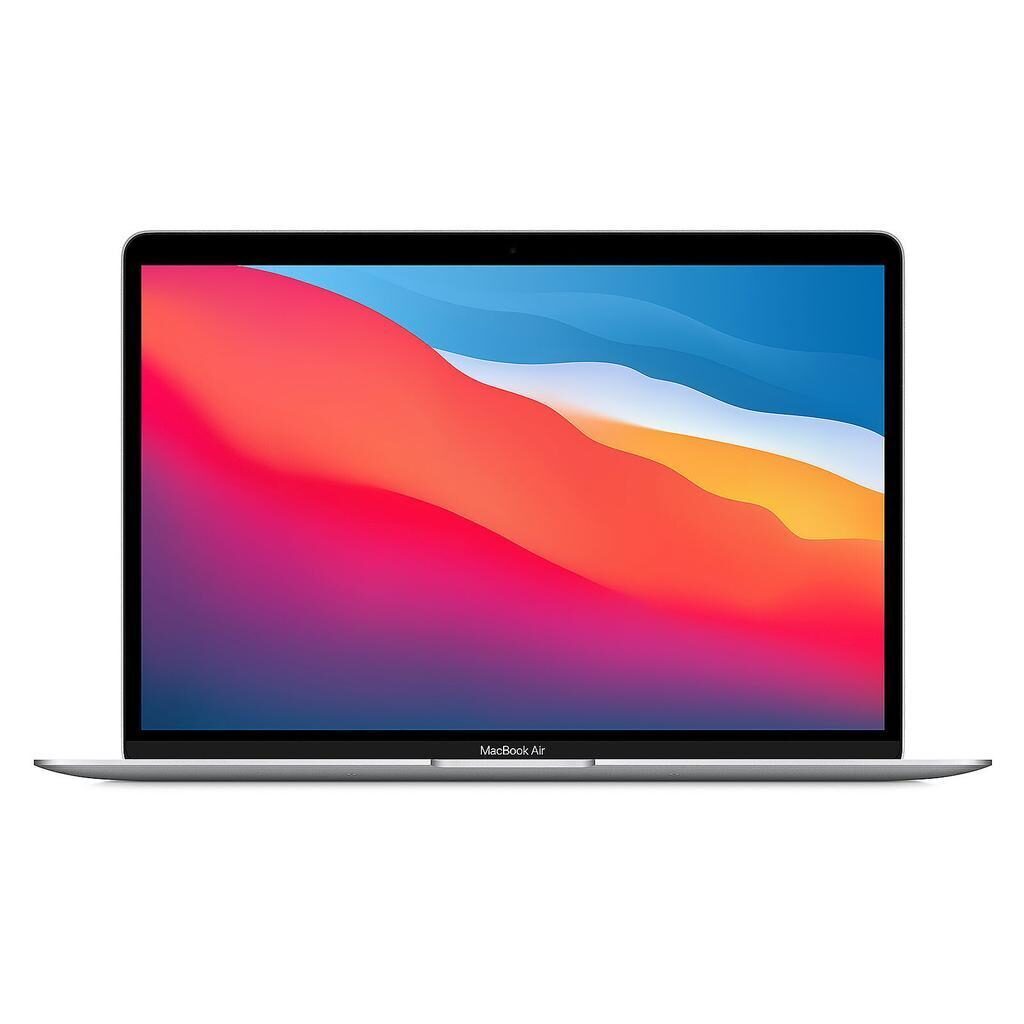
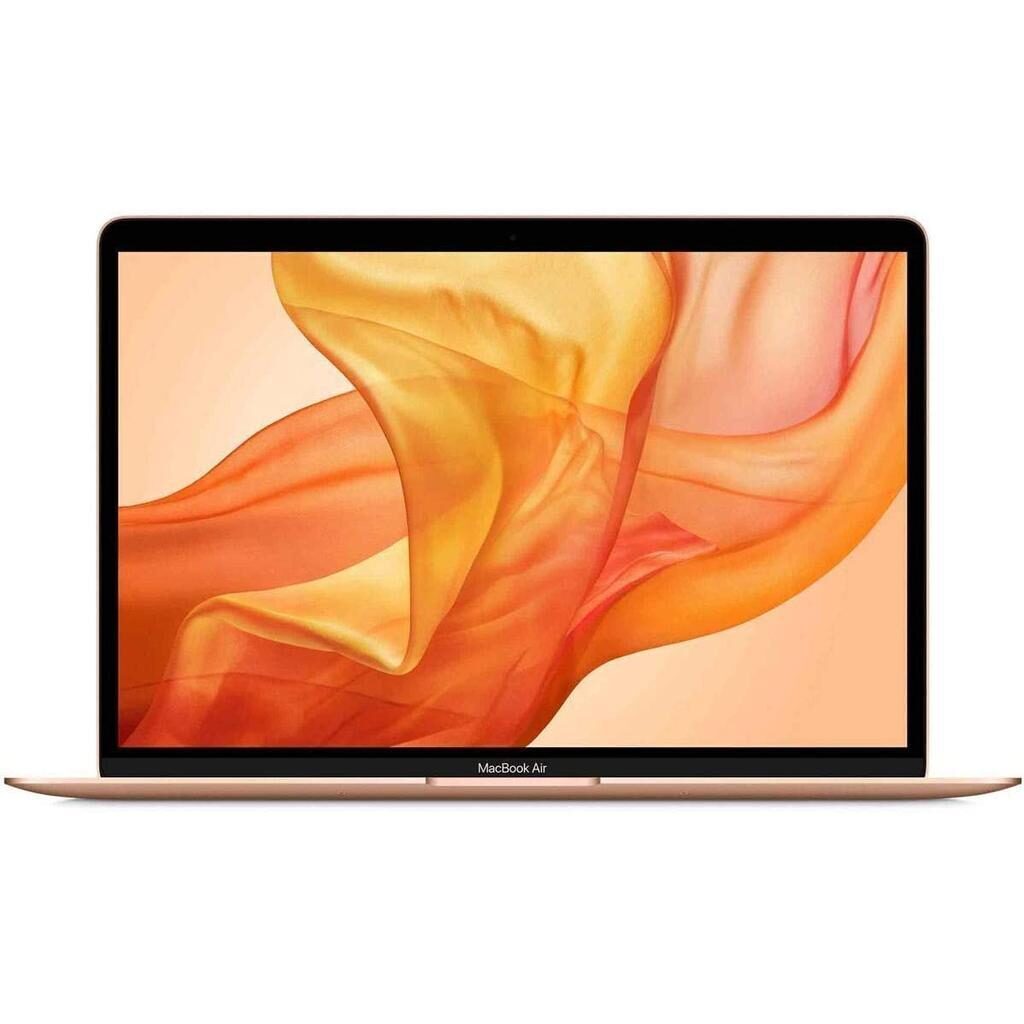
MacBook Air (M1 series)
Starting at
£426.31£999.00 new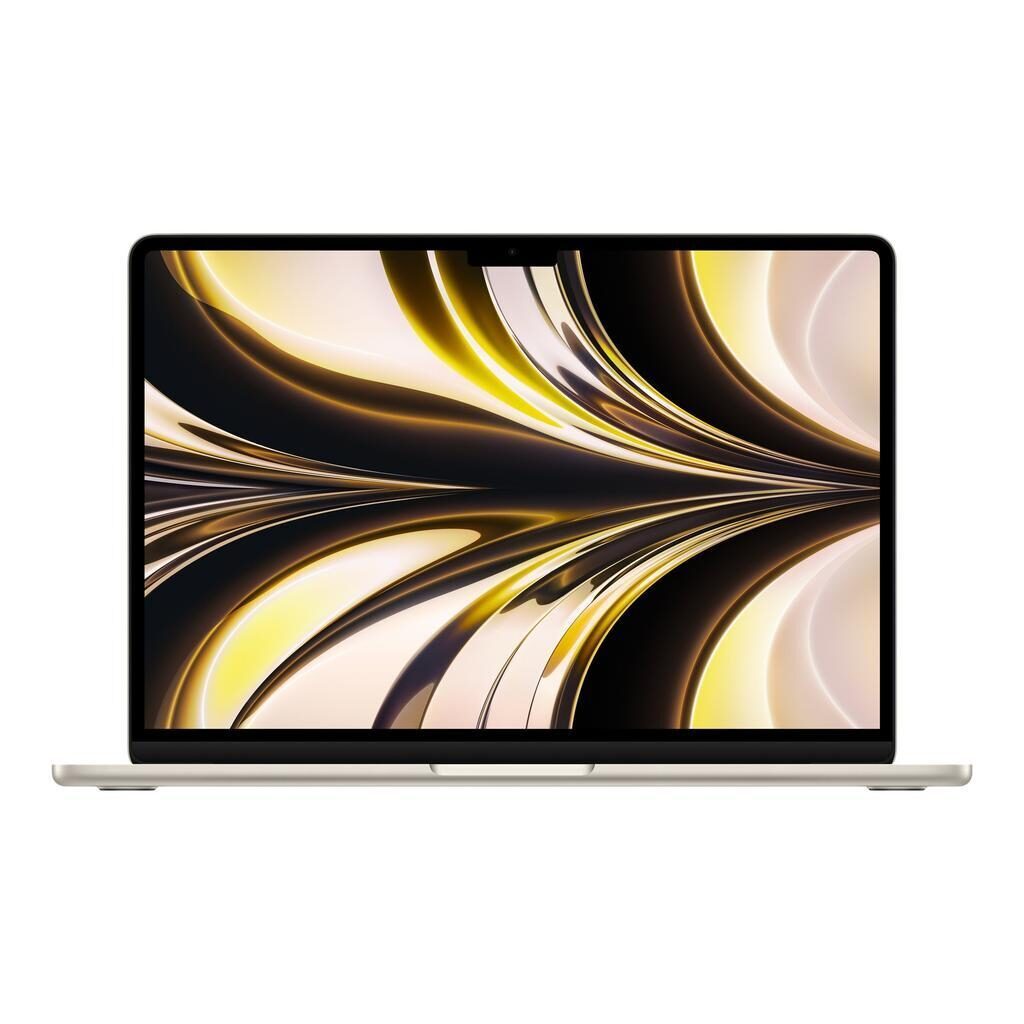
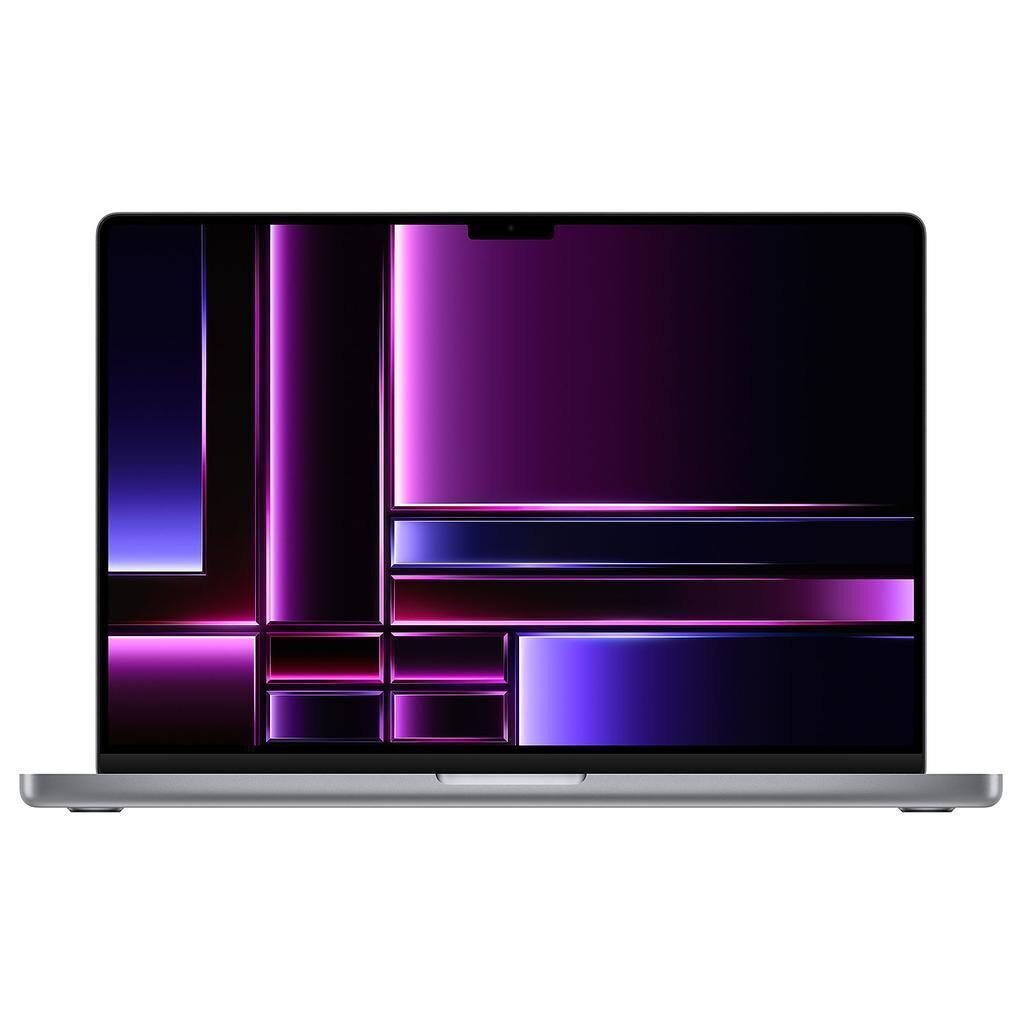
MacBook Air (M2 series)
Starting at
£621.35£1,249.00 newWhat's the difference between the MacBook Air (M1 series) and MacBook Air (M2 series)?
MacBook Air (M1 series) vs MacBook Air (M2 series) comes down to the screen type and weight. Refurbished, the MacBook Air (M1 series) starts at £426.31, £195.04 less than the MacBook Air (M2 series). The MacBook Air (M2 series) is the newer model, released in 2022.
Refurbished from
Screen type
Weight
- Screen type: Retina display on the MacBook Air (M1 series), Liquid Retina Display on the MacBook Air (M2 series).
- The MacBook Air (M2 series) has a lighter build: 1240 g vs 1290 g.
MacBook Air (M1 series) vs MacBook Air (M2 series) specs
The MacBook Air M1 and M2 series share many core features but differ in screen, audiovisual capabilities, storage options, and some design elements. The M2 has a brighter and slightly taller display and a higher resolution, which suits users who value sharper visuals and more screen space. It also offers a better front camera and a more advanced speaker setup, ideal for video calls and media consumption. The M2 is lighter and thinner with the addition of MagSafe 3 charging.
MacBook Air (M1 series) vs MacBook Air (M2 series) price
Colour
MacBook Air (M1 series) vs MacBook Air (M2 series) battery life and software updates
Their durability suits users seeking dependable machines that keep up with software updates.
Operating System Support
This ensures you receive ongoing software improvements and security updates for either device.
Repairability
This is useful for buyers considering long-term upkeep.
Maximum operating system supported
Year of release
MacBook Air (M1 series) vs MacBook Air (M2 series) performance
Performance differences focus on graphics and storage. Both MacBook Air M1 and M2 share the same RAM size and 64-bit architecture, making everyday app use smooth across the board.
Graphics Processing
The MacBook Air M1 series features a 7-core GPU, while the M2 series steps up to an 8-core GPU. The M2 is suited to users who want marginally stronger graphics for tasks like photo editing or light video work.
Storage Capacity Options
However, both models are stocked with storage options ranging from 256GB to 2TB.
Graphic card
Macbook architecture
Processor brand
Processor speed ghz
RAM
Storage type
MacBook Air (M1 series) vs MacBook Air (M2 series) screen
Screen quality varies in brightness, resolution, and display type, affecting how you view content. Both screens measure 13 inches and feature Retina technology with True Tone for natural colours.
Display Brightness
The MacBook Air M2 series offers 500 nits of brightness, compared to 400 nits on the M1. This makes the M2 screen better suited to well-lit environments or outdoor use where a brighter screen helps visibility.
Resolution and Screen Type
While both have Retina displays, the M2 features a Liquid Retina display with a resolution of 2560 x 1664, slightly taller than the M1's 2560 x 1600. This offers the M2 a bit more vertical space for documents and videos.
Ips
Resolution
Retina
Screen brightness
Screen size
Screen type
True tone
MacBook Air (M1 series) vs MacBook Air (M2 series) camera
Audiovisual differences mainly concern the camera and speakers, impacting video calls and media playback quality.
Front Camera Quality
The MacBook Air M2 series has a 1080p front camera, doubling the resolution of the M1's 720p camera. This is better if you often use video conferencing or take video calls.
Speaker System
The M2 model includes a four-speaker sound system, while the M1 has stereo speakers. The M2's setup suits users who enjoy richer audio when watching videos or listening to music.
Front camera definition
Speakers
Webcam
MacBook Air (M1 series) vs MacBook Air (M2 series) size and design
Additional features such as weight, charging, and port options show some practical differences useful for daily handling and connectivity.
Weight and Dimensions
The MacBook Air M2 series is lighter at 1240 g and thinner at 1.13 cm height, compared to the M1's 1290 g weight and 1.61 cm height. This can be a factor if portability and slimness matter to you.
Charging Compatibility
The M1 uses USB Type-C charging, while the M2 adds MagSafe 3 alongside USB Type-C. MagSafe 3 offers a magnetic connection that can be convenient for quick attachment and detachment.
Ports and Connectivity
Both devices have two USB-C Thunderbolt 4 ports, Bluetooth 5.0, and Wi-Fi 6 802.11ax, offering the same modern connectivity standards. Both also include a headphone jack and no card slot.
Bluetooth
Bluetooth version
Card slot
Charger compatibility
Depth
Display
Hdmi output
Height
Jack plug
Keyboard language type
Microphone specifications
Neural engine
Promotion
Release date
Touch
Touch bar
Usb typec thunderbolt 4 ports
Usba port
Usbc port
Webcam definition
Weight
Width
Wifi technology
MacBook Air (M1 series) or MacBook Air (M2 series): which should you buy?
Buy the MacBook Air (M1 series) if
- you want to spend less: it starts at £426.31, £195.04 less than the MacBook Air (M2 series)
Buy the MacBook Air (M2 series) if
- you want a lighter build (1240 g vs 1290 g)
- you want the newer model (2022)
MacBook Air (M1 series) vs MacBook Air (M2 series) FAQs
MacBook Air (M1 series) vs MacBook Air (M2 series) comes down to the screen type and weight. Screen type: Retina display on the MacBook Air (M1 series), Liquid Retina Display on the MacBook Air (M2 series). The MacBook Air (M2 series) has a lighter build: 1240 g vs 1290 g.
The MacBook Air (M1 series) is cheaper refurbished, from £426.31 compared with £621.35 for the MacBook Air (M2 series).
The MacBook Air (M2 series) adds a lighter build (1240 g vs 1290 g). Refurbished, it costs £195.04 more (from £621.35 vs £426.31).
Both come in 256GB, 512GB, 1TB and 2TB refurbished.