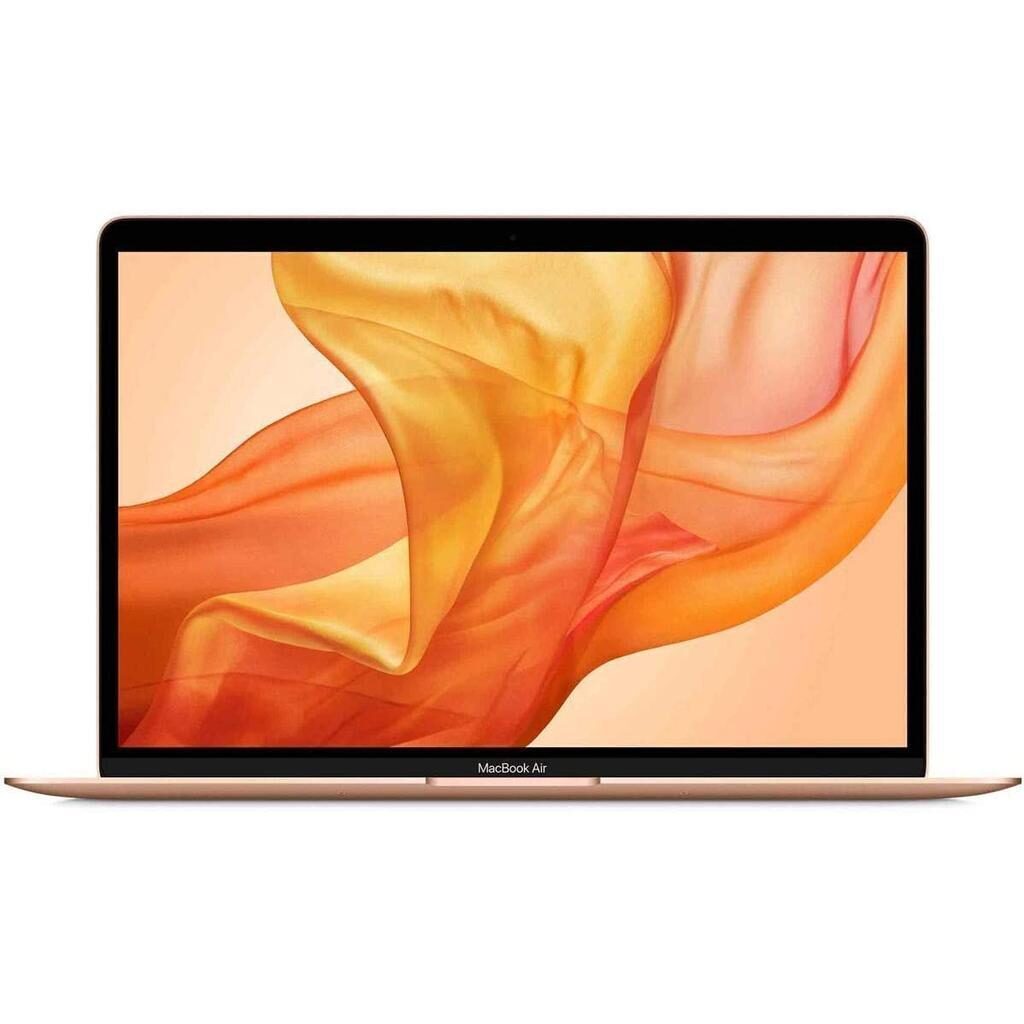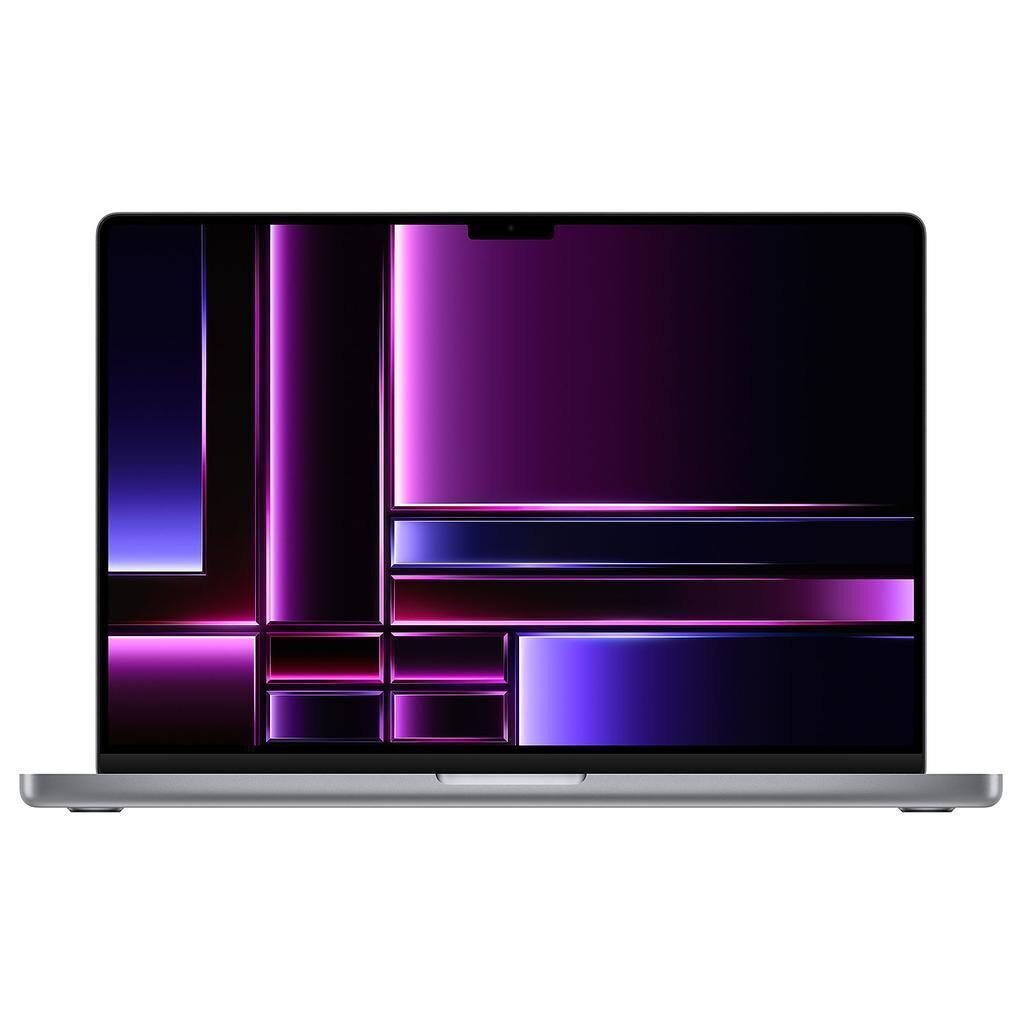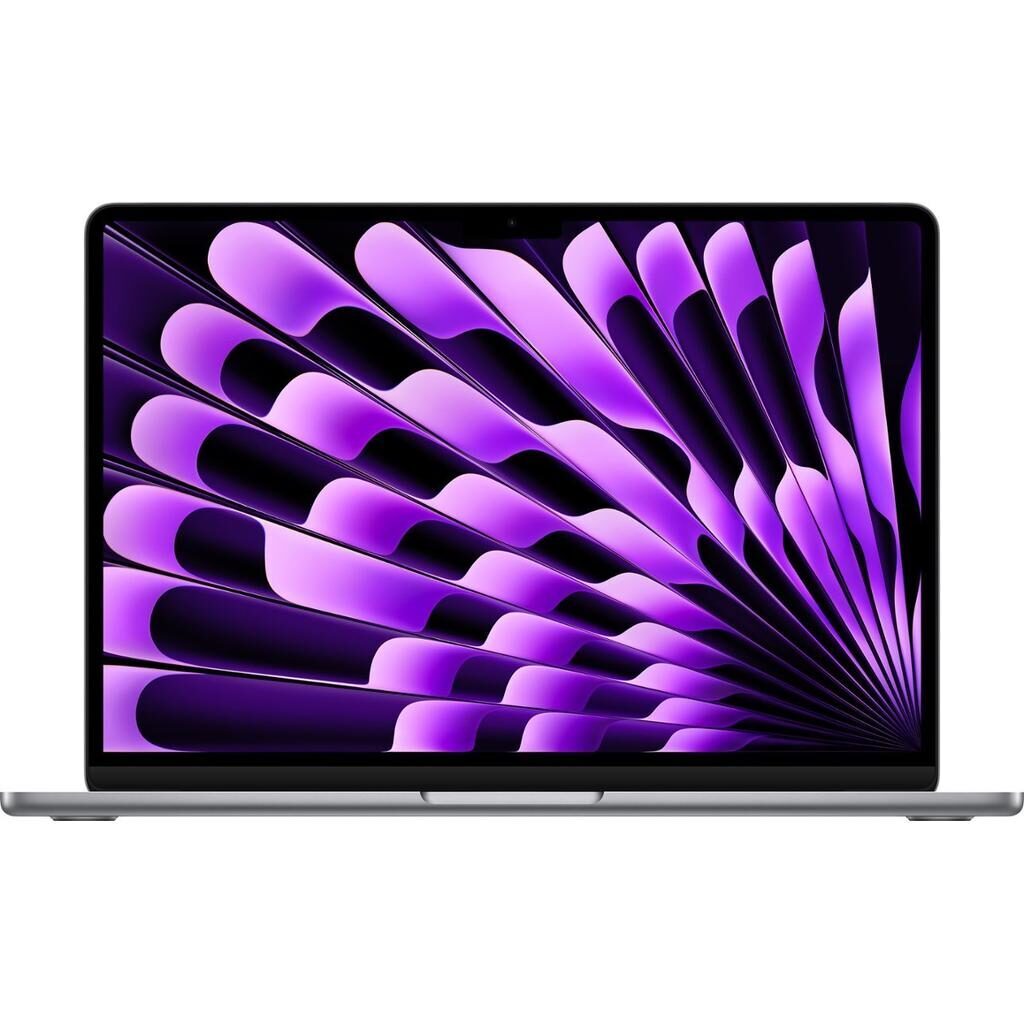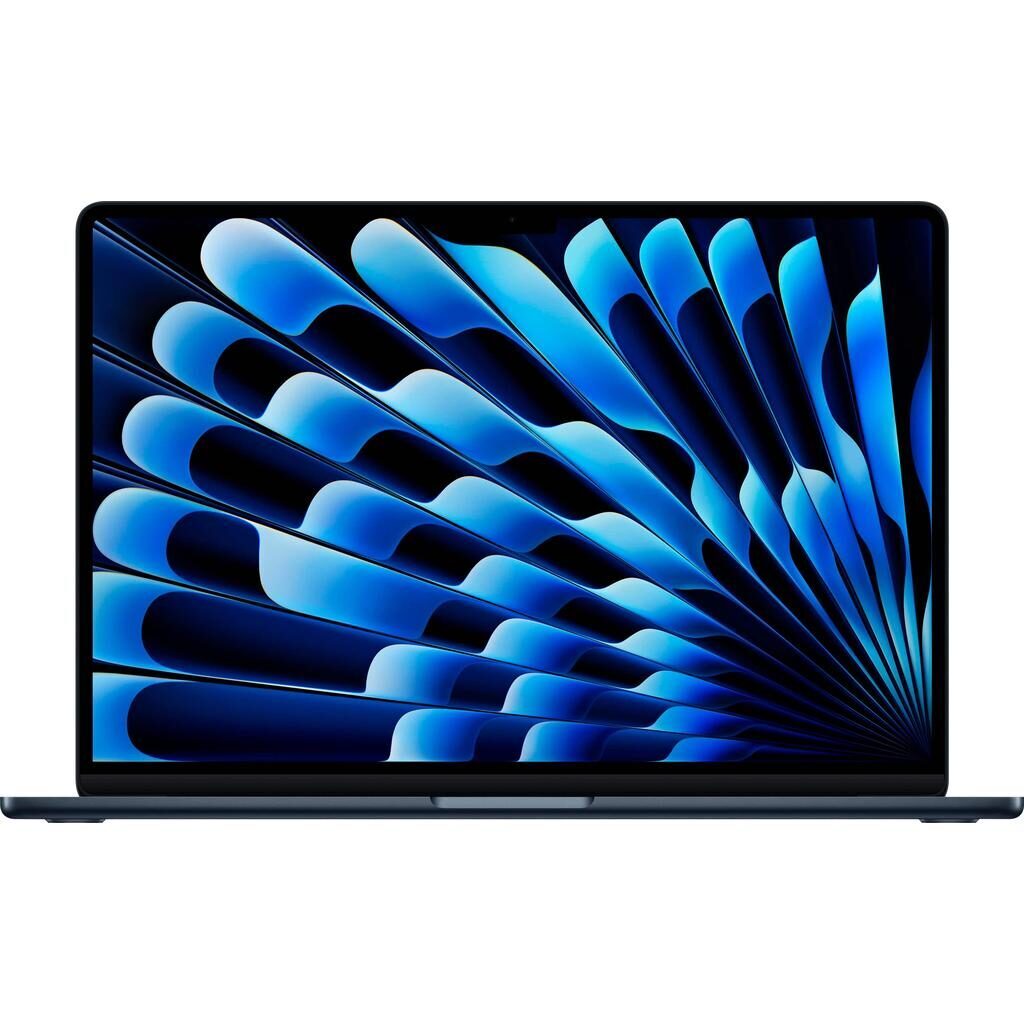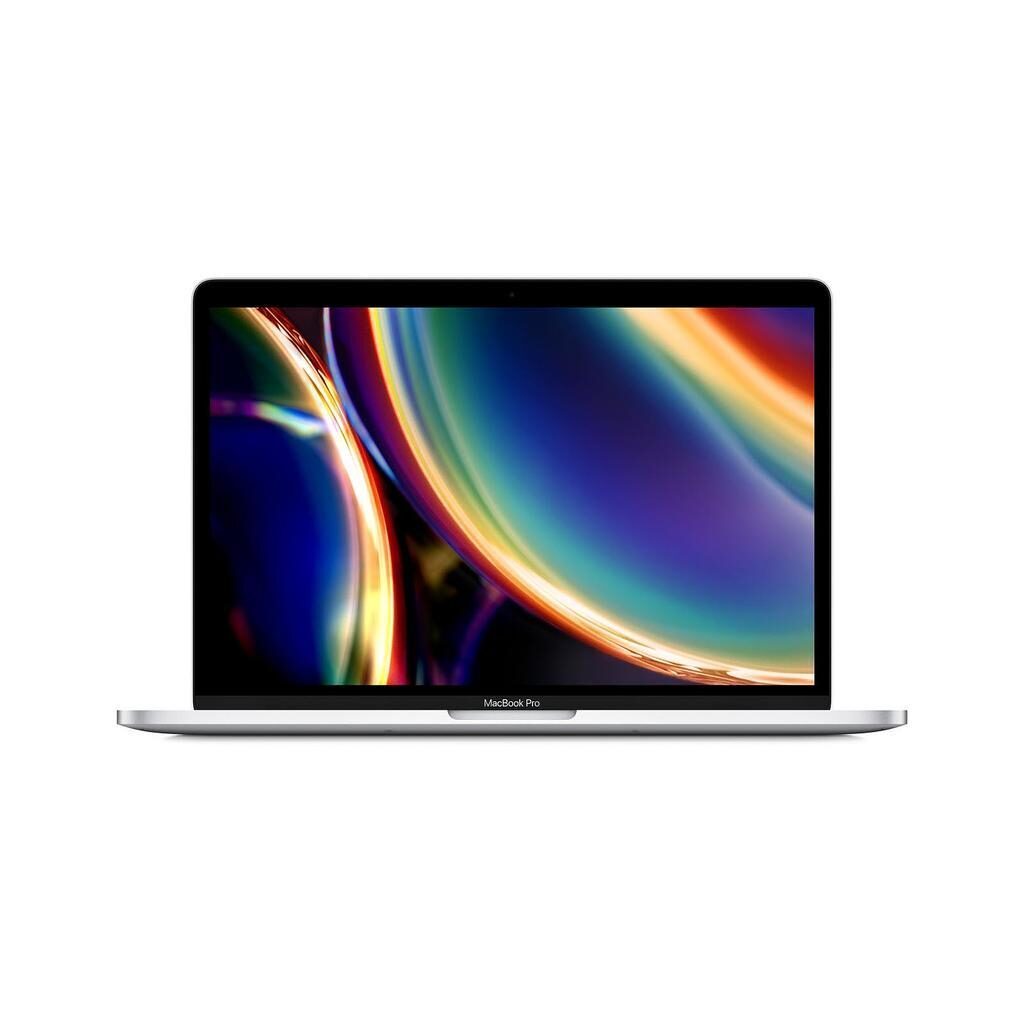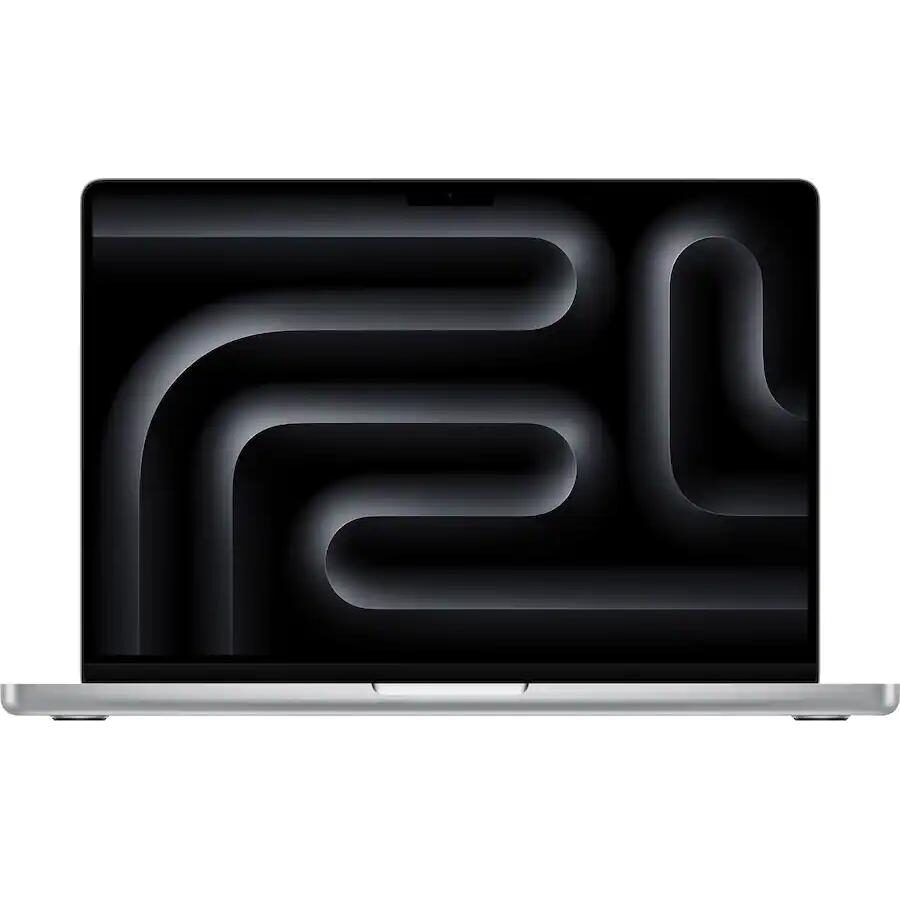
MacBook Pro (M1 series) vs MacBook Pro (M4 series)
Shop MacBook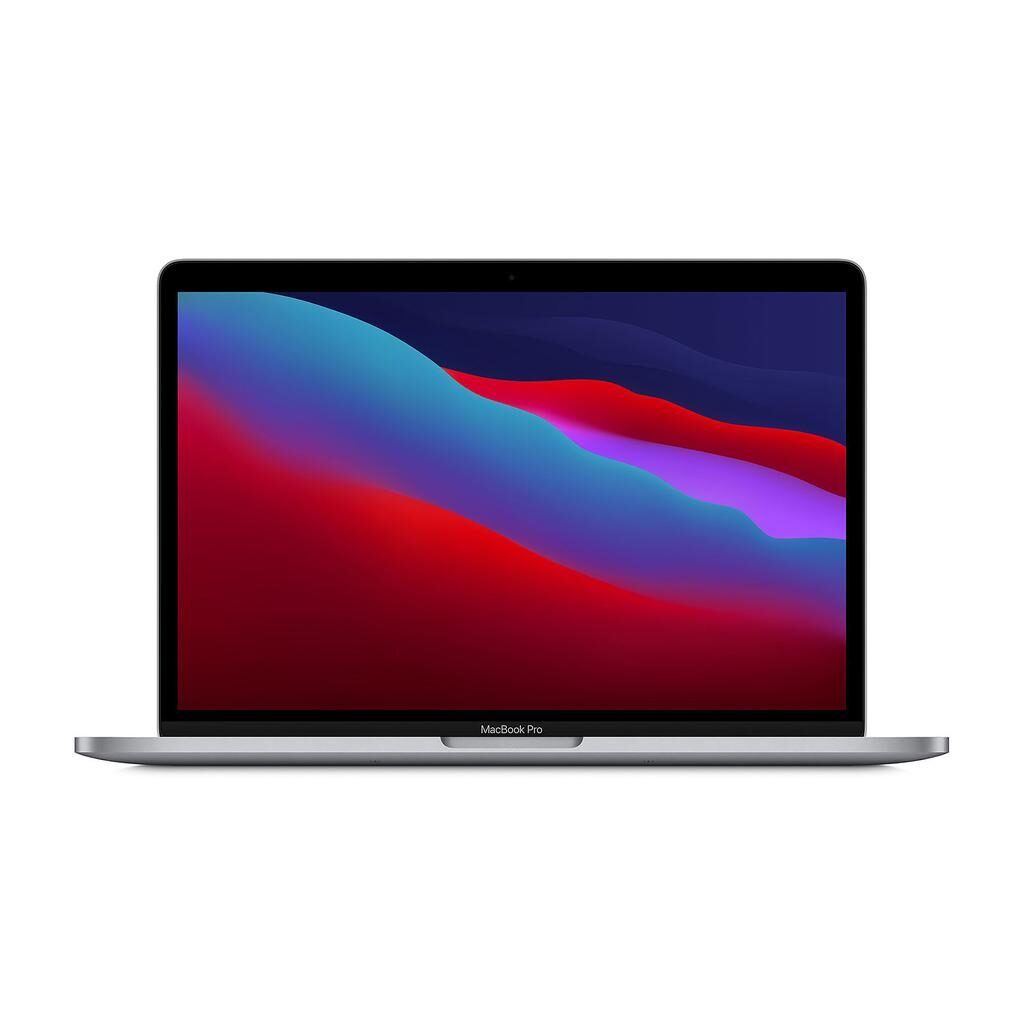
MacBook Pro (M1 series)
Starting at
£506.35£1,299.00 new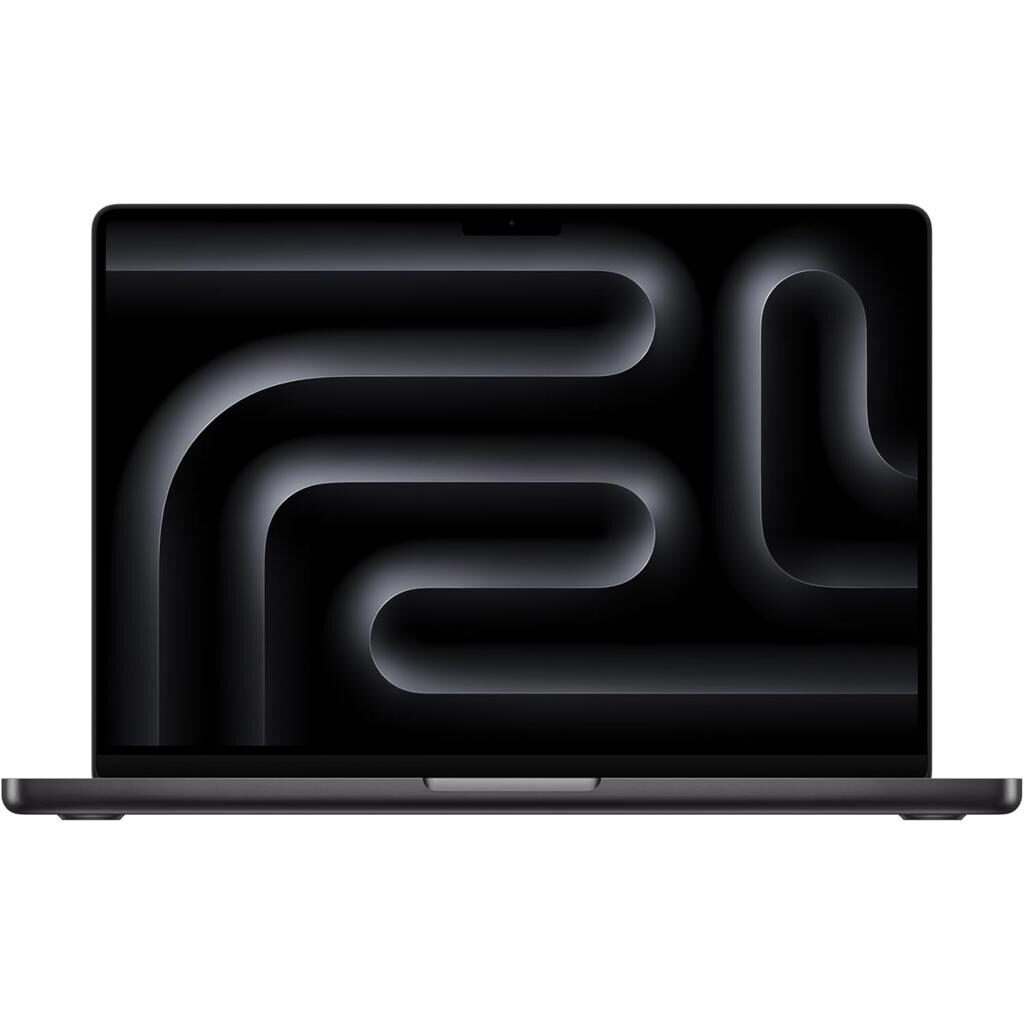
MacBook Pro (M4 series)
Starting at
£1,388.68£1,758.90 newWhat's the difference between the MacBook Pro (M1 series) and MacBook Pro (M4 series)?
MacBook Pro (M1 series) vs MacBook Pro (M4 series) comes down to the RAM, screen size and screen type. Refurbished, the MacBook Pro (M1 series) starts at £506.35, £882.33 less than the MacBook Pro (M4 series). The MacBook Pro (M4 series) is the newer model, released in 2024.
Refurbished from
RAM
Screen size
Screen type
Weight
- The MacBook Pro (M4 series) has more RAM: 24 GB vs 16 GB.
- The MacBook Pro (M4 series) has a bigger screen: 14 inch vs 13 inch.
- Screen type: Retina display on the MacBook Pro (M1 series), Liquid Retina XDR display on the MacBook Pro (M4 series).
MacBook Pro (M1 series) vs MacBook Pro (M4 series) specs
The MacBook Pro M1 series and M4 series offer different strengths suited to different users. The M1 series is a dependable 13 inch device with 16 GB RAM and an 8 core GPU, ideal for everyday use, multitasking, and those valuing a compact size. The M4 series brings a larger 14 inch Liquid Retina XDR display with higher brightness and resolution, plus more memory at 24 GB and a 10 core GPU for more demanding visual and multitasking tasks. The M4 also adds ports like HDMI and an SD card slot, plus a higher quality camera and speakers, suiting those who want enhanced multimedia and connectivity. Both support macOS Tahoe and have similar core features like Touch and Bluetooth, but they differ in screen, performance, and ports to match different needs.
MacBook Pro (M1 series) vs MacBook Pro (M4 series) price
Colour
MacBook Pro (M1 series) vs MacBook Pro (M4 series) battery life and software updates
Durability here includes the operating system support and release year, which set a baseline for how current each MacBook Pro is in terms of software and design lifespan.
Operating System Support
Both MacBook Pro M1 series and M4 series support macOS Tahoe. This means you can run the same latest macOS version on each device, ensuring similar software compatibility and security updates regardless of which model you choose.
Release Year
The MacBook Pro M1 series was released in 2020 while the M4 series came out in 2024. This provides context on their release but does not affect their software support or durability directly.
Maximum operating system supported
Year of release
MacBook Pro (M1 series) vs MacBook Pro (M4 series) performance
Performance differences focus on the graphics capabilities, memory, and storage options to help decide which device fits your workload and storage needs.
Graphics Processing
The MacBook Pro M1 series has an 8 core GPU, suitable for everyday graphics tasks and video editing. The M4 series offers a 10 core GPU, which is better for more intensive graphics work or multitasking with graphics heavy applications.
Memory Capacity
With 16 GB of RAM, the MacBook Pro M1 series keeps everyday apps and multitasking running smoothly. The M4 series increases this to 24 GB, allowing you to keep more apps and larger projects open simultaneously, which benefits professional users or those running heavy software.
Storage Options
The M1 series offers a wider range of storage with options from 256 GB up to 4 TB. This gives flexibility depending on your need for storage space. The M4 series stock includes 512 GB and 1 TB options, which suits users with moderate to high storage needs but fewer choices.
Other Performance Features
Both models use 64 bit architecture and SSD storage, ensuring solid performance and fast data access. They also share a 16 core Neural Engine, supporting machine learning tasks efficiently.
Graphic card
Macbook architecture
Processor brand
Processor speed ghz
RAM
Storage type
MacBook Pro (M1 series) vs MacBook Pro (M4 series) screen
Screen quality is an important consideration for visual work and everyday use, with differences in size, resolution, brightness, and display type affecting your viewing experience.
Screen Size and Resolution
The MacBook Pro M1 series has a 13 inch screen with a resolution of 2560 x 1600, ideal for compact portability. The M4 series features a larger 14 inch screen with a higher resolution of 3024 x 1964, offering more screen space and sharper images for detailed work and media consumption.
Display Type and Brightness
The M1 series uses a Retina display with 400 nits brightness, making it suitable for most indoor environments. The M4 series upgrades to a Liquid Retina XDR display with sustained full screen brightness up to 1000 nits and peak brightness of 1600 nits, which improves visibility in bright conditions and enhances HDR content.
IPS and True Tone Features
Both MacBook Pros feature IPS technology for wide viewing angles and True Tone for colour accuracy that adjusts to ambient light, ensuring comfortable viewing in different environments.
Ips
Resolution
Retina
Screen brightness
Screen size
Screen type
True tone
MacBook Pro (M1 series) vs MacBook Pro (M4 series) camera
Audiovisual features affect your experience in video calls, music, and media playback, with differences in camera resolution and speaker systems.
Front Camera Quality
The MacBook Pro M1 series has a 720p front camera, suitable for standard video calls. The M4 series improves this to 1080p, providing clearer and sharper video quality for meetings or streaming.
Speaker System
The M1 series includes stereo speakers with high dynamic range, offering good sound for everyday use. The M4 series features a high fidelity six speaker sound system with force cancelling woofers, delivering richer and more immersive audio, which benefits music, movies, and professional audio work.
Front camera definition
Speakers
MacBook Pro (M1 series) vs MacBook Pro (M4 series) size and design
This section covers additional features that impact connectivity, design, and user convenience, highlighting differences in ports, weight, and other hardware aspects.
Ports and Connectivity
The MacBook Pro M1 series includes 2 USB-C Thunderbolt 4 ports, USB-C charging, Bluetooth 5.0, and no HDMI or card slot. The M4 series expands connectivity with 3 USB-C Thunderbolt 4 ports, adds HDMI output, an SD card slot supporting SD, SDHC, and SDXC, and supports both MagSafe 3 and USB-C charging. Bluetooth is updated to version 5.3, which may improve wireless performance.
Physical Dimensions and Weight
The M1 series is slightly more compact at 30.41 cm wide, 21.24 cm deep, and 1.56 cm high, weighing 1400 g. The M4 series is larger at 31.26 cm wide, 22.12 cm deep, and 1.55 cm high, weighing 1550 g.
Keyboard and Interface
Both MacBook Pros feature a QWERTY English keyboard and support Touch input. The M1 series includes the Touch Bar, which the M4 series does not. The M4 features ProMotion technology for smoother screen refresh rates.
Audio and Headphone Jack
Both models have a headphone jack, ensuring compatibility with wired audio devices.
Bluetooth version
Card slot
Charger compatibility
Depth
Display
Hdmi output
Height
Jack plug
Keyboard language type
Neural engine
Promotion
Release date
Touch
Touch bar
Usb typec thunderbolt 4 ports
Usbc port
Webcam definition
Weight
Width
Wifi technology
MacBook Pro (M1 series) or MacBook Pro (M4 series): which should you buy?
Buy the MacBook Pro (M1 series) if
- you want to spend less: it starts at £506.35, £882.33 less than the MacBook Pro (M4 series)
- you want a lighter build (1400 g vs 1550 g)
Buy the MacBook Pro (M4 series) if
- you want more RAM (24 GB vs 16 GB)
- you want a bigger screen (14 inch vs 13 inch)
What our customers say
Customers who chose the MacBook Pro M1 series report it as a reliable and fast laptop suitable for work and creative tasks like photo and video editing. They appreciate the 1TB storage option for handling large files and note that it runs smoothly with multiple apps open. Some mention minor marks on the case but are generally pleased with battery life lasting through the day and the clear screen. The M1 chip is praised for its speed and responsiveness, and the device suits those who want a dependable machine for everyday and professional use in a compact size.
Reviews of the MacBook Pro M4 series describe it as a clean, fast, and reliable machine that handles programs smoothly. The 512GB storage is sufficient for many users, with battery life lasting through typical daily use. Customers value the improved screen clarity indoors and the better camera quality. The device is noted for its smart appearance and solid performance, making it a good choice for university, photo editing, and streaming. Some mention small marks or a matte finish but find these minor concerns compared to the overall quality.
Both MacBook Pros suit users looking for dependable laptops, with the M1 series appealing to those prioritising a lighter, slightly smaller machine with flexible storage, and the M4 series fitting those who want enhanced screen quality, more RAM, and expanded connectivity options.
MacBook Pro (M1 series) vs MacBook Pro (M4 series) FAQs
MacBook Pro (M1 series) vs MacBook Pro (M4 series) comes down to the RAM, screen size and screen type. The MacBook Pro (M4 series) has more RAM: 24 GB vs 16 GB. The MacBook Pro (M4 series) has a bigger screen: 14 inch vs 13 inch.
The MacBook Pro (M1 series) is cheaper refurbished, from £506.35 compared with £1388.68 for the MacBook Pro (M4 series).
The MacBook Pro (M4 series) adds more RAM (24 GB vs 16 GB) and a bigger screen (14 inch vs 13 inch). Refurbished, it costs £882.33 more (from £1388.68 vs £506.35).
Refurbished, the MacBook Pro (M1 series) comes in 256GB, 512GB, 1TB, 2TB and 4TB, and the MacBook Pro (M4 series) in 512GB and 1TB.