
- Free postage
- Price locked for 2 days
- Paid by bank transfer
- Checked within 2 working days
Sell my Samsung for cash
We buy 94 Samsung models, working or broken. Get your price in a couple of minutes.
How much is my Samsung worth?
Up to £428 for the Galaxy S25 Ultra. What you get depends on the model, its storage and its condition. Find yours below to see what it's worth.
Prices last updated 22 August 2026.
- Galaxy S25Up to £244
- Galaxy S25 UltraUp to £428
- Galaxy A06Up to £20
- Galaxy A16 5GUp to £51
- Galaxy A55Up to £111
- Galaxy S24+Up to £244
- Galaxy S24 UltraUp to £342
- Galaxy Xcover7Up to £35
- Galaxy Z Flip6Up to £213
- Galaxy Z Fold6Up to £428
- Galaxy A05Up to £15
- Galaxy A05sUp to £16
- Galaxy A14Up to £37
- Galaxy A14 5GUp to £38
- Galaxy A15Up to £27
- Galaxy A15 5GUp to £57
- Galaxy A24 4GUp to £35
- Galaxy A25Up to £77
- Galaxy A34Up to £73
- Galaxy A54Up to £100
- Galaxy S23Up to £141
- Galaxy S23 FEUp to £121
- Galaxy S23 UltraUp to £264
- Galaxy Z Flip5Up to £168
- Galaxy Z Fold5Up to £293
- Galaxy A04Up to £8
- Galaxy A04SUp to £19
- Galaxy A13Up to £39
- Galaxy A23 5GUp to £68
- Galaxy A33 5GUp to £58
- Galaxy A53 5GUp to £78
- Galaxy S21 FE 5GUp to £84
- Galaxy S22 5GUp to £100
- Galaxy S22 Ultra 5GUp to £175
- Galaxy Xcover6 ProUp to £50
- Galaxy Z Flip4Up to £135
- Galaxy Z Fold4Up to £203
- Galaxy A03Up to £9
- Galaxy A03 CoreUp to £9
- Galaxy A03SUp to £8
- Galaxy A13 5GUp to £27
- Galaxy A22 5GUp to £49
- Galaxy A32Up to £30
- Galaxy A32 5GUp to £48
- Galaxy A52Up to £45
- Galaxy A52 5GUp to £53
- Galaxy A52s 5GUp to £69
- Galaxy S21 5GUp to £92
- Galaxy S21 Ultra 5GUp to £137
- Galaxy Xcover 5Up to £7
- Galaxy Z Flip3 5GUp to £80
- Galaxy Z Fold3 5GUp to £100
- Galaxy A02sUp to £8
- Galaxy A11Up to £7
- Galaxy A12Up to £37
- Galaxy A21sUp to £29
- Galaxy A31Up to £16
- Galaxy A41Up to £44
- Galaxy A42 5GUp to £45
- Galaxy A51 5GUp to £32
- Galaxy Note20Up to £100
- Galaxy Note20 UltraUp to £145
- Galaxy S20Up to £57
- Galaxy S20 5GUp to £61
- Galaxy S20 FEUp to £54
- Galaxy S20 FE 5GUp to £40
- Galaxy S20 UltraUp to £100
- Galaxy Z Fold2 5GUp to £20
- Galaxy A20eUp to £8
- Galaxy A30sUp to £8
- Galaxy A40Up to £24
- Galaxy A50Up to £35
- Galaxy A51Up to £39
- Galaxy A70Up to £28
- Galaxy A71Up to £45
- Galaxy A80Up to £41
- Galaxy A90 5GUp to £46
- Galaxy Note10Up to £50
- Galaxy S10+Up to £66
- Galaxy S10 5GUp to £59
- Galaxy S10eUp to £35
- Galaxy A7 (2018)Up to £5
- Galaxy J4+Up to £10
- Galaxy Note9Up to £35
- Galaxy S9Up to £32
- Galaxy A3 (2017)Up to £3
- Galaxy J5 (2017)Up to £8
- Galaxy J7 (2017)Up to £5
- Galaxy Note8Up to £28
- Galaxy S8+Up to £25
- Galaxy S7Up to £15
- Galaxy S7 edgeUp to £5
- Galaxy S6Up to £7
- Galaxy S6 edgeUp to £6
Why sell your Samsung to us?
Paid straight to your bank
We check your device within 2 working days of it arriving. Once it passes, the money reaches your bank within 3 working days.
Free postage
Print your trade-in slip, pack your device and post it to us for free within 7 days of confirming your offer.
Safe, and better for the planet
Every device is fully wiped when it arrives, then refurbished or recycled responsibly instead of sitting in a drawer.
Just 3 easy steps
No listings, no haggling, no fees. Turn the tech in your drawer into cash.
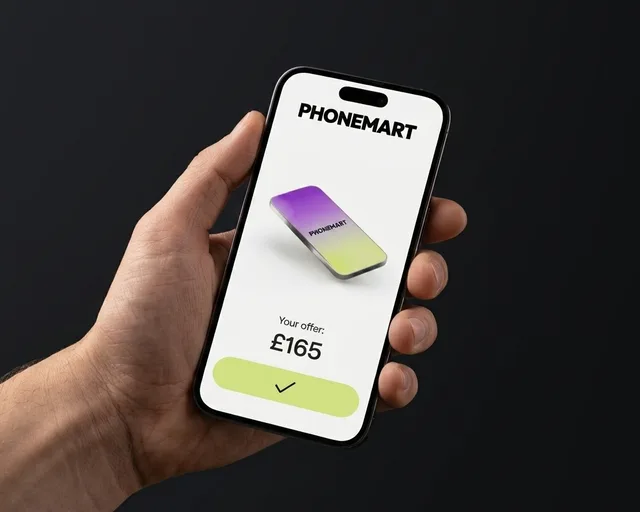
Get an offer
Answer a few questions about your device and see your price straight away.
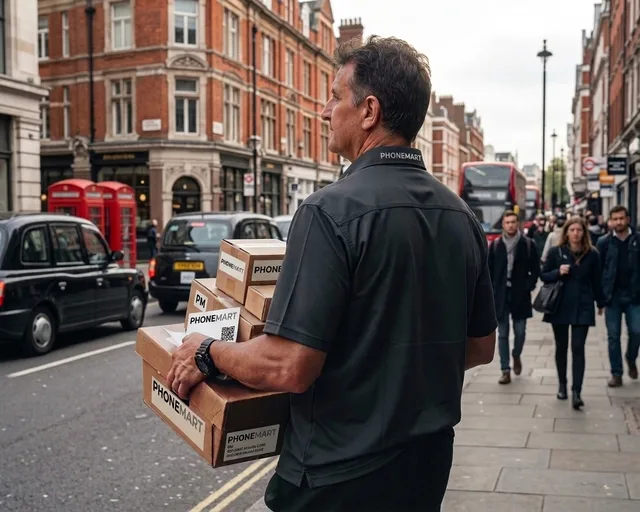
Post it to us
Wipe it, print the trade-in slip from your account, and post it to us within 7 days of confirming.
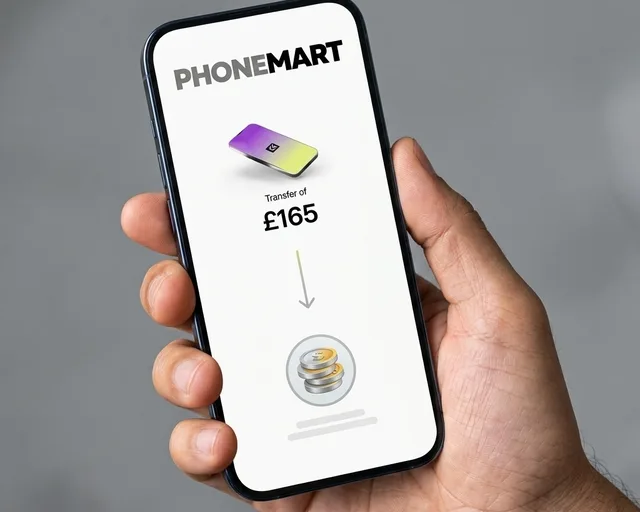
Get paid
Once it arrives and passes its check, the money is in your bank within 3 working days.
Which Samsung models are worth the most?
Right now, the Galaxy S25 Ultra (up to £428), Galaxy Z Fold6 (up to £428), and Galaxy S24 Ultra (up to £342).
Newer models hold their value best. Each time a new one comes out, older ones drop in value, so selling sooner almost always means more cash.
Can I sell a broken Samsung?
Yes. We buy phones that are cracked, damaged or won't switch on. Tell us its condition when you get your price, and there's nothing to repair first.
What do I need to do before I sell my Samsung?
- Back it up. Use Google or Samsung Cloud, or Smart Switch.
- Remove your accounts. Settings > Accounts and backup > Manage accounts. Remove your Google and Samsung accounts.
- Turn off Find My Mobile. Settings > Security and privacy > Lost device protection.
- Take out your SIM and memory card.
- Factory reset. Settings > General management > Reset > Factory data reset.
- Pack it safely. A padded envelope or small box keeps it protected.
Selling your Samsung: PhoneMart vs other UK buyers
How selling your Samsung to us compares with the biggest names in UK trade-in.
| Compared | PhoneMart | musicMagpie | Mazuma | Envirofone |
|---|---|---|---|---|
| How you're paid | Cash to your bank | Cash to your bank | Cash | Cash to your bank, or 7% more as store credit |
| When you're paid | Within 3 working days of passing its check | Same day, once checked | Same day, if it arrives Mon–Fri before 2pm | Same day |
| Sending it | Free postage, within 7 days of confirming | Free, by post or at a Timpson store | Free label or QR code | Free Royal Mail postage |
| Price held for | 2 days | 21 days | Not stated | 14 days |
| Broken or cracked | Yes, cracked and not working too | Yes | Yes, unless snapped in half | Yes, any condition |
Other buyers' terms taken from their own websites, checked 12 November 2026. Their prices for your exact device may differ. Sources: musicMagpie, Mazuma, Envirofone.
Sell my Samsung for cash
Answer a few quick questions and see your offer straight away. Postage is free.
Want to sell something else?

Sell my Samsung: your questions answered
Find your model and answer a few questions about its condition. Confirm the offer, then print your trade-in slip and post your phone to us within 7 days.
Your offer is locked for 2 days. Once you confirm it, you have 7 days to post it.
We check your phone within 2 working days of it arriving. If it passes, the money reaches your bank within 3 working days.
We'll send you a revised offer. If you'd rather not accept it, we'll send your phone back to you free of charge.
Yes. Sign out and turn off Find My Mobile and Find Hub. If it's still locked, we can't complete the trade-in and will get in touch to help you sort it.
Yes. Every device is fully wiped when it arrives. It's still worth erasing it yourself before you post it.