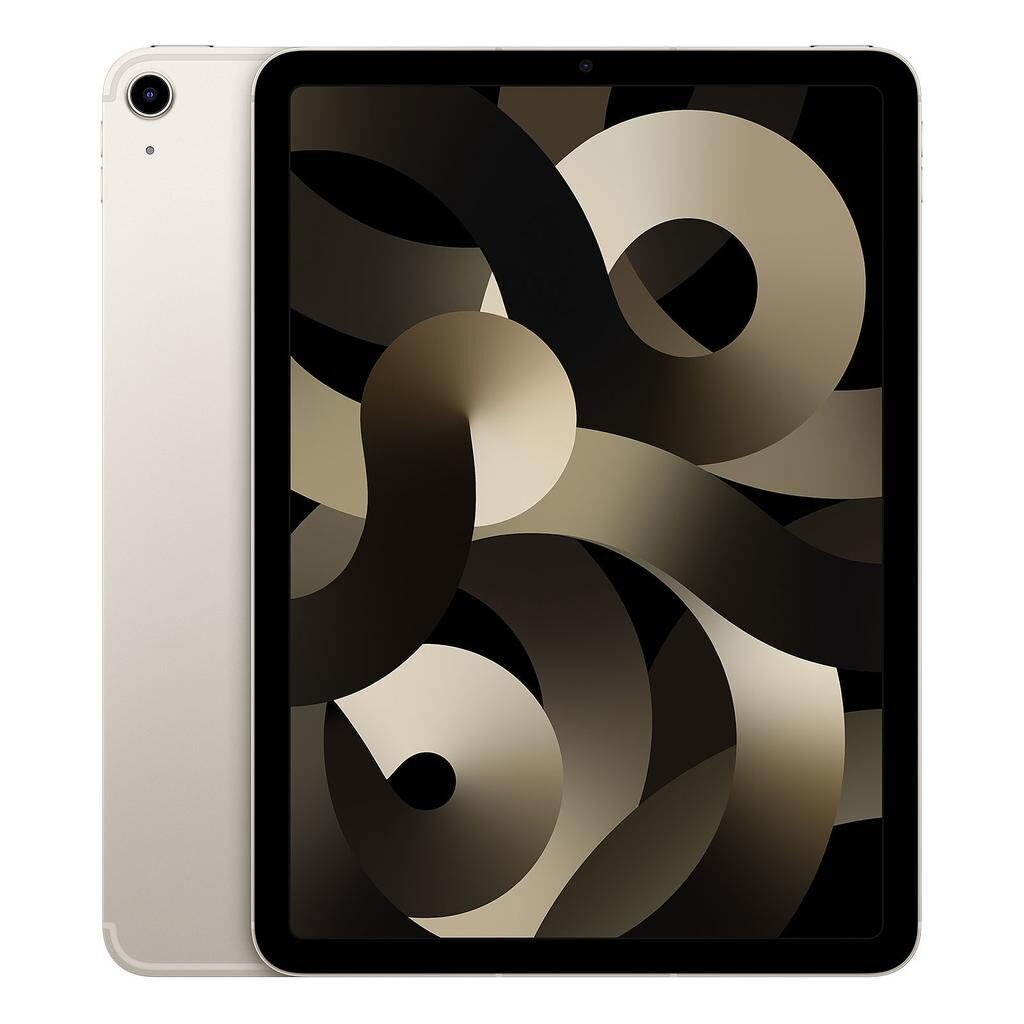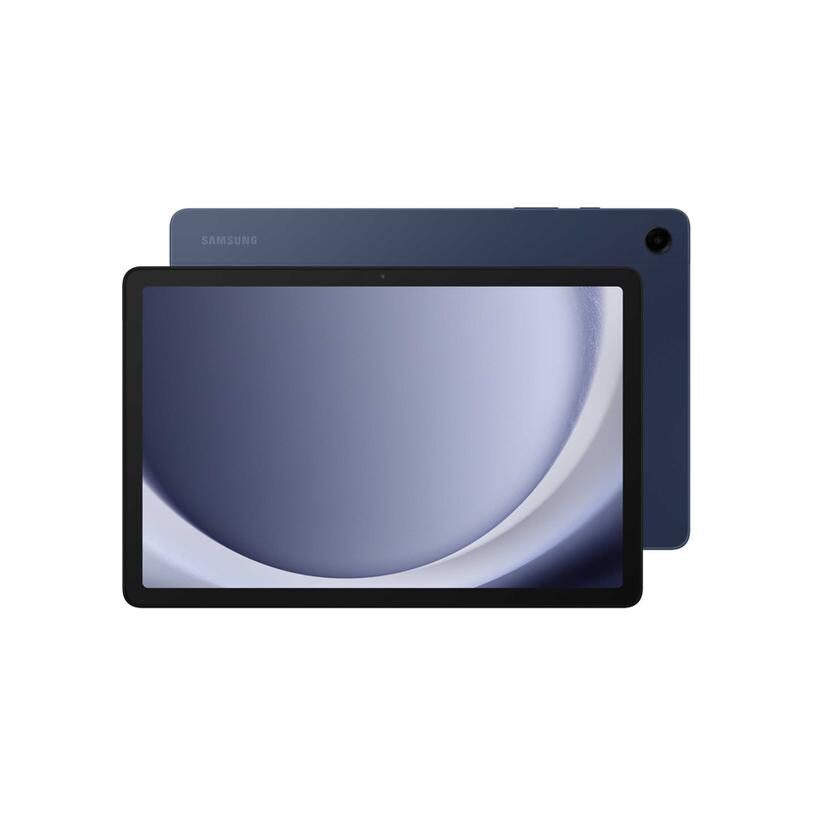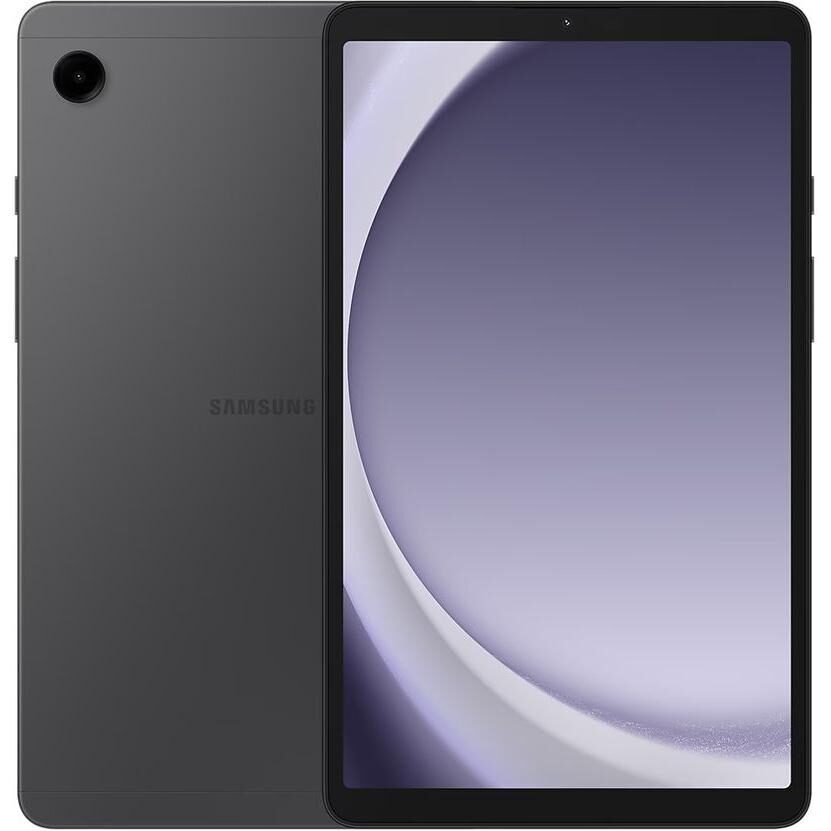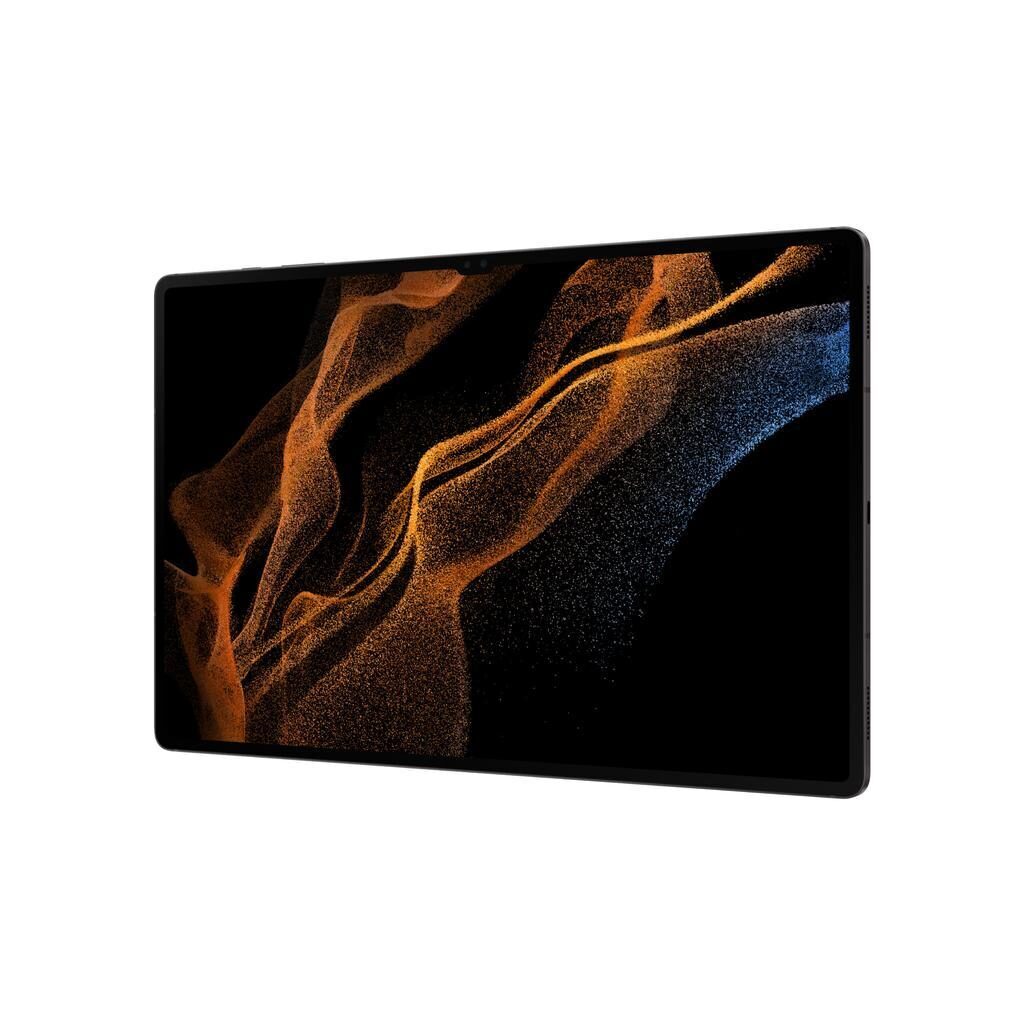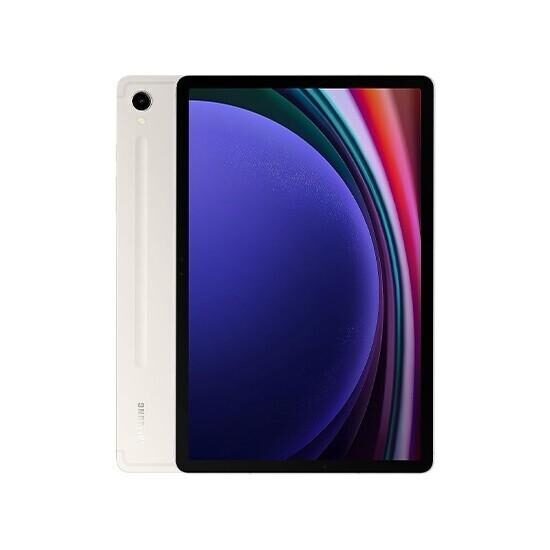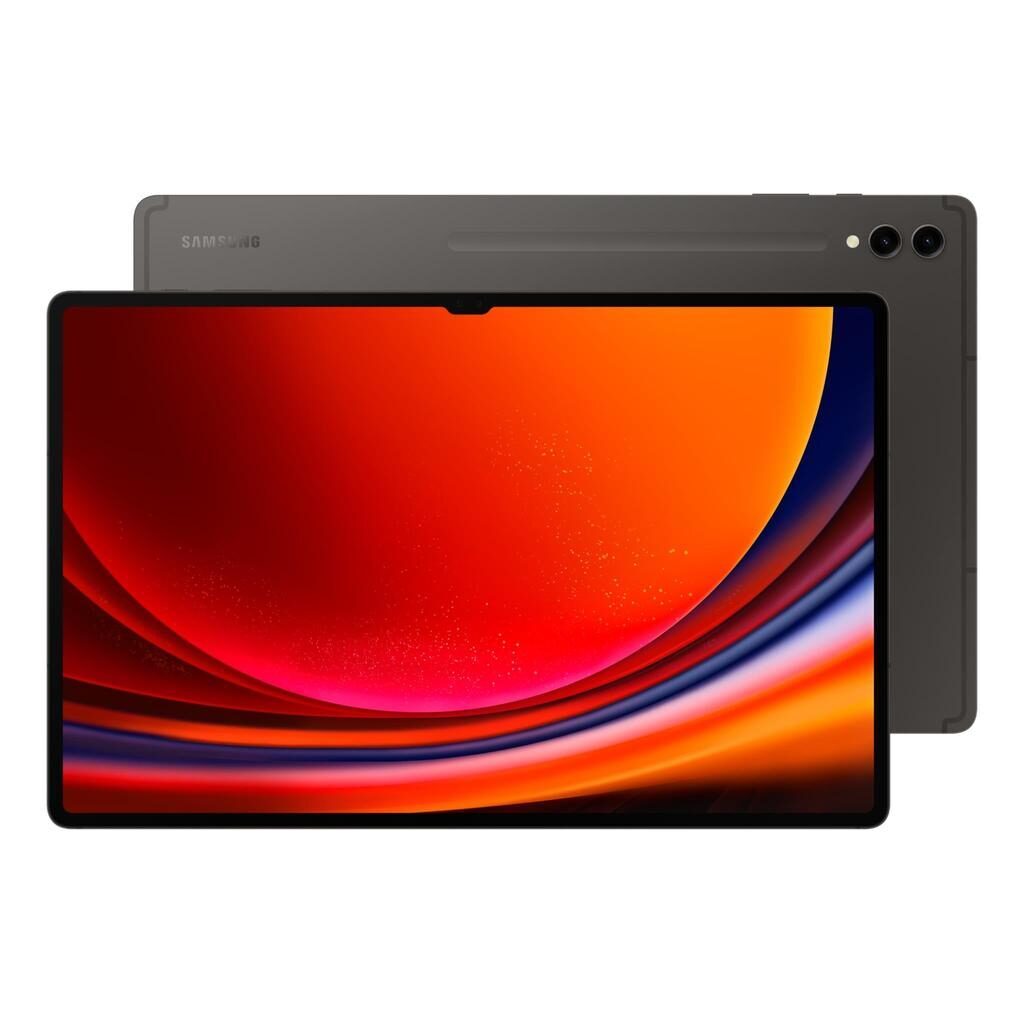
Galaxy Tab A (10.5", 2018) vs Galaxy Tab S9 FE (10.9", 2023)
Shop Samsung Galaxy Tab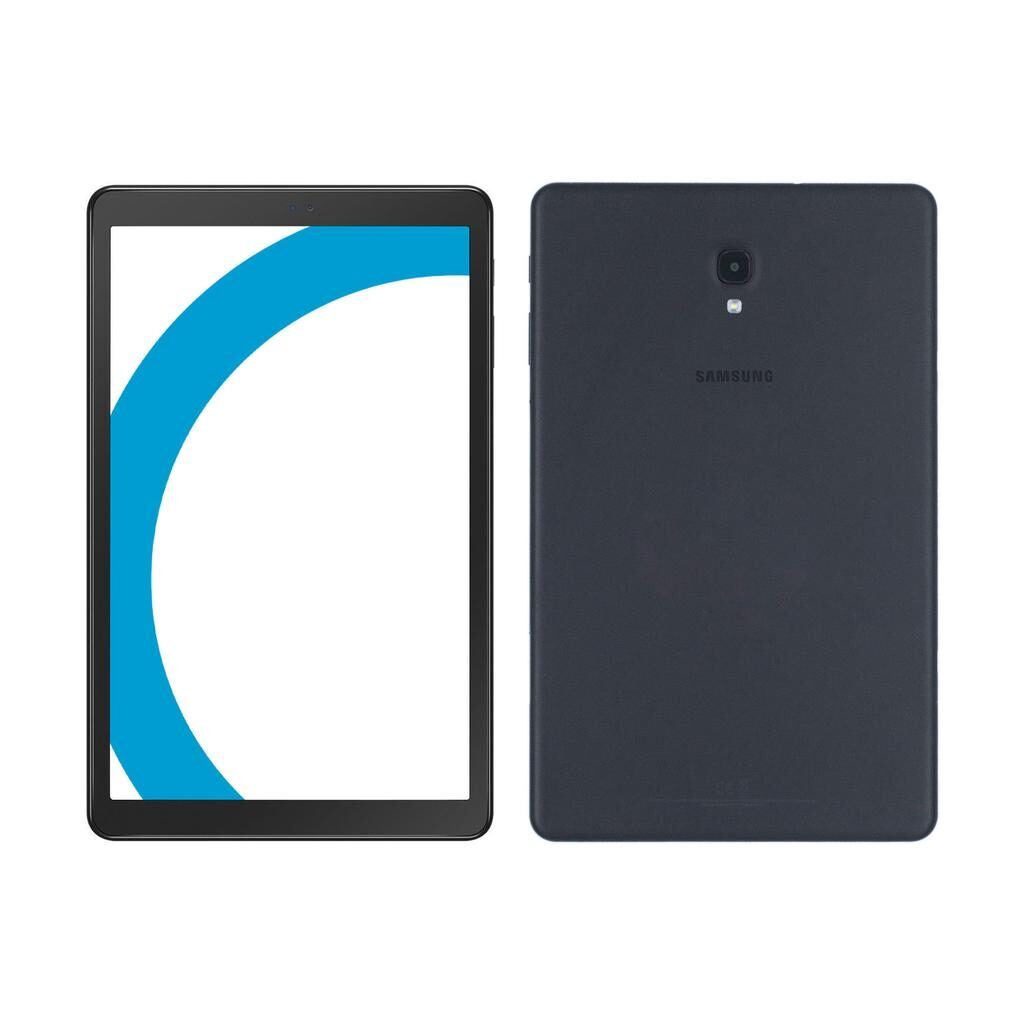
Galaxy Tab A (10.5", 2018)
Starting at
£66.60£339.00 new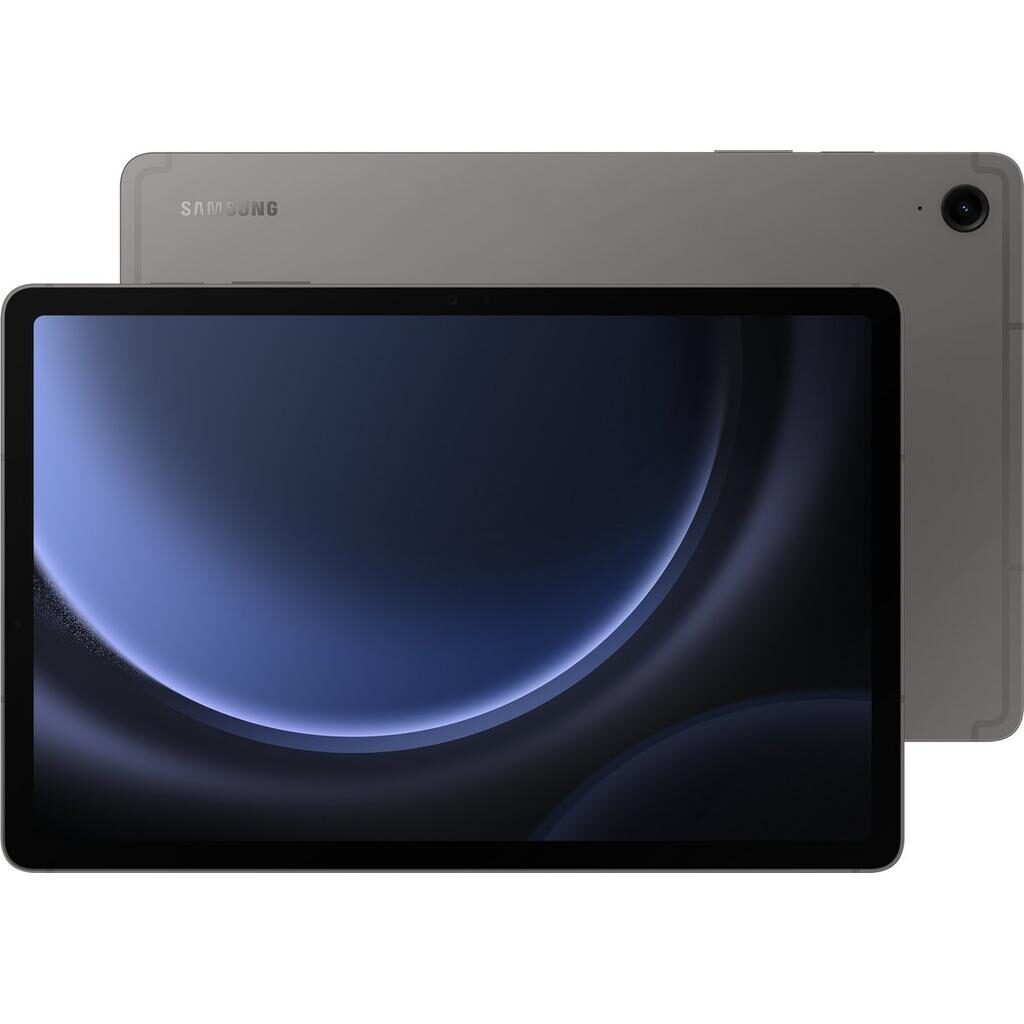
Galaxy Tab S9 FE (10.9", 2023)
Starting at
£368.17£606.86 newWhat's the difference between the Galaxy Tab A (10.5", 2018) and Galaxy Tab S9 FE (10.9", 2023)?
Galaxy Tab A (10.5", 2018) vs Galaxy Tab S9 FE (10.9", 2023) comes down to the chipset, RAM and battery. Refurbished, the Galaxy Tab A (10.5", 2018) starts at £66.60, £301.57 less than the Galaxy Tab S9 FE (10.9", 2023). The Galaxy Tab S9 FE (10.9", 2023) is the newer model, released in 2023.
Refurbished from
Chipset
RAM
Battery
Screen size
Front camera
- Chipset: Qualcomm SDM450 Snapdragon 450 (14 nm) on the Galaxy Tab A (10.5", 2018), Exynos 1380 on the Galaxy Tab S9 FE (10.9", 2023).
- The Galaxy Tab S9 FE (10.9", 2023) has more RAM: 6 GB vs 3 GB.
- The Galaxy Tab S9 FE (10.9", 2023) has a bigger battery: 8000 mAh vs 7300 mAh.
Galaxy Tab A (10.5", 2018) vs Galaxy Tab S9 FE (10.9", 2023) specs
The Galaxy Tab A (10.5", 2018) and Galaxy Tab S9 FE (10.9", 2023) differ primarily in screen size, performance, and features. The Galaxy Tab S9 FE offers a larger and sharper screen, more storage options, and greater RAM for keeping more apps open. It supports a newer Android version and has a bigger battery capacity, suited for users who want a tablet with extra power and newer software. The Galaxy Tab A is a simpler option with enough storage and battery life for everyday use, making it a solid choice for those who need a straightforward tablet for browsing, video calls, and light tasks.
Galaxy Tab A (10.5", 2018) vs Galaxy Tab S9 FE (10.9", 2023) price
Colour
Galaxy Tab A (10.5", 2018) vs Galaxy Tab S9 FE (10.9", 2023) battery life and software updates
Durability covers battery life, software updates, and device thickness. The two tablets differ in battery capacity and supported Android versions, which influence daily use and longevity.
Battery Capacity
The Galaxy Tab S9 FE has an 8000 mAh battery, which is larger than the Galaxy Tab A's 7300 mAh. This means the S9 FE can last longer between charges, suiting users who need extended use for work or entertainment without frequent recharging.
Software Support
The Galaxy Tab S9 FE supports Android 13, while the Galaxy Tab A supports up to Android 10.
Device Thickness
The Galaxy Tab S9 FE is slimmer at 6.5 mm compared to the Galaxy Tab A's 8 mm. This difference might appeal to those who value a lighter and thinner device for portability.
Battery
Maximum operating system supported
Year of release
Galaxy Tab A (10.5", 2018) vs Galaxy Tab S9 FE (10.9", 2023) performance
Performance determines how smoothly apps run and how much storage and memory are available. The two tablets differ in chipset, memory, processor speed, and storage options.
Processor Speed and Chipset
The Galaxy Tab S9 FE uses an Exynos 1380 chipset with a processor speed of 2.4 GHz, offering faster processing than the Galaxy Tab A's Qualcomm Snapdragon 450 at 1.8 GHz. This makes the S9 FE better suited for multitasking and more demanding apps.
Memory and Storage
With 6 GB of RAM, the Galaxy Tab S9 FE can keep more apps open simultaneously compared to the Galaxy Tab A's 3 GB. Storage also differs greatly: the Tab S9 FE offers 128 GB and 256 GB options, while the Tab A comes with 32 GB, suiting users who need more space for files, apps, and media.
Chipset
Processor
Processor brand
Processor core
Processor speed ghz
RAM
Galaxy Tab A (10.5", 2018) vs Galaxy Tab S9 FE (10.9", 2023) screen
Screen quality affects how clear and spacious your viewing experience is. Both tablets use IPS LCD panels but differ in size, resolution, and pixel density.
Screen Size and Resolution
The Galaxy Tab S9 FE has a 10.9 inch screen with a resolution of 1440 x 2304, offering a larger and sharper display than the Galaxy Tab A's 10.5 inch screen at 1200 x 1920. This benefits users who watch videos or work on detailed tasks.
Pixel Density
The Tab S9 FE has a pixel density of 250 ppp compared to the Tab A's 216 ppp, meaning text and images appear crisper on the S9 FE. This suits users prioritising screen clarity.
Display glass
Pixel density
Refresh rate
Resolution
Screen size
Screen type
Galaxy Tab A (10.5", 2018) vs Galaxy Tab S9 FE (10.9", 2023) camera
Audiovisual features include cameras, speakers, and video recording quality. Differences here affect video calls, photography, and media playback.
Front Camera
The Galaxy Tab S9 FE offers a 12 megapixel front camera, compared to the Galaxy Tab A's 5 megapixels. This makes the S9 FE better for video calls and selfies with more detail.
Video Recording
The S9 FE supports 4K video recording at 30 FPS, delivering higher resolution video compared to the Tab A's 1080p 30 FPS. Users who record videos will benefit from this increased quality.
Speakers
The Galaxy Tab A features four stereo speakers, while the Galaxy Tab S9 FE has stereo speakers. The Tab A's four speakers may offer a louder or more immersive sound experience for watching videos.
Front camera
Front camera definition
Main camera
Rear camera definition
Speakers
Video recording
Webcam
Galaxy Tab A (10.5", 2018) vs Galaxy Tab S9 FE (10.9", 2023) size and design
Miscellaneous features cover connectivity, physical design, and extras like stylus support. These differences influence how you use the tablet day to day.
Bluetooth and Wi-Fi
The Galaxy Tab S9 FE supports Bluetooth 5.3 and Wi-Fi 802.11 a/b/g/n/ac/6, while the Tab A has Bluetooth 4.2 and Wi-Fi 802.11 a/b/g/n/ac. The newer standards on the S9 FE offer improved wireless performance and range.
SIM and Connectivity
The Galaxy Tab S9 FE does not have a SIM port and supports double SIM, whereas the Galaxy Tab A is unlocked. This affects users who need mobile network connectivity and SIM flexibility.
Headphone Jack
The Galaxy Tab A includes a 3.5 mm headphone jack for wired audio, while the S9 FE uses USB Type-C for headphones. This difference matters if you prefer traditional headphone connections.
Stylus Support
The Galaxy Tab S9 FE supports a stylus pencil, which can be useful for drawing and note-taking. The Galaxy Tab A does not have stylus support.
120hz
Bluetooth version
Carrier compatibility
Connector
Depth
Double sim
Face
Headphones connectivity
Height
Megapixels
Sim format
Touch
Weight
Width
Wifi technology
With stylus pencil
Galaxy Tab A (10.5", 2018) or Galaxy Tab S9 FE (10.9", 2023): which should you buy?
Buy the Galaxy Tab A (10.5", 2018) if
- you want to spend less: it starts at £66.60, £301.57 less than the Galaxy Tab S9 FE (10.9", 2023)
- you want a lighter build (500 g vs 52400 g)
Buy the Galaxy Tab S9 FE (10.9", 2023) if
- you want more RAM (6 GB vs 3 GB)
- you want a bigger battery (8000 mAh vs 7300 mAh)
- you want a bigger screen (10.9 inch vs 10.5 inch)
What our customers say
Customers say the Galaxy Tab A (10.5", 2018) looks very clean and runs apps smoothly without lag. Battery life is consistently praised for lasting well through a day of browsing, streaming, and video calls. Some users mention the speaker volume could be louder, but overall the tablet feels solid and reliable. Storage of 32 GB suits everyday use well, and the screen is clear for daily tasks.
For the Galaxy Tab S9 FE (10.9", 2023), customers appreciate the tablet's near-new condition and smooth performance. The larger screen and bright colours receive positive mentions, as does the solid battery life lasting all day. Some find the Android system different from their previous device, requiring a learning curve. The stylus is noted as a helpful feature, though some report missing or worn nibs. The absence of a SIM port surprises some, but this does not detract from the overall satisfaction with the device's speed and screen quality.
Both tablets suit different users well. The Galaxy Tab A fits those seeking a reliable, straightforward tablet for everyday tasks with good battery life. The Galaxy Tab S9 FE is better for users wanting higher performance, a larger and sharper screen, more storage, and stylus support, though it may need some adjustment to the newer Android system.
Galaxy Tab A (10.5", 2018) vs Galaxy Tab S9 FE (10.9", 2023) FAQs
Galaxy Tab A (10.5", 2018) vs Galaxy Tab S9 FE (10.9", 2023) comes down to the chipset, RAM and battery. Chipset: Qualcomm SDM450 Snapdragon 450 (14 nm) on the Galaxy Tab A (10.5", 2018), Exynos 1380 on the Galaxy Tab S9 FE (10.9", 2023). The Galaxy Tab S9 FE (10.9", 2023) has more RAM: 6 GB vs 3 GB.
The Galaxy Tab A (10.5", 2018) is cheaper refurbished, from £66.60 compared with £368.17 for the Galaxy Tab S9 FE (10.9", 2023).
The Galaxy Tab S9 FE (10.9", 2023) has a bigger battery: 8000 mAh vs 7300 mAh.
Both have the same main camera: 8 megapixels.
The Galaxy Tab S9 FE (10.9", 2023) adds more RAM (6 GB vs 3 GB), a bigger battery (8000 mAh vs 7300 mAh) and a bigger screen (10.9 inch vs 10.5 inch). Refurbished, it costs £301.57 more (from £368.17 vs £66.60).
Refurbished, the Galaxy Tab A (10.5", 2018) comes in 32GB, and the Galaxy Tab S9 FE (10.9", 2023) in 128GB and 256GB.