Galaxy Tab A (10.1", 2019) vs Galaxy Tab S9 Ultra (14.6", 2023)
Shop Samsung Galaxy Tab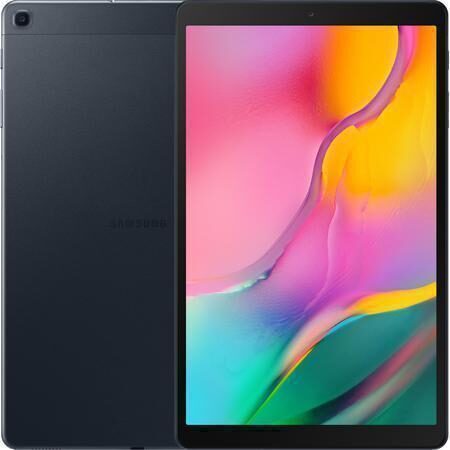
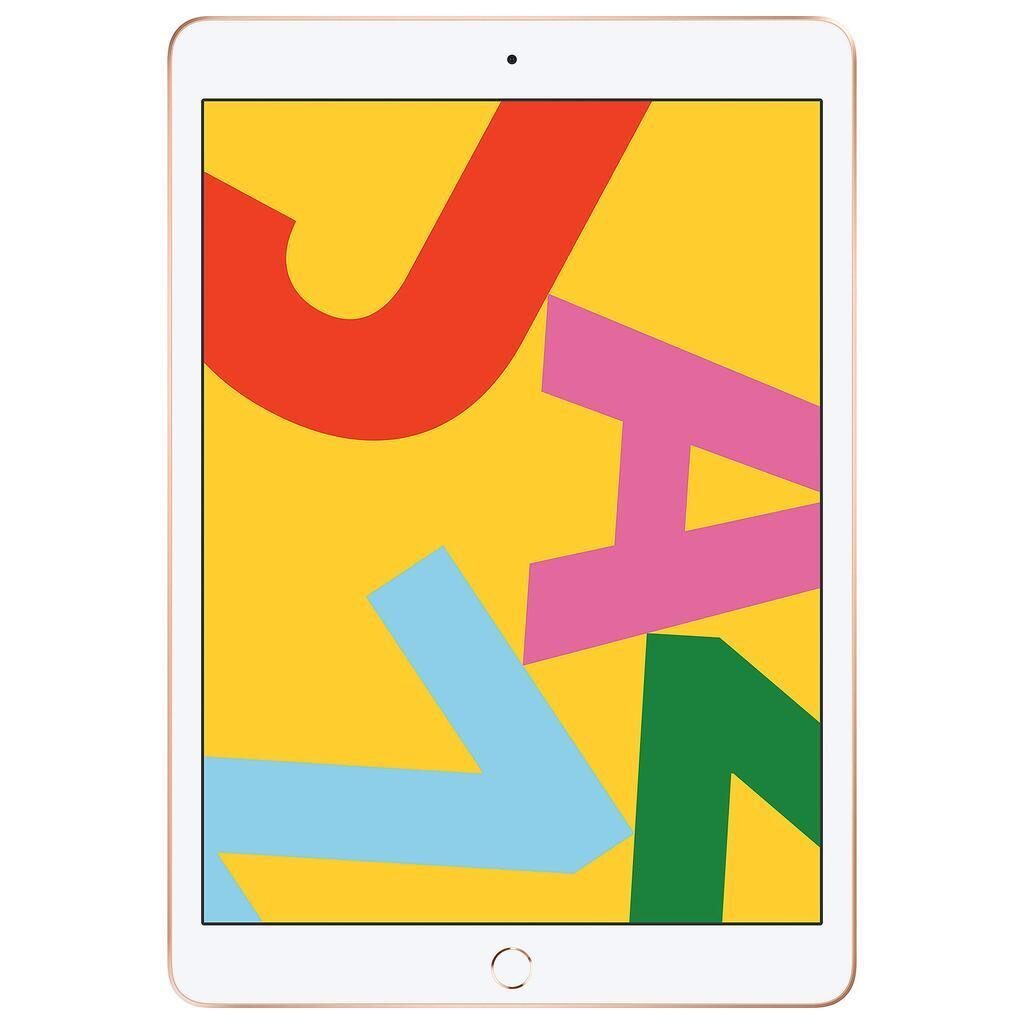
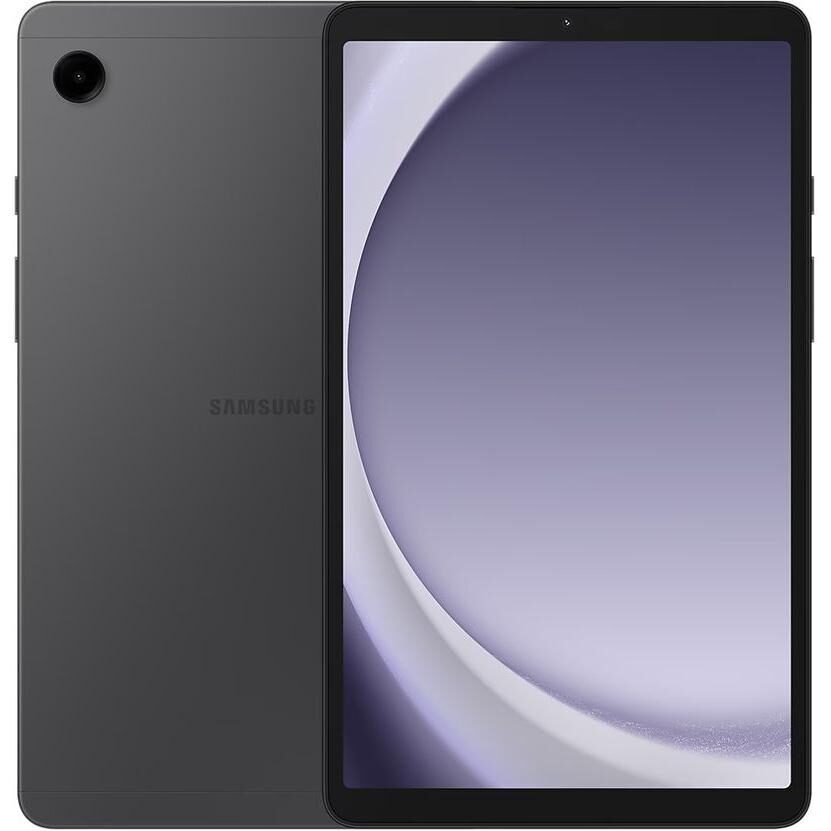
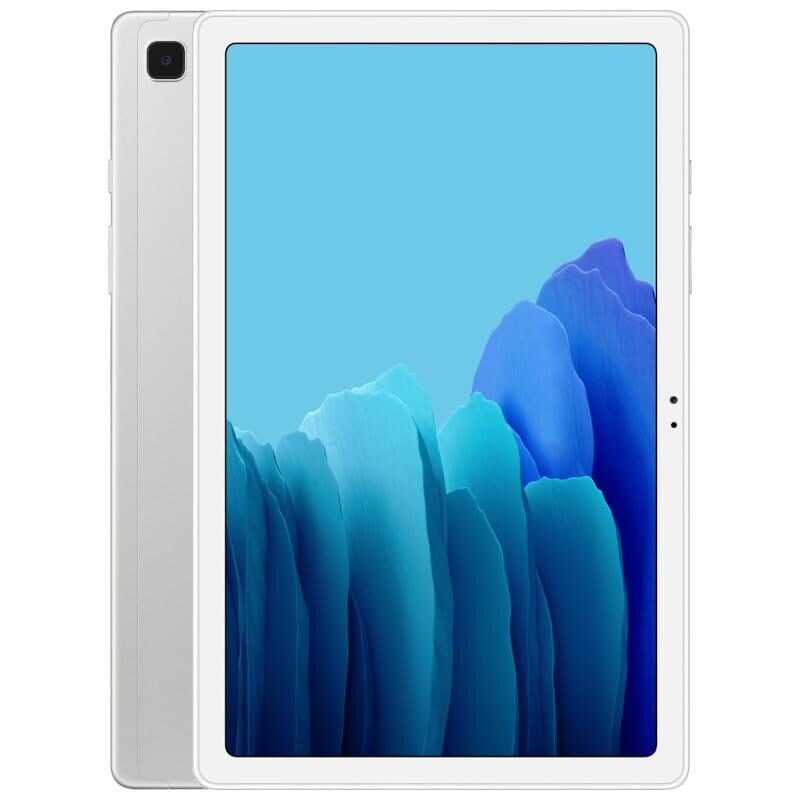
Galaxy Tab A (10.1", 2019)
Starting at
£67.50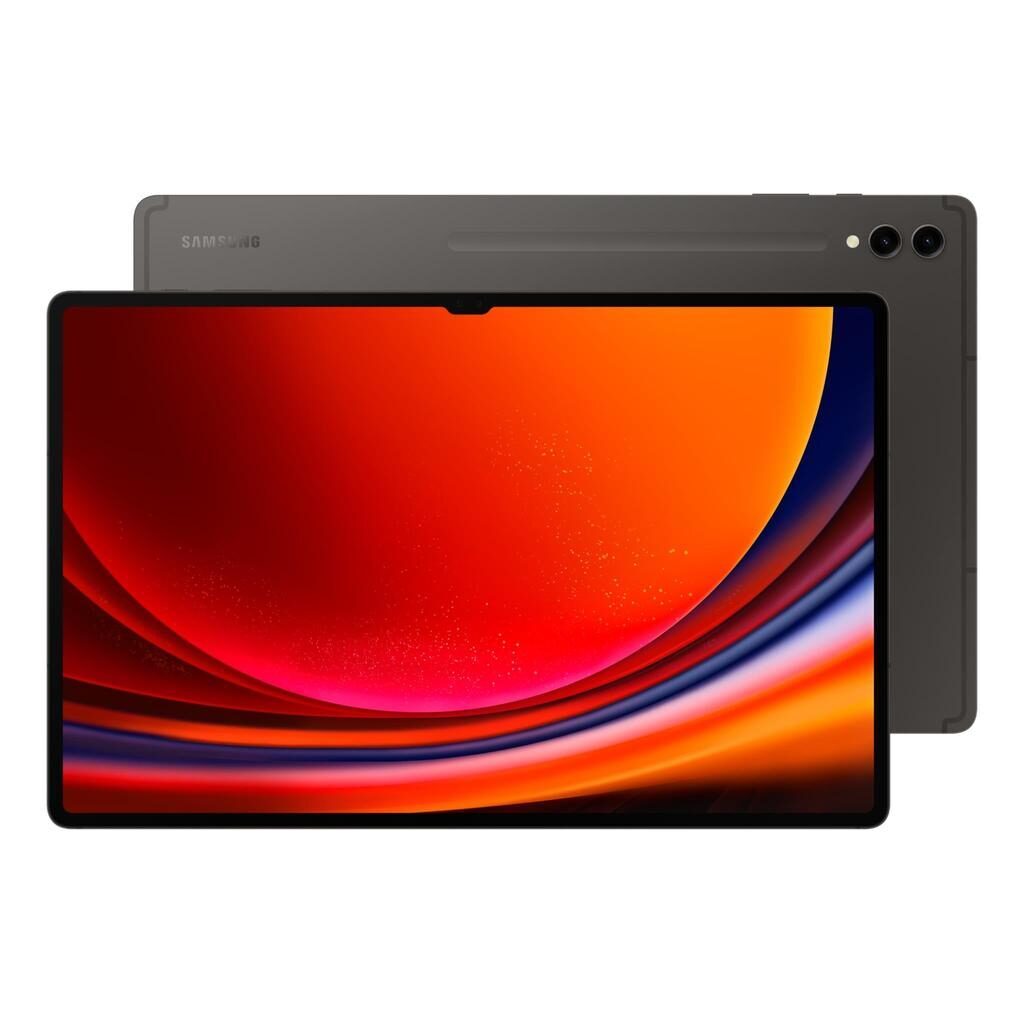
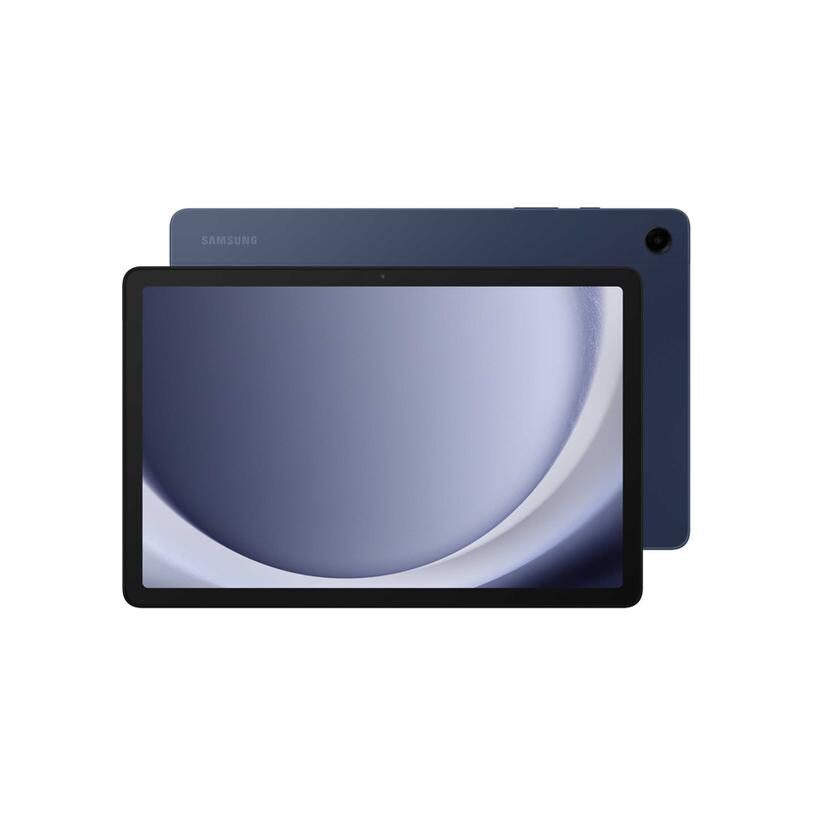
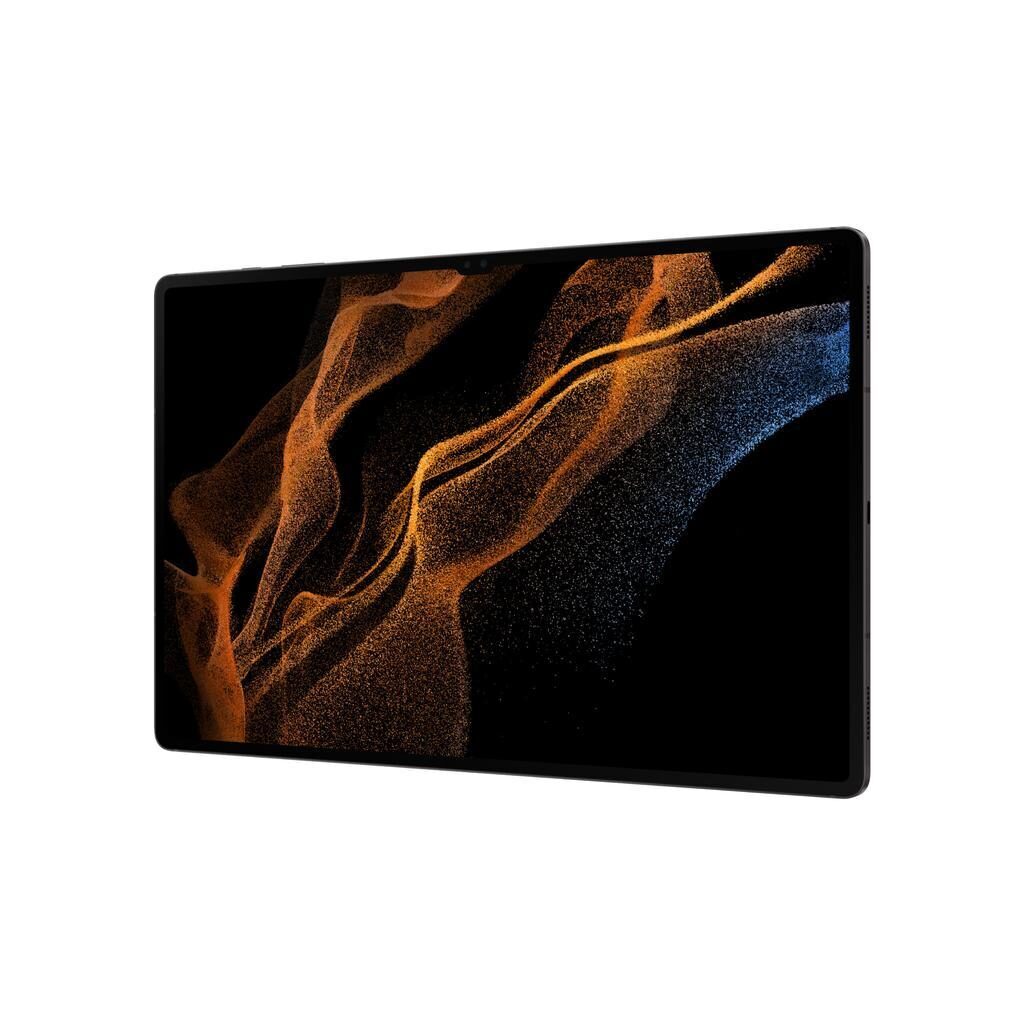
Galaxy Tab S9 Ultra (14.6", 2023)
Starting at
£607.44£1,501.24 newWhat's the difference between the Galaxy Tab A (10.1", 2019) and Galaxy Tab S9 Ultra (14.6", 2023)?
Galaxy Tab A (10.1", 2019) vs Galaxy Tab S9 Ultra (14.6", 2023) comes down to the RAM, screen size and screen type. Refurbished, the Galaxy Tab A (10.1", 2019) starts at £67.50, £539.94 less than the Galaxy Tab S9 Ultra (14.6", 2023). The Galaxy Tab S9 Ultra (14.6", 2023) is the newer model, released in 2023.
Refurbished from
RAM
Screen size
Screen type
Weight
- The Galaxy Tab S9 Ultra (14.6", 2023) has more RAM: 12 GB vs 2 GB.
- The Galaxy Tab S9 Ultra (14.6", 2023) has a bigger screen: 14.6 inch vs 10.1 inch.
- The Galaxy Tab S9 Ultra (14.6", 2023) has an OLED screen.
Galaxy Tab A (10.1", 2019) vs Galaxy Tab S9 Ultra (14.6", 2023) specs
The Galaxy Tab A (10.1", 2019) and the Galaxy Tab S9 Ultra (14.6", 2023) differ significantly in size, power, and features. The Galaxy Tab A suits everyday use with its simpler specifications, smaller screen, and lower RAM, making it a good fit for basic tasks and users who want a straightforward tablet. The Galaxy Tab S9 Ultra offers a much larger, higher-quality screen, more powerful processor, and greater memory and storage options, which suits users who want a device for more demanding apps, multitasking, and media consumption. The choice depends on whether you prefer a compact, easy-to-use tablet or a larger device with advanced capabilities.
Galaxy Tab A (10.1", 2019) vs Galaxy Tab S9 Ultra (14.6", 2023) price
Galaxy Tab A (10.1", 2019) vs Galaxy Tab S9 Ultra (14.6", 2023) battery life and software updates
Durability and software support influence how long a tablet stays current and secure.
Operating System Support
This suits users who do not require the newest features or security patches.
Battery
Maximum operating system supported
Year of release
Galaxy Tab A (10.1", 2019) vs Galaxy Tab S9 Ultra (14.6", 2023) performance
Performance affects how smoothly a tablet runs apps and handles multitasking. These devices offer very different processor speeds, memory, and storage options, which shape their performance.
Processor Speed and Brand
The Galaxy Tab A has a Samsung Exynos 7904 processor running at 1.8000 GHz, suitable for everyday tasks like browsing and video streaming. The Galaxy Tab S9 Ultra features a Qualcomm SM8550-AC Snapdragon 8 Gen 2 processor at 3.36 GHz, offering significantly more power for demanding apps and multitasking.
Memory Capacity
With 2 GB of RAM, the Galaxy Tab A handles basic apps and light multitasking. The Galaxy Tab S9 Ultra provides 12 GB of RAM, allowing you to keep many apps open and run resource-heavy software smoothly.
Storage Options
The Galaxy Tab A is available with 16 GB or 32 GB of storage, which fits simple file storage and apps. The Galaxy Tab S9 Ultra comes in larger storage sizes of 256 GB, 512 GB, and 1 TB, suitable for users who need to store extensive media, apps, and files.
Chipset
Processor
Processor brand
Processor core
Processor speed ghz
RAM
Galaxy Tab A (10.1", 2019) vs Galaxy Tab S9 Ultra (14.6", 2023) screen
Screen quality impacts your viewing experience for videos, reading, and work. These two tablets differ in size, resolution, screen type, and pixel density.
Screen Size
The Galaxy Tab A has a 10.1 inch screen, making it more portable and easier to hold for long periods. The Galaxy Tab S9 Ultra features a much larger 14.6 inch screen, providing a spacious display ideal for watching movies, multitasking, or drawing.
Resolution and Pixel Density
The Galaxy Tab A offers a resolution of 1200 by 1920 pixels with 230 pixels per inch, which suits everyday viewing needs. The Galaxy Tab S9 Ultra's resolution is 1848 by 2960 pixels with 240 pixels per inch, delivering sharper images and finer detail, especially noticeable on its larger screen.
Screen Technology and Refresh Rate
The Galaxy Tab A uses a TFT LCD screen, which provides clear visuals suited to general use. The Galaxy Tab S9 Ultra has a Dynamic AMOLED 2X screen and supports 120hz refresh rate, resulting in more vivid colours, deeper contrast, and smoother motion, which benefits gaming and video playback.
Brightness
Display glass
Pixel density
Refresh rate
Resolution
Screen size
Screen type
Galaxy Tab A (10.1", 2019) vs Galaxy Tab S9 Ultra (14.6", 2023) camera
Audio and camera features contribute to multimedia enjoyment and video calls. Both tablets include stereo speakers and webcams, but the Galaxy Tab S9 Ultra offers more in speaker count and camera resolution.
Speakers
The Galaxy Tab A has stereo speakers suitable for casual listening and video calls. The Galaxy Tab S9 Ultra features four stereo speakers, which provide a richer and more immersive sound experience for music and media.
Webcam and Camera
Both devices include a webcam for video calls. The Galaxy Tab A's main camera is 8 megapixels, capturing decent detail for photos. The Galaxy Tab S9 Ultra has a 13 megapixel camera, which can capture images with more detail.
Front camera
Front camera definition
Main camera
Rear camera definition
Speakers
Video recording
Webcam
Galaxy Tab A (10.1", 2019) vs Galaxy Tab S9 Ultra (14.6", 2023) size and design
Other differences include refresh rate, carrier compatibility, and weight, which affect smoothness, connectivity, and portability.
Refresh Rate
The Galaxy Tab A screen refreshes at a standard rate, while the Galaxy Tab S9 Ultra supports 120hz. This higher refresh rate means smoother motion on screen, useful for fast-paced videos or gaming.
Carrier Compatibility
The Galaxy Tab A does not have a SIM port, meaning it works without mobile network connectivity. The Galaxy Tab S9 Ultra is unlocked and supports SIM cards, so you can use it with mobile data networks.
Weight
The Galaxy Tab A weighs 469 g, which is typical for a 10.1 inch tablet. The Galaxy Tab S9 Ultra weighs 129 g according to the specs, which is unusually light for a 14.6 inch device and may reflect a specific configuration or measurement.
120hz
Bluetooth version
Carrier compatibility
Connector
Depth
Double sim
Headphones connectivity
Height
Megapixels
Sim format
Touch
Weight
Width
Wifi technology
Galaxy Tab A (10.1", 2019) or Galaxy Tab S9 Ultra (14.6", 2023): which should you buy?
Buy the Galaxy Tab A (10.1", 2019) if
- you want to spend less: it starts at £67.50, £539.94 less than the Galaxy Tab S9 Ultra (14.6", 2023)
Buy the Galaxy Tab S9 Ultra (14.6", 2023) if
- you want more RAM (12 GB vs 2 GB)
- you want a bigger screen (14.6 inch vs 10.1 inch)
- you want an OLED screen
What our customers say
Customers who chose the Galaxy Tab A appreciate its condition and value for everyday use. They find it easy to set up and suitable for older users or as a simple tablet for children. The device is described as working perfectly and in very good condition. Some customers mention satisfaction with the tablet's performance for basic tasks and its straightforward nature.
Those who bought the Galaxy Tab S9 Ultra praise its condition, with many saying it looks like new and has no signs of prior use. The display quality is highlighted as beautiful, and the device is noted for smooth performance and long battery life. Customers express high satisfaction with the tablet's power and screen, with some planning to purchase more devices from the same range.
Overall, the Galaxy Tab A suits users looking for a practical and simple tablet, especially for everyday activities and easy handling. The Galaxy Tab S9 Ultra appeals to users who want a premium screen, higher performance, and more storage for demanding use.
Galaxy Tab A (10.1", 2019) vs Galaxy Tab S9 Ultra (14.6", 2023) FAQs
Galaxy Tab A (10.1", 2019) vs Galaxy Tab S9 Ultra (14.6", 2023) comes down to the RAM, screen size and screen type. The Galaxy Tab S9 Ultra (14.6", 2023) has more RAM: 12 GB vs 2 GB. The Galaxy Tab S9 Ultra (14.6", 2023) has a bigger screen: 14.6 inch vs 10.1 inch.
The Galaxy Tab A (10.1", 2019) is cheaper refurbished, from £67.50 compared with £607.44 for the Galaxy Tab S9 Ultra (14.6", 2023).
The Galaxy Tab S9 Ultra (14.6", 2023) adds more RAM (12 GB vs 2 GB), a bigger screen (14.6 inch vs 10.1 inch) and an OLED screen. Refurbished, it costs £539.94 more (from £607.44 vs £67.50).
Refurbished, the Galaxy Tab A (10.1", 2019) comes in 16GB and 32GB, and the Galaxy Tab S9 Ultra (14.6", 2023) in 256GB, 512GB and 1TB.