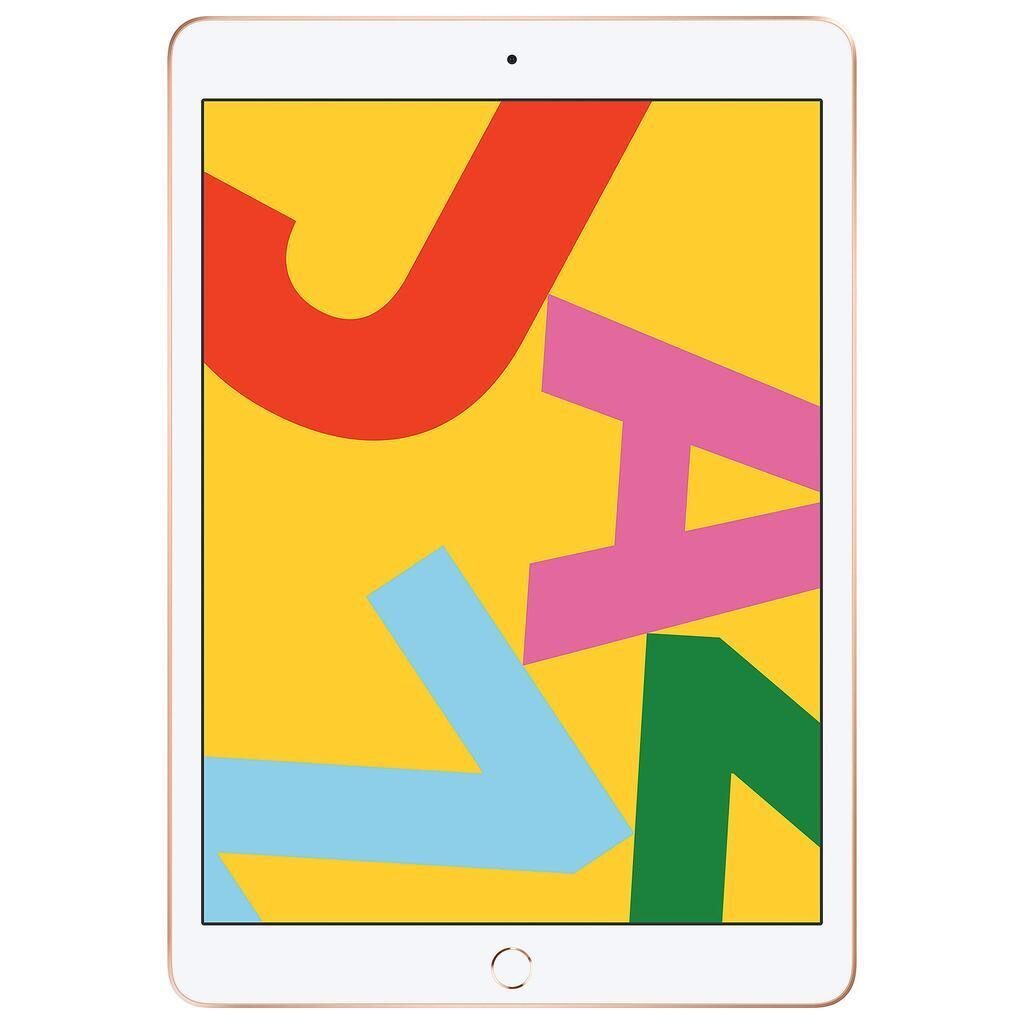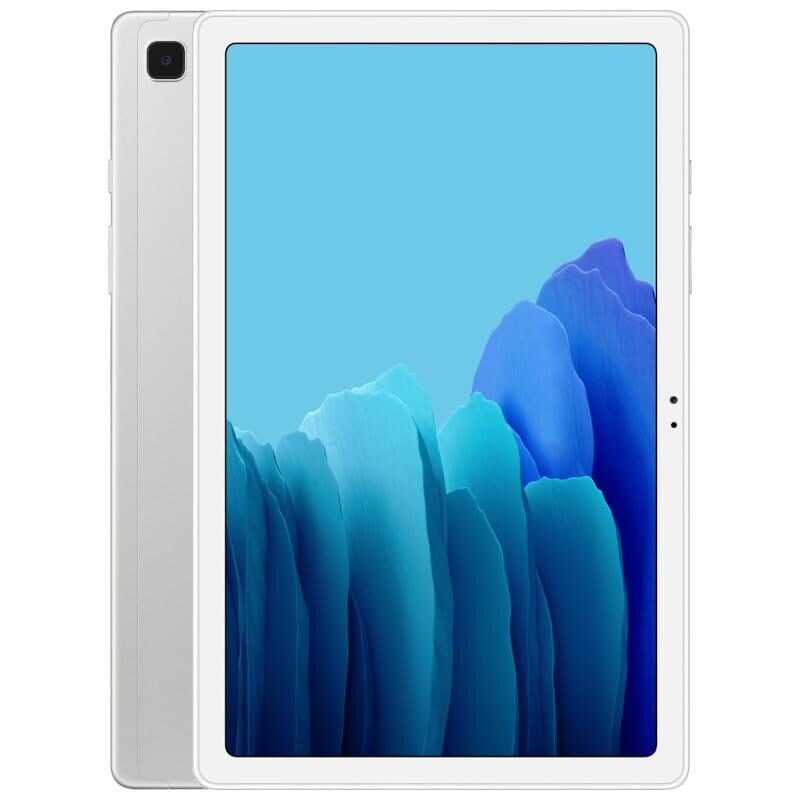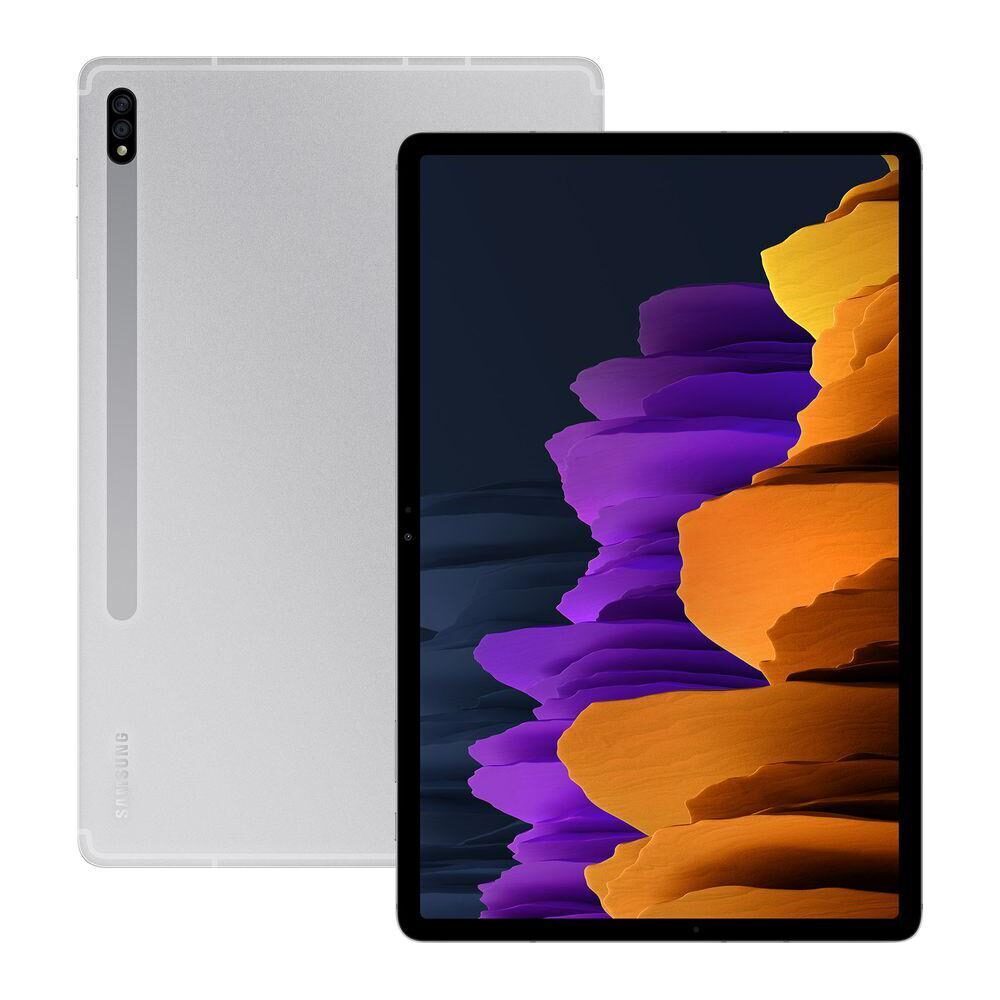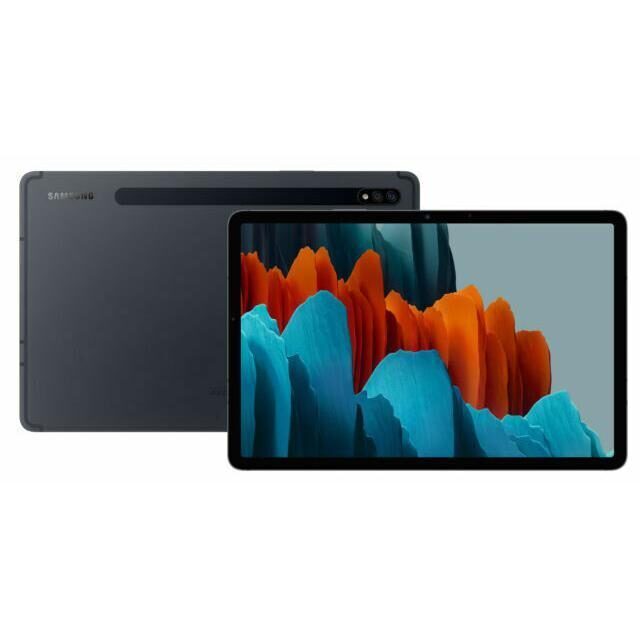
Galaxy Tab A (10.1", 2019) vs Galaxy Tab S3 (9.7", 2017)
Shop Samsung Galaxy Tab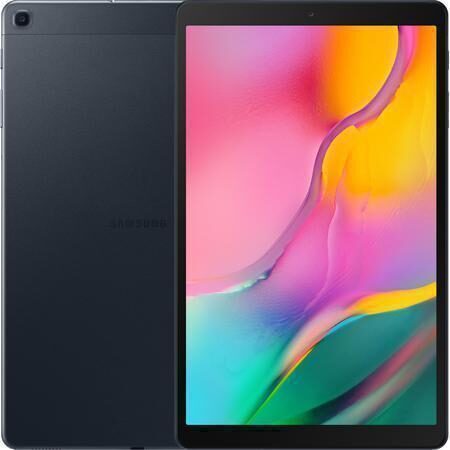
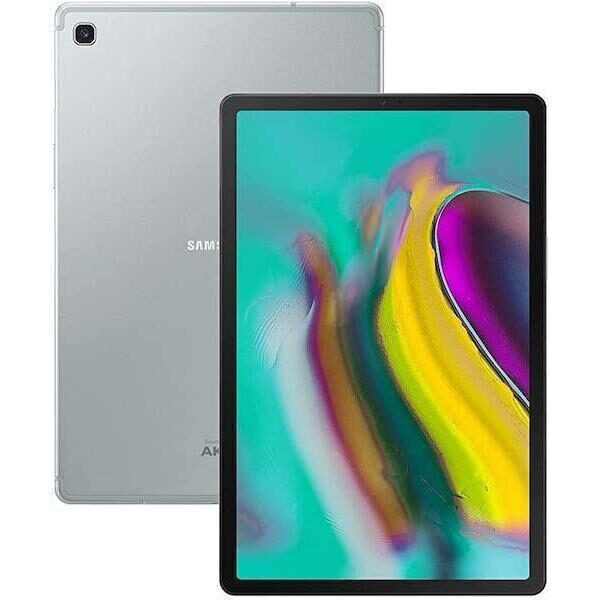
Galaxy Tab A (10.1", 2019)
Starting at
£67.50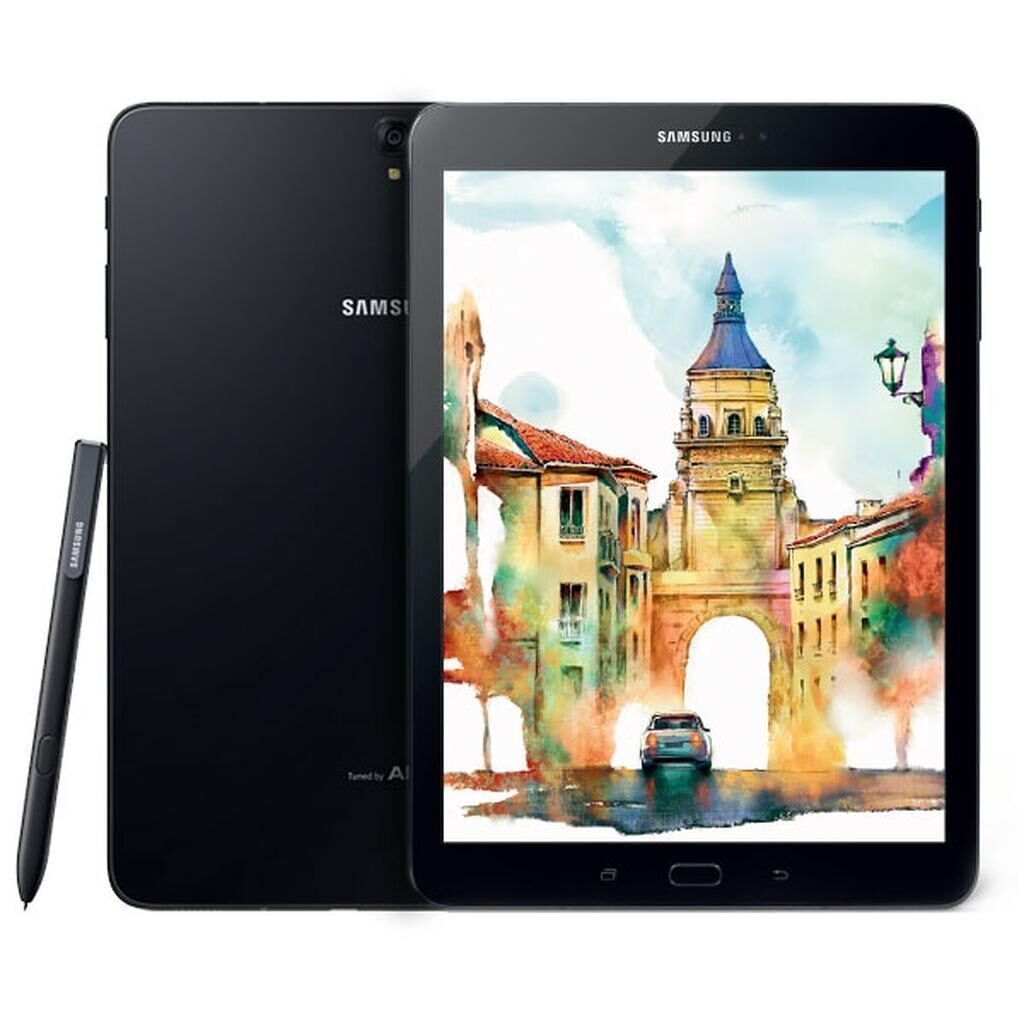
Galaxy Tab S3 (9.7", 2017)
Starting at
£103.06£599.00 newWhat's the difference between the Galaxy Tab A (10.1", 2019) and Galaxy Tab S3 (9.7", 2017)?
Galaxy Tab A (10.1", 2019) vs Galaxy Tab S3 (9.7", 2017) comes down to the RAM, screen size and screen type. Refurbished, the Galaxy Tab A (10.1", 2019) starts at £67.50, £35.56 less than the Galaxy Tab S3 (9.7", 2017). The Galaxy Tab A (10.1", 2019) is the newer model, released in 2019.
Refurbished from
RAM
Screen size
Screen type
Weight
- The Galaxy Tab S3 (9.7", 2017) has more RAM: 4 GB vs 2 GB.
- The Galaxy Tab A (10.1", 2019) has a bigger screen: 10.1 inch vs 9.7 inch.
- The Galaxy Tab S3 (9.7", 2017) has an OLED screen.
Galaxy Tab A (10.1", 2019) vs Galaxy Tab S3 (9.7", 2017) specs
The Galaxy Tab A (10.1", 2019) and Galaxy Tab S3 (9.7", 2017) differ notably in screen technology, performance specs, and memory. The Tab A offers a larger 10.1 inch TFT LCD screen with lower pixel density, suited for those wanting more display area for everyday use. The Tab S3 has a smaller 9.7 inch Super AMOLED screen with higher resolution and pixel density, ideal if you prioritise sharper and more vibrant visuals. Performance-wise, the Tab S3 has a faster processor speed and double the RAM, fitting users who want smoother multitasking and more demanding apps. The Tab A provides more storage options and a higher maximum Android version, which suits users focused on software updates and flexible storage. Audio and camera features also vary, with the Tab S3 having more speakers and a higher megapixel camera for richer sound and detailed photos.
Galaxy Tab A (10.1", 2019) vs Galaxy Tab S3 (9.7", 2017) price
Galaxy Tab A (10.1", 2019) vs Galaxy Tab S3 (9.7", 2017) battery life and software updates
Durability covers software support and operating system versions, important for device longevity and security.
Operating System Versions
The Galaxy Tab A supports up to Android 11, offering a more recent system with newer features and security updates. Users who prioritise newer software may prefer the Tab A for its higher maximum Android version.
Battery
Maximum operating system supported
Year of release
Galaxy Tab A (10.1", 2019) vs Galaxy Tab S3 (9.7", 2017) performance
Performance depends on processor speed, cores, RAM, and storage options. These affect how well the tablet handles apps and multitasking.
Processor Cores and Speed
The Galaxy Tab A has an 8-core Exynos 7904 processor running at 1.8000 GHz, providing efficient handling of everyday tasks. The Galaxy Tab S3 features a 4-core Qualcomm Snapdragon 820 processor at 2.1500 GHz, which offers higher individual core speed for performance demanding apps. The choice depends on whether you want more cores for multitasking or faster cores for intensive tasks.
Memory and Storage
The Galaxy Tab A comes with 2 GB of RAM and two storage options: 16GB and 32GB. This suits users who want flexibility in storage and use less memory-heavy apps. The Galaxy Tab S3 includes 4 GB of RAM and 32GB storage, supporting smoother multitasking and running more apps simultaneously. If you use many apps at once, the Tab S3's higher RAM may be beneficial.
Chipset
Processor
Processor brand
Processor core
Processor speed ghz
RAM
Galaxy Tab A (10.1", 2019) vs Galaxy Tab S3 (9.7", 2017) screen
Screen quality affects viewing experience for videos, reading, and gaming. Size, resolution, pixel density, and screen type differ between these tablets.
Screen Size and Type
The Galaxy Tab A has a larger 10.1 inch TFT LCD screen offering more room for watching videos and browsing. The Galaxy Tab S3 has a smaller 9.7 inch Super AMOLED screen, which delivers richer colours and deeper blacks, ideal for users valuing vivid display quality.
Resolution and Pixel Density
The Galaxy Tab S3 offers a higher resolution of 1536 x 2048 with 270 pixels per inch, providing sharper images and text. The Galaxy Tab A has a resolution of 1200 x 1920 and 230 pixels per inch, suitable for general use where screen sharpness is less critical.
Display glass
Pixel density
Resolution
Screen size
Screen type
Galaxy Tab A (10.1", 2019) vs Galaxy Tab S3 (9.7", 2017) camera
Audio and visual features shape media and communication experiences. Differences in speakers and cameras affect sound quality and photo detail.
Speakers
The Galaxy Tab S3 includes four stereo speakers, offering richer and more immersive sound for music, videos, and games. The Galaxy Tab A has stereo speakers, which provide good sound but without the extra detail from four speakers.
Camera Megapixels
The Galaxy Tab S3 features a 13-megapixel camera, capturing more detail in photos. The Galaxy Tab A has an 8-megapixel camera, suitable for everyday snapshots and video calls.
Front camera
Front camera definition
Main camera
Rear camera definition
Speakers
Video recording
Webcam
Galaxy Tab A (10.1", 2019) vs Galaxy Tab S3 (9.7", 2017) size and design
Other features like weight, SIM compatibility, and refresh rate can influence portability and usability based on your preferences.
Weight
The Galaxy Tab S3 weighs 426 g, making it lighter and possibly easier to hold for long periods. The Galaxy Tab A weighs 469 g, slightly heavier due to its larger screen size.
Carrier and SIM Options
Both tablets come without SIM ports, so they rely on Wi-Fi for connectivity. Neither supports double SIM.
120hz
Bluetooth version
Carrier compatibility
Connector
Depth
Double sim
Headphones connectivity
Height
Megapixels
Sim format
Touch
Weight
Width
Wifi technology
With stylus pencil
Galaxy Tab A (10.1", 2019) or Galaxy Tab S3 (9.7", 2017): which should you buy?
Buy the Galaxy Tab A (10.1", 2019) if
- you want to spend less: it starts at £67.50, £35.56 less than the Galaxy Tab S3 (9.7", 2017)
- you want a bigger screen (10.1 inch vs 9.7 inch)
Buy the Galaxy Tab S3 (9.7", 2017) if
- you want more RAM (4 GB vs 2 GB)
- you want an OLED screen
- you want a lighter build (426 g vs 469 g)
What our customers say
Customers say the Galaxy Tab A (10.1", 2019) tablets arrive in very good condition and work perfectly for everyday use. They find them easy to set up and suitable for all ages, including older users. The device is praised for good value and reliable performance. Some customers mention minor issues with quality checks or missing accessories but overall are happy with the condition and functionality.
For the Galaxy Tab S3 (9.7", 2017), customers report it looks like new and runs smoothly for browsing, streaming, and multitasking. Battery life is noted as lasting a full day of use. Some mention small marks or scratches and that the stylus pen is not included, which requires a separate purchase for those wanting that feature. The tablet is valued for its condition and performance at a good price.
The Galaxy Tab A suits users seeking a larger screen and straightforward use with decent performance and storage choices. The Galaxy Tab S3 suits those who prioritise display quality, higher RAM, and camera detail, especially if a stylus is purchased separately.
Galaxy Tab A (10.1", 2019) vs Galaxy Tab S3 (9.7", 2017) FAQs
Galaxy Tab A (10.1", 2019) vs Galaxy Tab S3 (9.7", 2017) comes down to the RAM, screen size and screen type. The Galaxy Tab S3 (9.7", 2017) has more RAM: 4 GB vs 2 GB. The Galaxy Tab A (10.1", 2019) has a bigger screen: 10.1 inch vs 9.7 inch.
The Galaxy Tab A (10.1", 2019) is cheaper refurbished, from £67.50 compared with £103.06 for the Galaxy Tab S3 (9.7", 2017).
The Galaxy Tab A (10.1", 2019) adds a bigger screen (10.1 inch vs 9.7 inch). Refurbished, it costs £35.56 less (from £67.50 vs £103.06).
Refurbished, the Galaxy Tab A (10.1", 2019) comes in 16GB and 32GB, and the Galaxy Tab S3 (9.7", 2017) in 32GB.