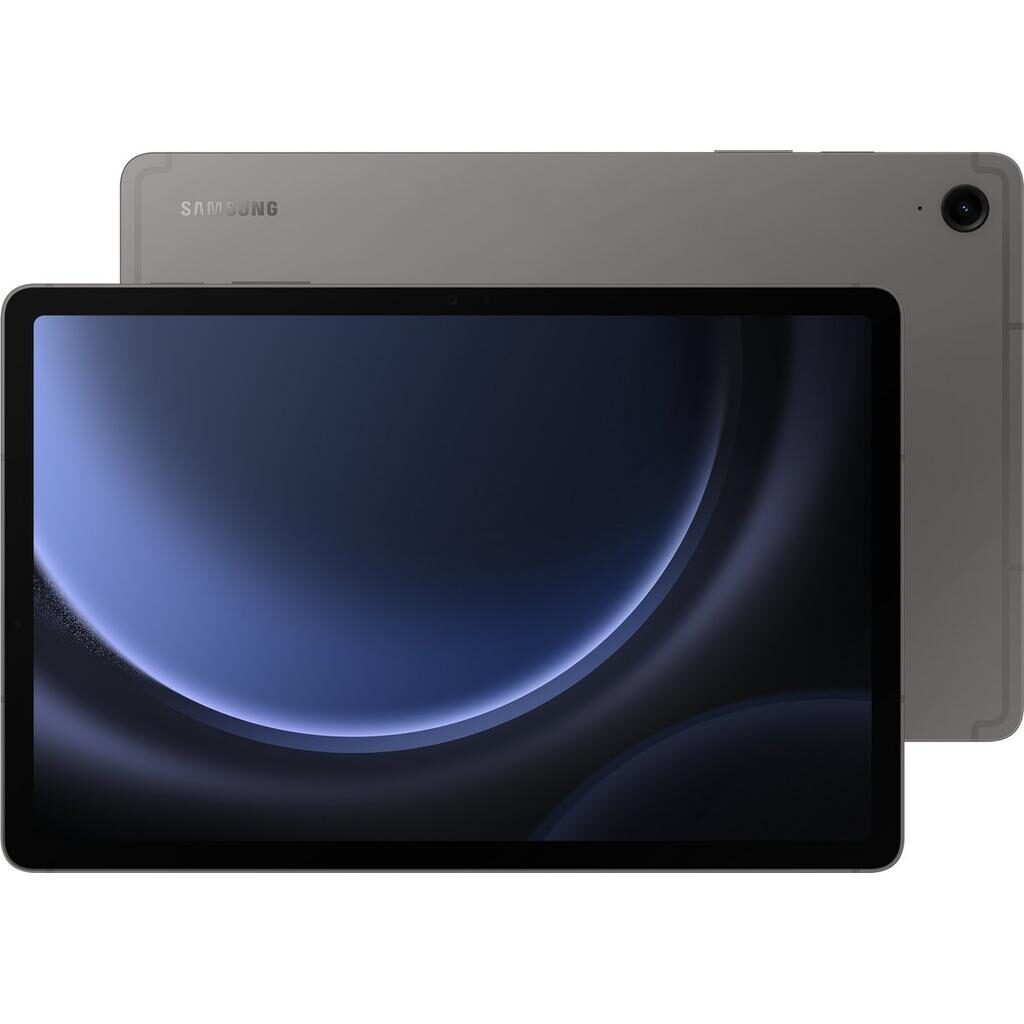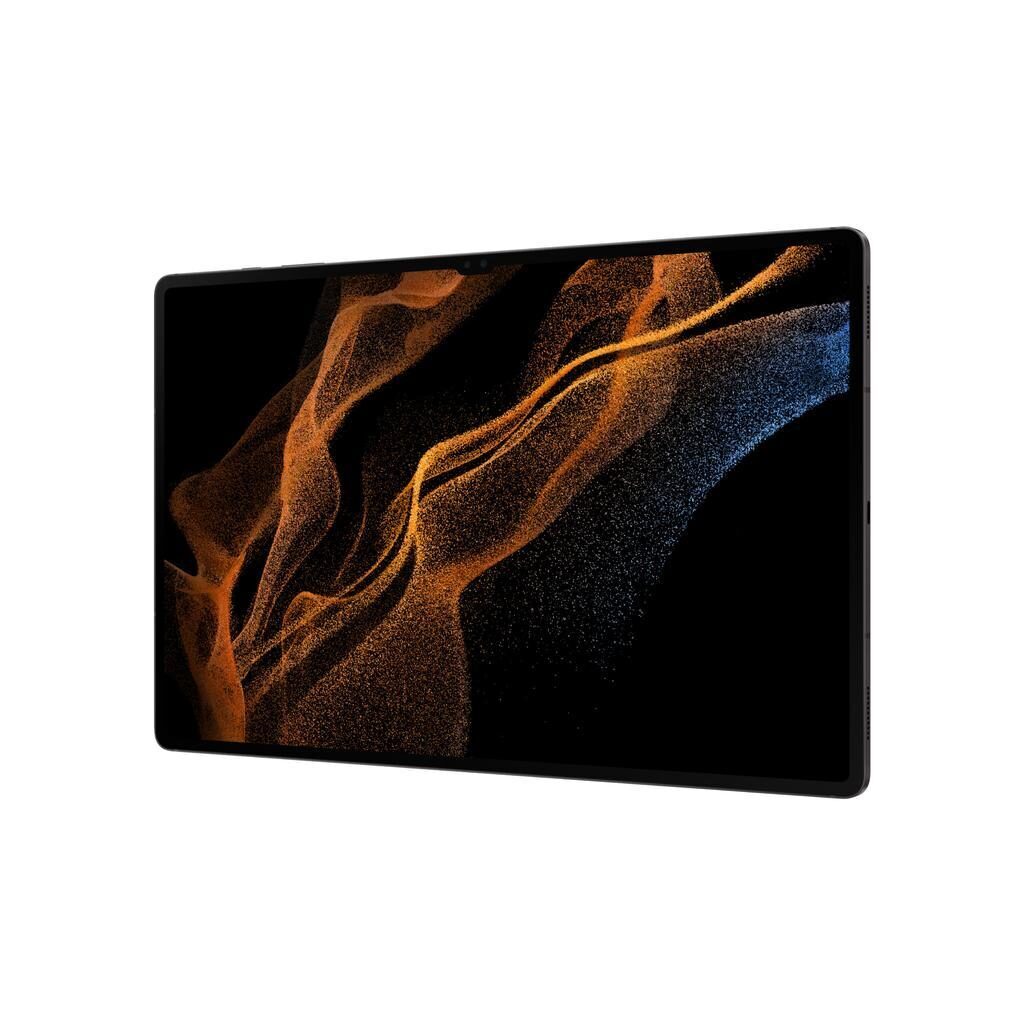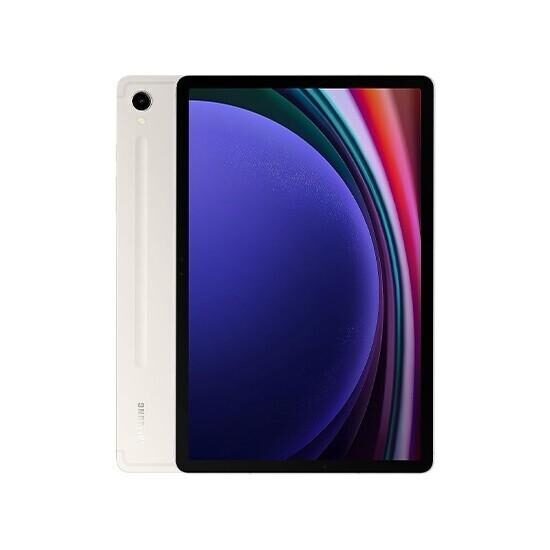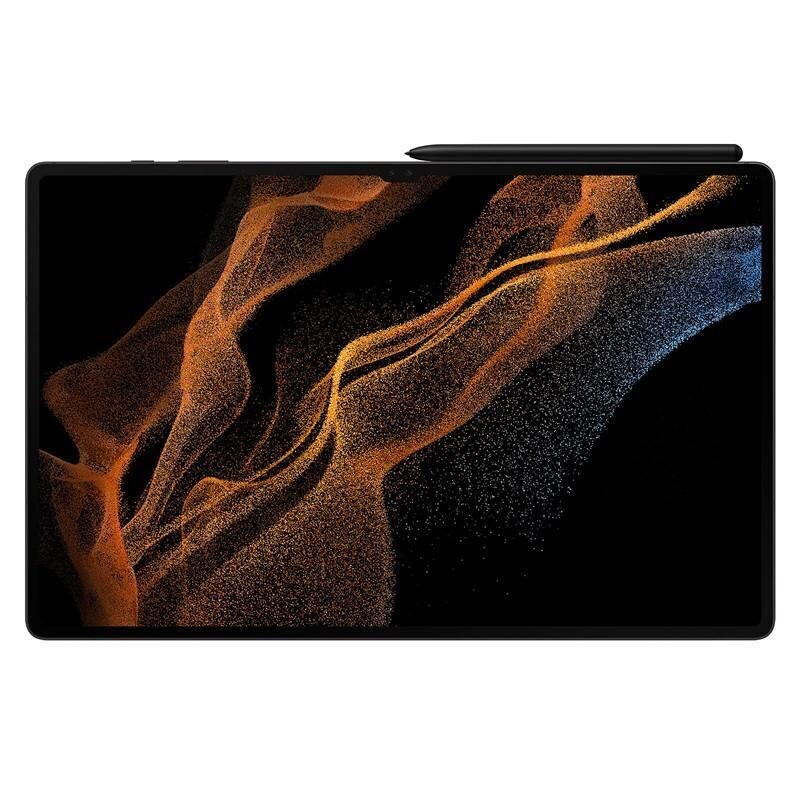
Galaxy Tab A (10.1", 2016) vs Galaxy Tab S9 Ultra (14.6", 2023)
Shop Samsung Galaxy Tab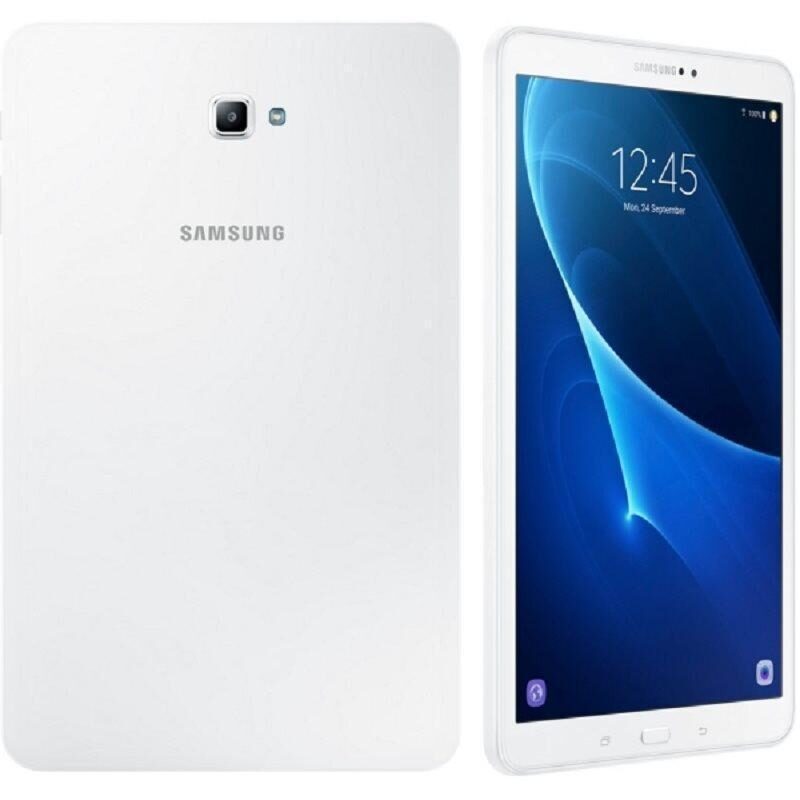
Galaxy Tab A (10.1", 2016)
Starting at
£45.17£203.87 new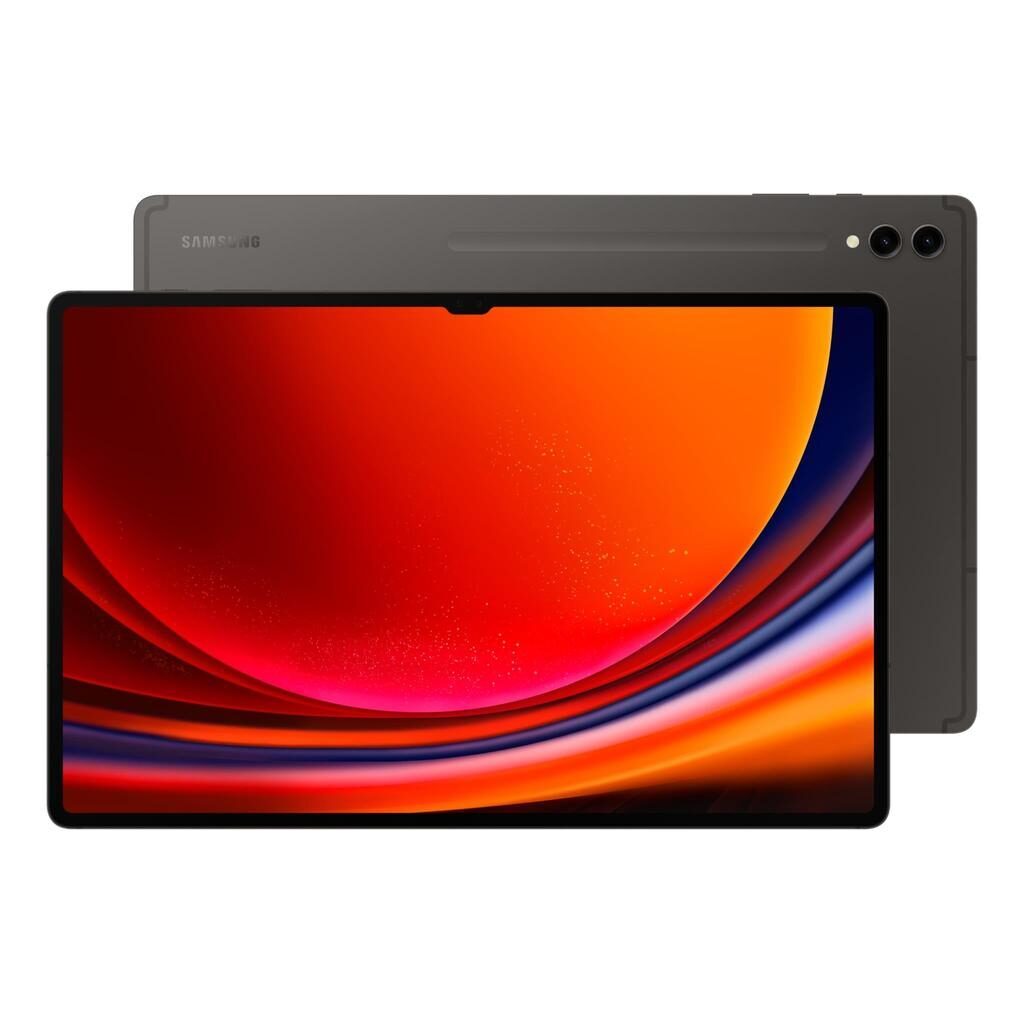
Galaxy Tab S9 Ultra (14.6", 2023)
Starting at
£607.44£1,501.24 newWhat's the difference between the Galaxy Tab A (10.1", 2016) and Galaxy Tab S9 Ultra (14.6", 2023)?
Galaxy Tab A (10.1", 2016) vs Galaxy Tab S9 Ultra (14.6", 2023) comes down to the RAM, screen size and screen type. Refurbished, the Galaxy Tab A (10.1", 2016) starts at £45.17, £562.27 less than the Galaxy Tab S9 Ultra (14.6", 2023). The Galaxy Tab S9 Ultra (14.6", 2023) is the newer model, released in 2023.
Refurbished from
RAM
Screen size
Screen type
Weight
Connector
- The Galaxy Tab S9 Ultra (14.6", 2023) has more RAM: 12 GB vs 3 GB.
- The Galaxy Tab S9 Ultra (14.6", 2023) has a bigger screen: 14.6 inch vs 10.1 inch.
- The Galaxy Tab S9 Ultra (14.6", 2023) has an OLED screen.
Galaxy Tab A (10.1", 2016) vs Galaxy Tab S9 Ultra (14.6", 2023) specs
The Galaxy Tab A (10.1", 2016) and the Galaxy Tab S9 Ultra (14.6", 2023) differ significantly in size, performance, and features, suiting different users. The Galaxy Tab A is smaller and simpler, ideal if you want a tablet for everyday use with enough power for basic apps and media. It supports Android 8.1 and offers 16GB or 32GB storage options. The Galaxy Tab S9 Ultra is much larger and more powerful, with a high-resolution Dynamic AMOLED 2X screen, 12GB RAM, and storage ranging from 256GB to 1TB.
Galaxy Tab A (10.1", 2016) vs Galaxy Tab S9 Ultra (14.6", 2023) price
Galaxy Tab A (10.1", 2016) vs Galaxy Tab S9 Ultra (14.6", 2023) battery life and software updates
Durability here covers software support and operating system versions, which affect how long your tablet can receive updates and new features.
Operating System Support
This makes it suitable if you only need basic app compatibility and are fine with a stable but older system.
Battery
Maximum operating system supported
Year of release
Galaxy Tab A (10.1", 2016) vs Galaxy Tab S9 Ultra (14.6", 2023) performance
Performance impacts how smoothly your tablet runs apps and multitasks. The devices differ in processor, RAM, and storage options, which affect daily responsiveness and storage capacity.
Processor and RAM
The Galaxy Tab A has a Samsung Exynos 7870 Octa processor and 3 GB of RAM, suited to everyday use and running standard apps without demanding multitasking. The Galaxy Tab S9 Ultra features a Qualcomm Snapdragon 8 Gen 2 processor and 12 GB of RAM, designed for heavy multitasking, gaming, and demanding applications.
Storage Options
The Galaxy Tab A comes with 16GB or 32GB storage, suitable for users who store fewer apps and media. The Galaxy Tab S9 Ultra offers much larger storage options from 256GB up to 1TB, catering to users who need ample space for files, apps, and media.
Chipset
Processor
Processor brand
Processor speed ghz
RAM
Galaxy Tab A (10.1", 2016) vs Galaxy Tab S9 Ultra (14.6", 2023) screen
Screen quality affects viewing experience for videos, reading, and using apps. The two tablets differ in size, resolution, pixel density, and screen technology.
Screen Size and Resolution
The Galaxy Tab A has a 10.1 inch screen with a resolution of 1200 x 1920 and a pixel density of 230 ppi, suitable for everyday media consumption in a compact form. The Galaxy Tab S9 Ultra offers a much larger 14.6 inch screen with a resolution of 1848 x 2960 and a pixel density of 240 ppi, providing a more spacious and detailed display ideal for watching videos and multitasking.
Screen Type
The Galaxy Tab A uses a PLS LCD screen, which works well for general use. The Galaxy Tab S9 Ultra features a Dynamic AMOLED 2X screen, which offers richer colours and deeper contrast, enhancing visual quality for media and creative work.
Brightness
Display glass
Pixel density
Refresh rate
Resolution
Screen size
Screen type
Galaxy Tab A (10.1", 2016) vs Galaxy Tab S9 Ultra (14.6", 2023) camera
Audiovisual features affect sound quality and camera performance for video calls and media playback.
Speakers
The Galaxy Tab A has standard speakers, making it suitable for everyday audio needs like casual video watching and calls. The Galaxy Tab S9 Ultra includes four stereo speakers, offering a richer and more immersive sound experience for music, films, and games.
Webcam
Both tablets come with webcams, allowing for video calls and basic photography.
Front camera
Front camera definition
Main camera
Rear camera definition
Speakers
Video recording
Webcam
Galaxy Tab A (10.1", 2016) vs Galaxy Tab S9 Ultra (14.6", 2023) size and design
This section covers other notable features such as refresh rate, connectors, camera megapixels, carrier compatibility, and weight.
Refresh Rate
The Galaxy Tab S9 Ultra supports a 120Hz refresh rate, which results in smoother motion on screen, useful for gaming and scrolling. The Galaxy Tab A does not have this feature, making it suitable for standard use where high refresh rates are less critical.
Connector Type
The Galaxy Tab A uses a Micro USB connector, commonly found on older devices. The Galaxy Tab S9 Ultra has a USB Type-C connector, which supports modern accessories and charging options.
Camera Megapixels
The Galaxy Tab A features an 8 megapixel camera, suitable for basic photos and video calls. The Galaxy Tab S9 Ultra has a 13 megapixel camera, capturing more detail for clearer photos and video.
Weight
The Galaxy Tab A weighs 525 g, making it relatively easy to hold for extended periods. The Galaxy Tab S9 Ultra weighs 129 g, enhancing portability despite its larger screen size.
Carrier Compatibility
Both tablets are unlocked, allowing you to use them with a variety of mobile networks.
120hz
Bluetooth version
Carrier compatibility
Connector
Depth
Double sim
Headphones connectivity
Height
Megapixels
Sim format
Touch
Weight
Width
Wifi technology
Galaxy Tab A (10.1", 2016) or Galaxy Tab S9 Ultra (14.6", 2023): which should you buy?
Buy the Galaxy Tab A (10.1", 2016) if
- you want to spend less: it starts at £45.17, £562.27 less than the Galaxy Tab S9 Ultra (14.6", 2023)
Buy the Galaxy Tab S9 Ultra (14.6", 2023) if
- you want more RAM (12 GB vs 3 GB)
- you want a bigger screen (14.6 inch vs 10.1 inch)
- you want an OLED screen
What our customers say
Customers appreciate the Galaxy Tab A (10.1", 2016) for its straightforward use and reliability. They mention it runs smoothly for everyday tasks and is well suited for children and older users who want a simple device. The 16GB storage is often enough for casual apps and photos. The screen is described as sharp enough for watching media, and the battery life generally lasts through the day with some needing a top-up by evening.
For the Galaxy Tab S9 Ultra (14.6", 2023), customers praise its condition, often noting it looks like new with no visible marks. They highlight the beautiful display and smooth performance, with many happy about the battery lasting longer than expected. Some mention the S Pen showing slight wear but overall are very satisfied with the device's speed and appearance. The large, high-quality screen and sound come through as strong points in reviews.
The Galaxy Tab A is suited for those wanting a simpler tablet for basic use or children, while the Galaxy Tab S9 Ultra fits users who value a premium display, strong performance, and ample storage for more demanding tasks.
Galaxy Tab A (10.1", 2016) vs Galaxy Tab S9 Ultra (14.6", 2023) FAQs
Galaxy Tab A (10.1", 2016) vs Galaxy Tab S9 Ultra (14.6", 2023) comes down to the RAM, screen size and screen type. The Galaxy Tab S9 Ultra (14.6", 2023) has more RAM: 12 GB vs 3 GB. The Galaxy Tab S9 Ultra (14.6", 2023) has a bigger screen: 14.6 inch vs 10.1 inch.
The Galaxy Tab A (10.1", 2016) is cheaper refurbished, from £45.17 compared with £607.44 for the Galaxy Tab S9 Ultra (14.6", 2023).
The Galaxy Tab S9 Ultra (14.6", 2023) adds more RAM (12 GB vs 3 GB), a bigger screen (14.6 inch vs 10.1 inch) and an OLED screen. Refurbished, it costs £562.27 more (from £607.44 vs £45.17).
Refurbished, the Galaxy Tab A (10.1", 2016) comes in 16GB and 32GB, and the Galaxy Tab S9 Ultra (14.6", 2023) in 256GB, 512GB and 1TB.