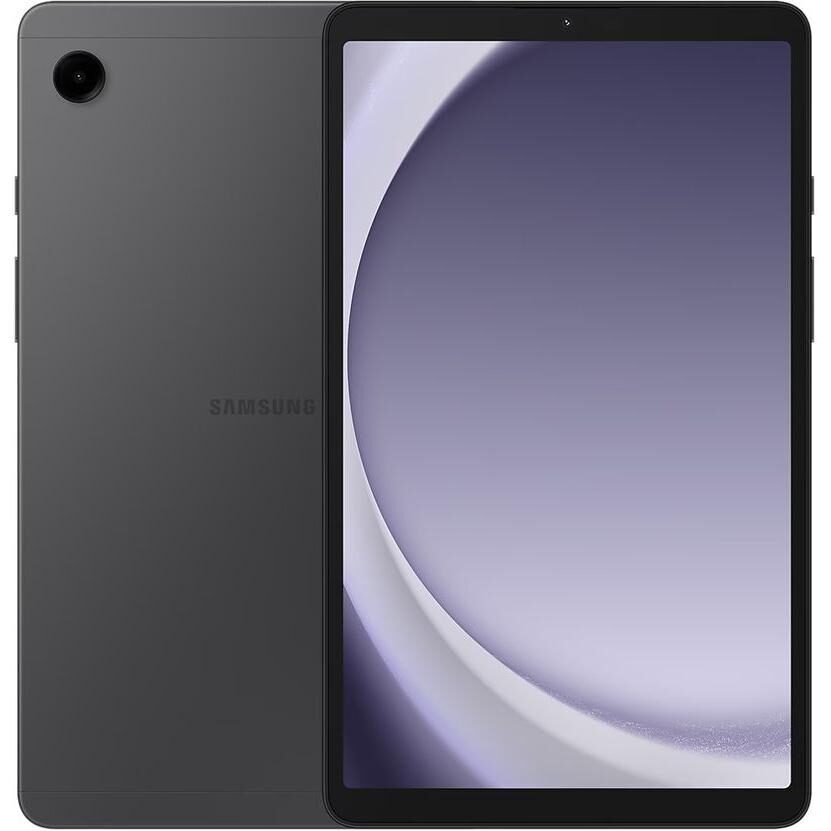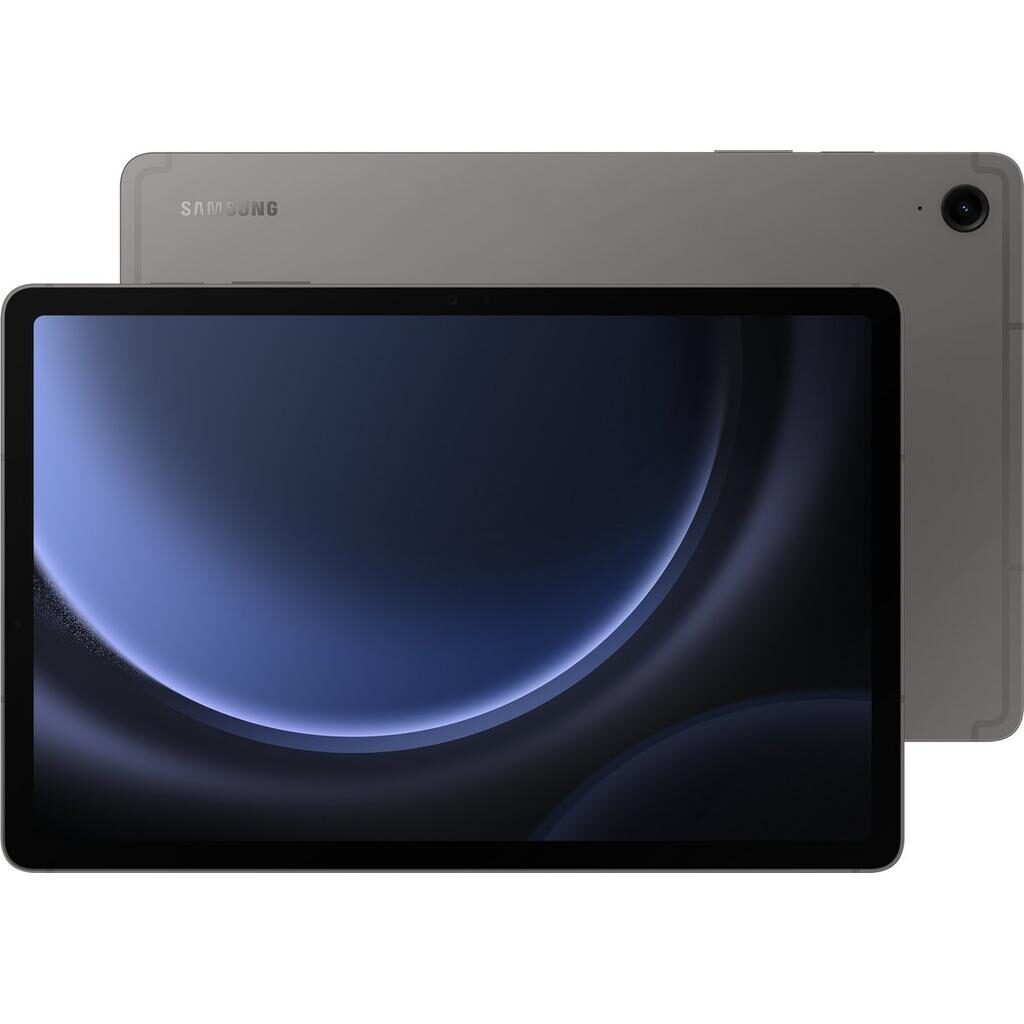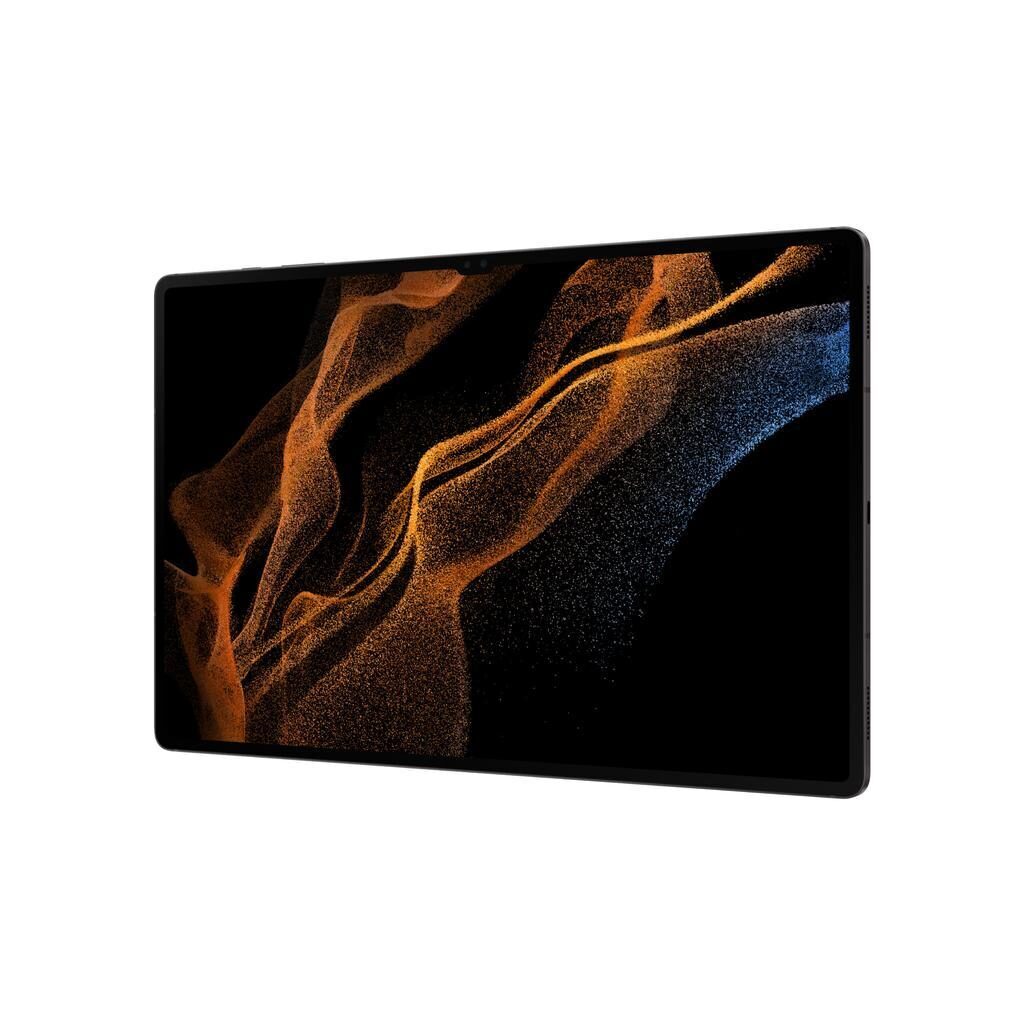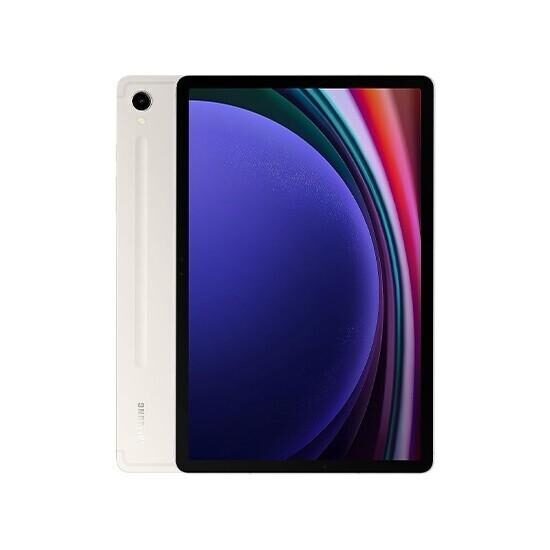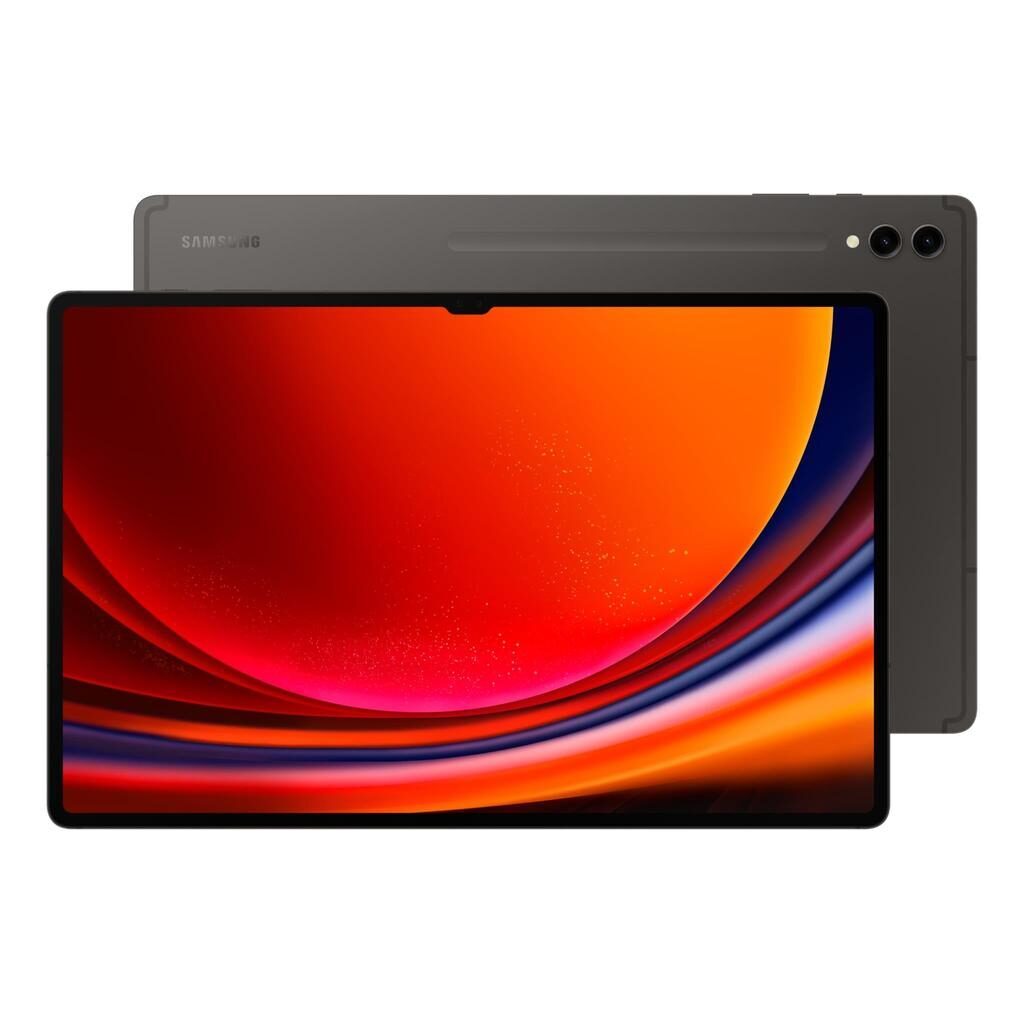
Galaxy Tab A (10.1", 2016) vs Galaxy Tab S9 FE+ (12.4", 2023)
Shop Samsung Galaxy Tab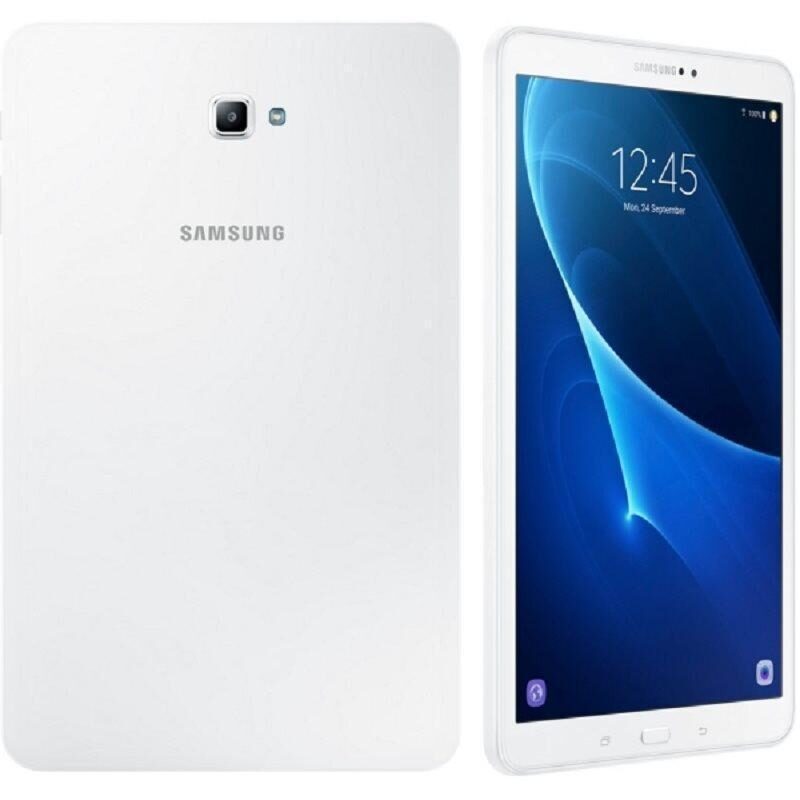
Galaxy Tab A (10.1", 2016)
Starting at
£45.17£203.87 new
Galaxy Tab S9 FE+ (12.4", 2023)
Starting at
£408.25£688.82 newWhat's the difference between the Galaxy Tab A (10.1", 2016) and Galaxy Tab S9 FE+ (12.4", 2023)?
Galaxy Tab A (10.1", 2016) vs Galaxy Tab S9 FE+ (12.4", 2023) comes down to the RAM, screen size and screen type. Refurbished, the Galaxy Tab A (10.1", 2016) starts at £45.17, £363.08 less than the Galaxy Tab S9 FE+ (12.4", 2023). The Galaxy Tab S9 FE+ (12.4", 2023) is the newer model, released in 2023.
Refurbished from
RAM
Screen size
Screen type
Weight
Connector
- The Galaxy Tab S9 FE+ (12.4", 2023) has more RAM: 12 GB vs 3 GB.
- The Galaxy Tab S9 FE+ (12.4", 2023) has a bigger screen: 12.4 inch vs 10.1 inch.
- Screen type: PLS LCD on the Galaxy Tab A (10.1", 2016), IPS LCD on the Galaxy Tab S9 FE+ (12.4", 2023).
Galaxy Tab A (10.1", 2016) vs Galaxy Tab S9 FE+ (12.4", 2023) specs
The Galaxy Tab A (10.1", 2016) and the Galaxy Tab S9 FE+ (12.4", 2023) differ mainly in screen size, performance, and software support. The Galaxy Tab A suits users looking for a simpler, smaller tablet for everyday use, with storage options up to 32GB and an Android experience capped at version 8.1. The Galaxy Tab S9 FE+ offers a larger 12.4 inch screen with higher resolution and pixel density, much more RAM, and runs Android 13, making it a good fit for those who want a more capable device for multitasking and media. The S9 FE+ also has stereo speakers and a USB Type-C connector, contrasting with the Tab A's standard speakers and Micro USB. The choice depends on your needs for screen size, speed, and software compatibility.
Galaxy Tab A (10.1", 2016) vs Galaxy Tab S9 FE+ (12.4", 2023) price
Colour
Galaxy Tab A (10.1", 2016) vs Galaxy Tab S9 FE+ (12.4", 2023) battery life and software updates
Durability covers software updates and operating system support, which affects how long a device stays current and secure.
Operating System Support
This means it is suited for users who want a stable experience with the version it runs and do not require newer features or security patches.
Maximum operating system supported
Year of release
Galaxy Tab A (10.1", 2016) vs Galaxy Tab S9 FE+ (12.4", 2023) performance
Performance relates to the processor, RAM, and storage, which influence how smoothly the tablet runs apps and handles multitasking. These differences affect which tasks each device suits best.
Processor and Memory
The Galaxy Tab A has an Exynos 7870 Octa processor with 3 GB of RAM. This setup supports everyday tasks like browsing, streaming, and basic apps. The Galaxy Tab S9 FE+ features an Exynos 1380 processor and 12 GB of RAM, which keeps multiple apps open and handles more demanding tasks smoothly. It is better suited for users who want faster performance and more multitasking capability.
Storage Options
The Galaxy Tab A comes with 16GB or 32GB of storage, which fits users with lighter app and media needs. The Galaxy Tab S9 FE+ offers 128GB of storage, ideal for those who store larger files, apps, and media directly on the device.
Processor
Processor brand
RAM
Galaxy Tab A (10.1", 2016) vs Galaxy Tab S9 FE+ (12.4", 2023) screen
Screen quality affects how clear and comfortable the display is for watching videos, reading, and working. Size, resolution, pixel density, and screen type all contribute to the viewing experience.
Screen Size and Resolution
The Galaxy Tab A has a 10.1 inch PLS LCD screen with a resolution of 1200 by 1920 and a pixel density of 230 ppp. This is a good size for portability and everyday media consumption. The Galaxy Tab S9 FE+ has a larger 12.4 inch IPS LCD screen with a higher resolution of 1600 by 2560 and a pixel density of 250 ppp, offering a sharper and more spacious display that benefits users wanting more room for videos, reading, or multitasking.
Display glass
Pixel density
Resolution
Screen size
Screen type
Galaxy Tab A (10.1", 2016) vs Galaxy Tab S9 FE+ (12.4", 2023) camera
Audio and video features influence media enjoyment and video calls. Speaker type and webcam presence matter for these experiences.
Speakers and Webcam
The Galaxy Tab A has standard speakers suitable for casual audio use. The Galaxy Tab S9 FE+ includes stereo speakers, which provide a fuller sound experience for music, videos, and calls. Both tablets have webcams, so video calling is possible on either device.
Front camera definition
Rear camera definition
Speakers
Video recording
Webcam
Galaxy Tab A (10.1", 2016) vs Galaxy Tab S9 FE+ (12.4", 2023) size and design
Other practical features include charging ports, network compatibility, and physical weight, which affect daily handling and connectivity.
Connector Type
The Galaxy Tab A uses a Micro USB connector, common for charging and data transfer on older devices. The Galaxy Tab S9 FE+ uses a USB Type-C connector, which is widely used on newer devices and supports faster charging and data transfer options.
Carrier and SIM Options
The Galaxy Tab A is unlocked, allowing use with various carriers if it supports cellular networks. The Galaxy Tab S9 FE+ does not have a SIM port, so it is designed for Wi-Fi use only.
Weight
The Galaxy Tab A weighs 525 g, making it lighter and potentially easier to hold for long periods. The Galaxy Tab S9 FE+ weighs 627 g, reflecting its larger screen size and features, which might suit users comfortable with a slightly heavier device for more screen space.
120hz
Bluetooth version
Carrier compatibility
Connector
Double sim
Headphones connectivity
Megapixels
Sim format
Touch
Weight
Wifi technology
Galaxy Tab A (10.1", 2016) or Galaxy Tab S9 FE+ (12.4", 2023): which should you buy?
Buy the Galaxy Tab A (10.1", 2016) if
- you want to spend less: it starts at £45.17, £363.08 less than the Galaxy Tab S9 FE+ (12.4", 2023)
- you want a lighter build (525 g vs 627 g)
Buy the Galaxy Tab S9 FE+ (12.4", 2023) if
- you want more RAM (12 GB vs 3 GB)
- you want a bigger screen (12.4 inch vs 10.1 inch)
What our customers say
Customers who bought the Galaxy Tab A (10.1", 2016) appreciate its suitability for everyday use. They note it runs smoothly for basic apps and media, with storage options like 16GB often sufficient for photos and apps. Several mention it works well for children or as a gift, and the screen is sharp enough for watching videos. Battery life is generally good for a day's use, though some users top it up by evening. Many describe the tablet as fast enough for their needs and are happy with its condition and performance.
Reviews for the Galaxy Tab S9 FE+ (12.4", 2023) highlight its performance and condition. Customers say it works well, feels like new, and handles multitasking smoothly thanks to its fast processor and ample RAM. The larger, sharp screen and good battery life are appreciated for streaming and browsing. Some mention the tablet looks spotless or nearly new, and the stereo speakers enhance the media experience. A few note minor marks but say these do not affect use. Overall, users find it a solid choice for more demanding tasks and media consumption.
The Galaxy Tab A suits those wanting a lighter, simpler tablet for everyday activities and smaller storage needs. The Galaxy Tab S9 FE+ fits buyers who need more screen space, higher performance, and larger storage for multitasking and media.
Galaxy Tab A (10.1", 2016) vs Galaxy Tab S9 FE+ (12.4", 2023) FAQs
Galaxy Tab A (10.1", 2016) vs Galaxy Tab S9 FE+ (12.4", 2023) comes down to the RAM, screen size and screen type. The Galaxy Tab S9 FE+ (12.4", 2023) has more RAM: 12 GB vs 3 GB. The Galaxy Tab S9 FE+ (12.4", 2023) has a bigger screen: 12.4 inch vs 10.1 inch.
The Galaxy Tab A (10.1", 2016) is cheaper refurbished, from £45.17 compared with £408.25 for the Galaxy Tab S9 FE+ (12.4", 2023).
The Galaxy Tab S9 FE+ (12.4", 2023) adds more RAM (12 GB vs 3 GB) and a bigger screen (12.4 inch vs 10.1 inch). Refurbished, it costs £363.08 more (from £408.25 vs £45.17).
Refurbished, the Galaxy Tab A (10.1", 2016) comes in 16GB and 32GB, and the Galaxy Tab S9 FE+ (12.4", 2023) in 128GB.